Skin pack for Minecraft Bedrock
Copperline Crew
Two steampunk work outfits with copper details: a teal Mechanist and rust-coated Surveyor, each in classic and slim fits.
Free. 7 kB.
4 skins, for classic and slim arms.
In the game
Real screenshots from Minecraft on a phone, taken when we checked the pack.
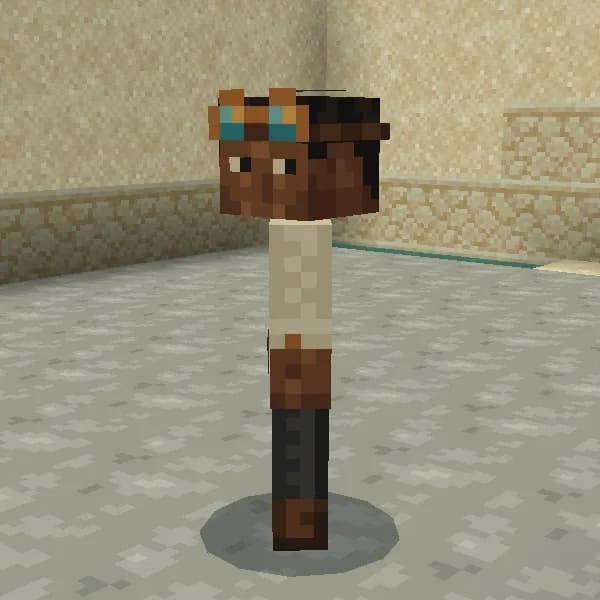
Mechanist Classic in a world 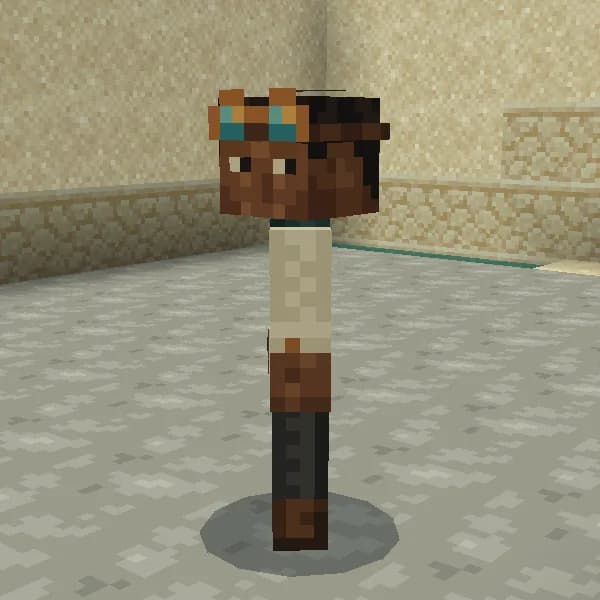
Mechanist Slim in a world 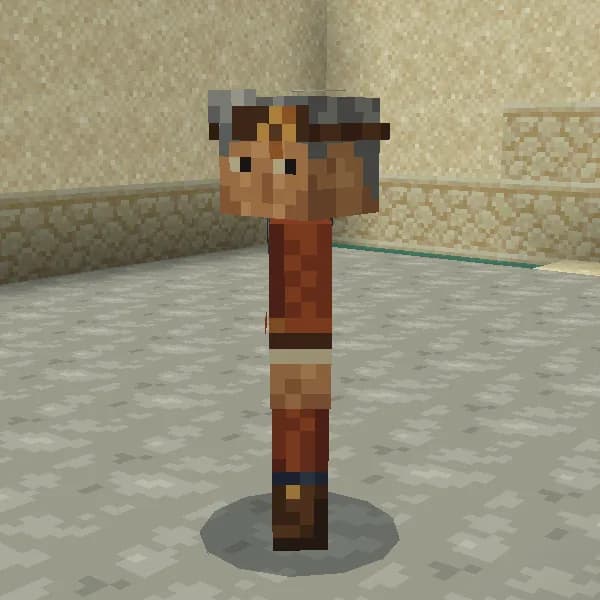
Surveyor Classic in a world 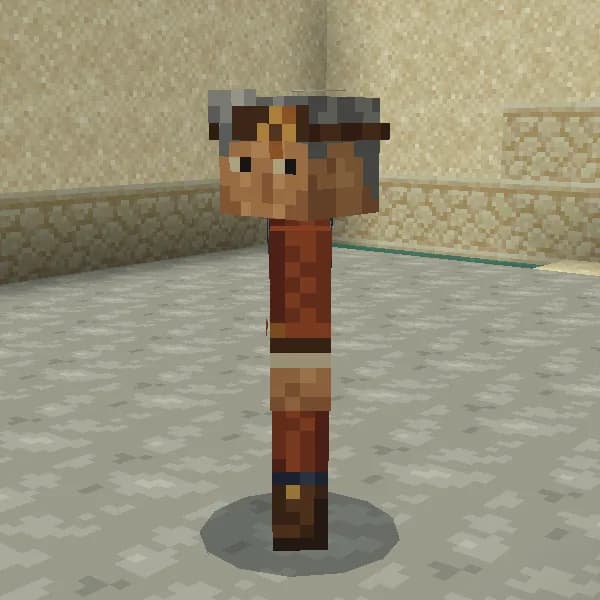
Surveyor Slim in a world 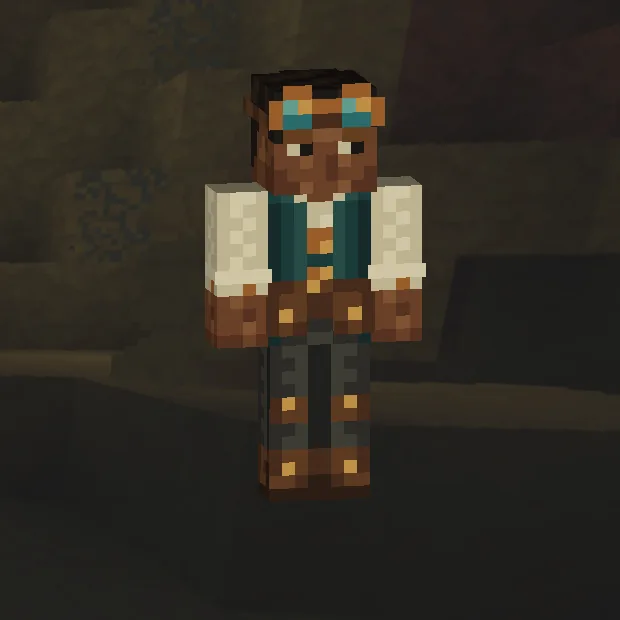
Mechanist Classic in the Dressing Room 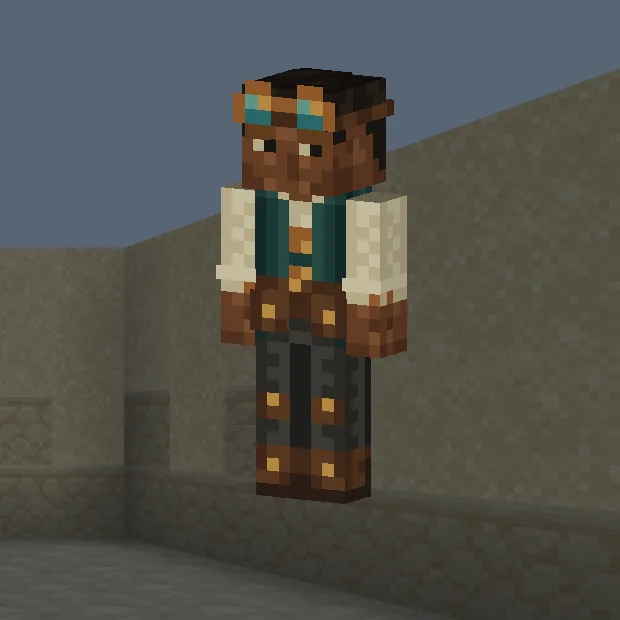
Mechanist Slim in the Dressing Room 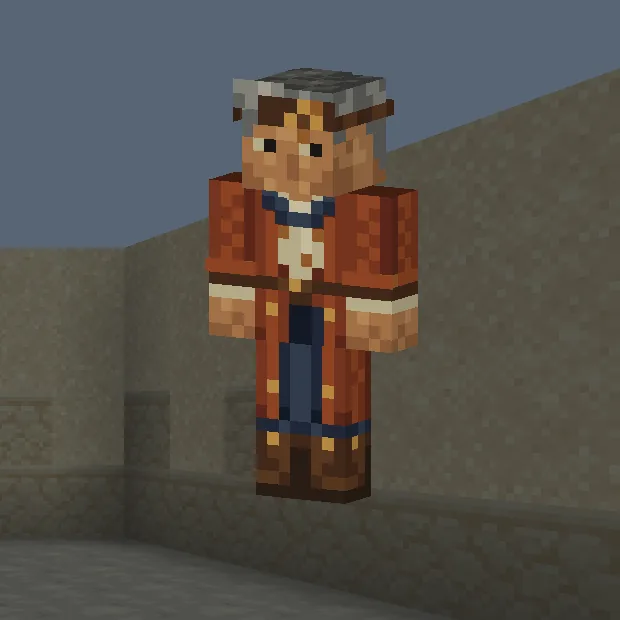
Surveyor Classic in the Dressing Room 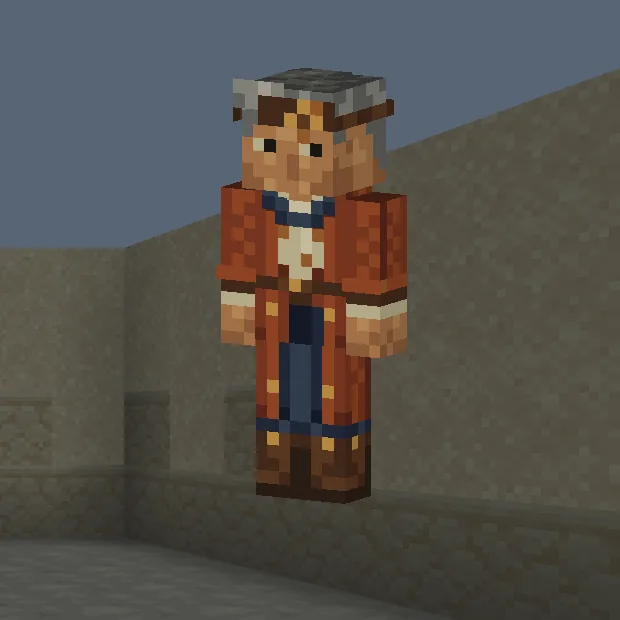
Surveyor Slim in the Dressing Room
The skins
Dress for an industrial workshop with two original characters. The Mechanist has deep brown skin, short dark hair, copper-rimmed teal goggles, cream sleeves, a teal waistcoat, belt pockets, patched charcoal trousers and brown work boots. The Surveyor has warm tan skin, silver-grey hair, a copper headband badge, indigo scarf, rust coat with a split hem, indigo trousers and tall brown boots. Copper seams, buckles, cuffs and pockets tie the outfits together. Each character comes in classic four-pixel and slim three-pixel arm fits, for four skins total. Goggles, hair tufts, scarf, cuffs and pockets use painted pixels and the standard outer layer. These skins change your character's appearance only.
Each outfit has its own page: Mechanist, Surveyor.
Front Back Mechanist Classic
Classic arms, four pixels wide. Front and back, flat, including the outer layer.
Front Back Mechanist Slim
Slim arms, three pixels wide. Front and back, flat, including the outer layer.
Front Back Surveyor Classic
Classic arms, four pixels wide. Front and back, flat, including the outer layer.
Front Back Surveyor Slim
Slim arms, three pixels wide. Front and back, flat, including the outer layer.
How to install
- Open the .mcpack file with Minecraft Bedrock to import the skin pack.
- Open Dressing Room, choose Classic Skins, find this pack and equip a skin.
- Enter a world and check the skin from the front and back in third-person view.
- Choose Mechanist for the teal waistcoat and goggles, or Surveyor for the rust coat and indigo scarf.
- Each outfit has a Classic fit with four-pixel arms and a Slim fit with three-pixel arms.
- The coat hem follows the existing legs. Goggles, cuffs and scarf are painted details on the standard skin layers.
A skin you import stays on this device. It does not follow your account to a console or another phone, and some servers only show skins they trust.
Step-by-step install for your deviceChecked in the game
Every skin on this page is drawn from the pack’s own file, laid out the way Minecraft lays out a skin. We checked that layout against Minecraft 1.26.45 on an Android phone on 8 September 2026, and looked at every skin in this pack on 8 September 2026.
We also put this exact file into Minecraft 1.26.45 on an Android phone on 8 September 2026, wore every skin in it, and looked at each one from the front, back and sides in the Dressing Room and in a world. The pictures above are from that check.
Other devices and newer versions of Minecraft have not been checked yet.
File details
Pack version 0.1.0.
SHA-256 d0d94ef63f69a42021a3d4451106f466ad1e382d7fe9122fd5ecf752a0c8dc86
You might also like
Skin pack
Mosslight Gardener
A moss-green shirt, daisy apron and sturdy brown boots, in classic and slim arm fits.
Skin pack
Kitsune Nightmarket
Two original night-festival outfits: a plum yukata with a fox mask and an indigo happi coat, in classic and slim fits.
Skin pack
Bramble Café
Twelve café outfits in cream, berry, sage and coffee brown, each in classic and slim fits: 24 original skins.
Skin pack
Tidewrack Shallows
Twelve warm-reef merfolk and diver outfits in coral, seafoam and teal, each in classic and slim fits: 24 original skins.