Minecraft Bedrock Texture Packs
Original resource packs with every included texture shown before you download: warm timber, detailed stone, clearer ores and coordinated building materials.
Categories
The drop
Friday, October 23 brings 2 texture packs to Premium.
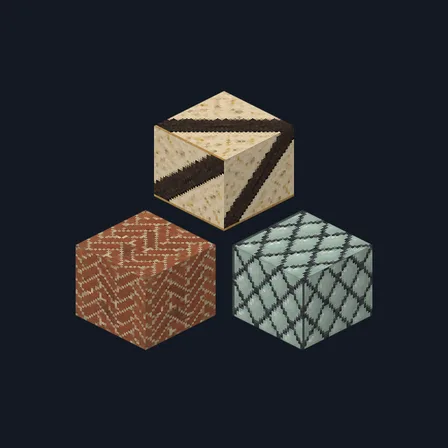
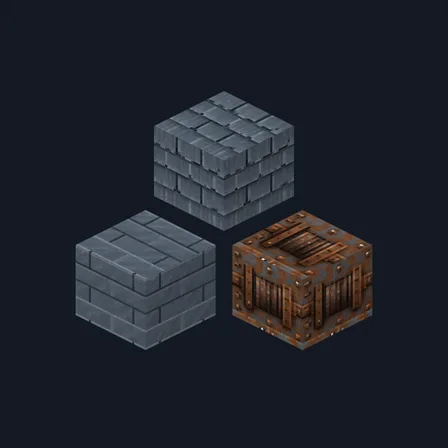
Premium
In Premium in the ModChest app. Free for everyone on the date shown.
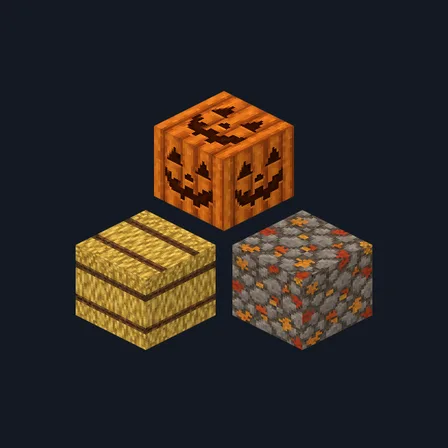
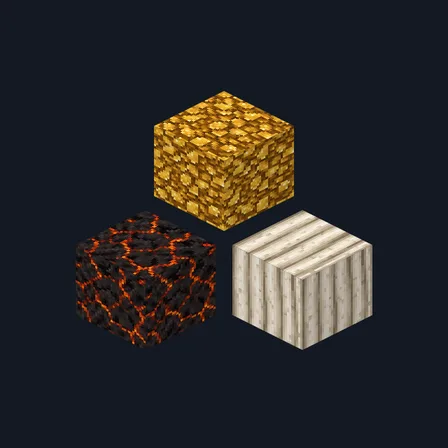
New
Last added September 22
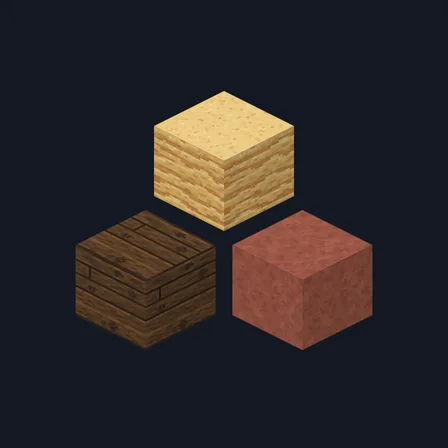
Frontier Saloon
Texture pack
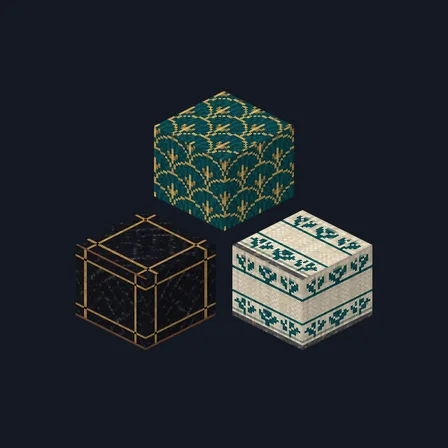
Art Deco Hotel
Texture pack
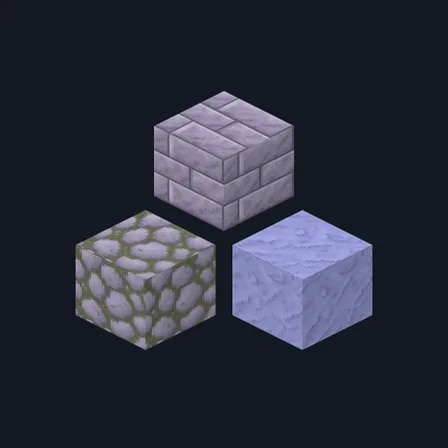
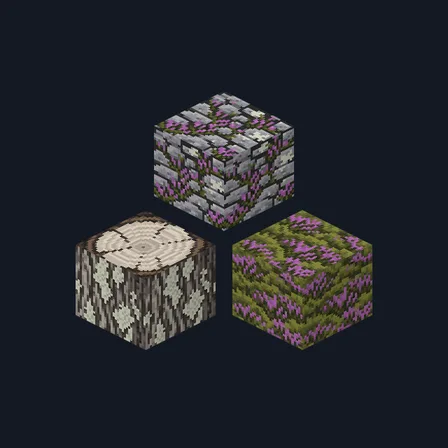
Lavender Plaster
Texture pack
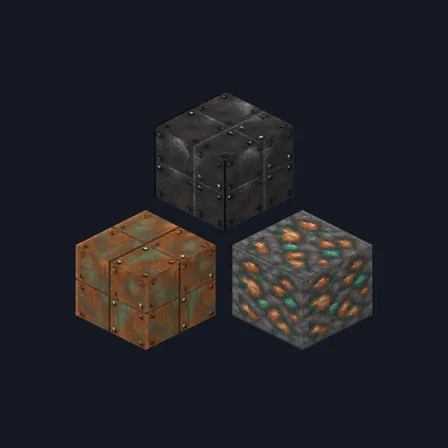
Railway Workshop
Texture pack
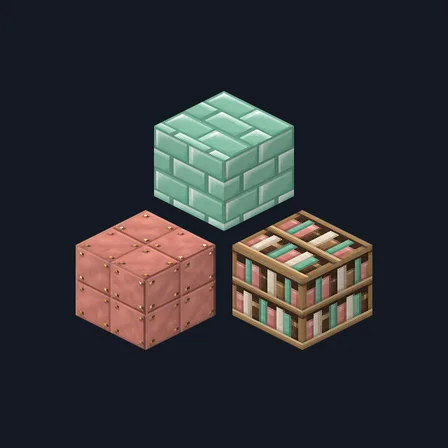
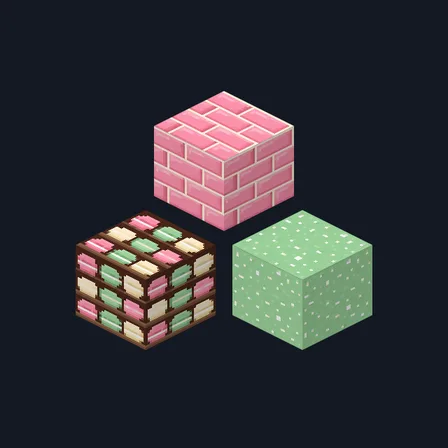
Mint Bakery
Texture pack
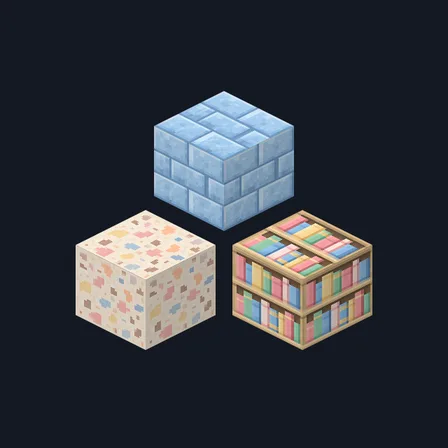
Pastel Playroom
Texture pack
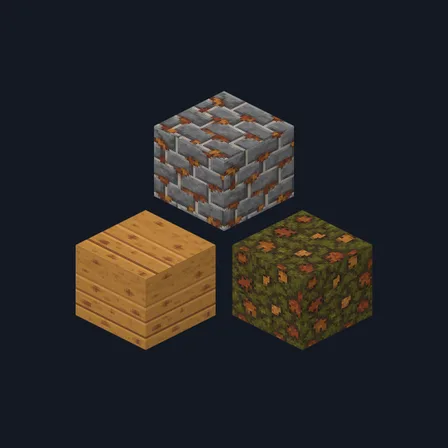
Autumn Lodge
Texture pack
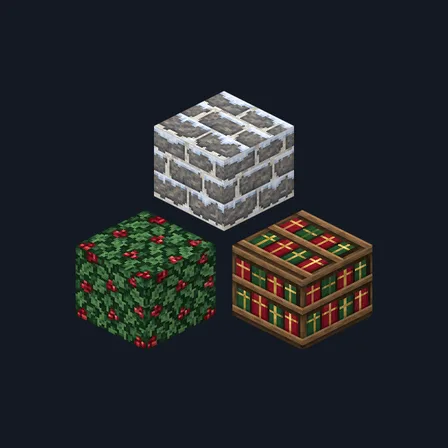
Christmas Village
New texture pack
Frontier Saloon
New texture pack
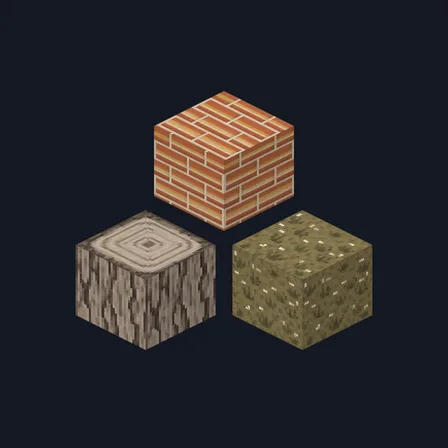
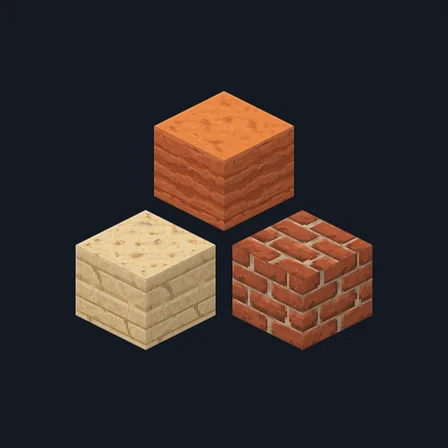
Badlands Terracotta
Texture pack
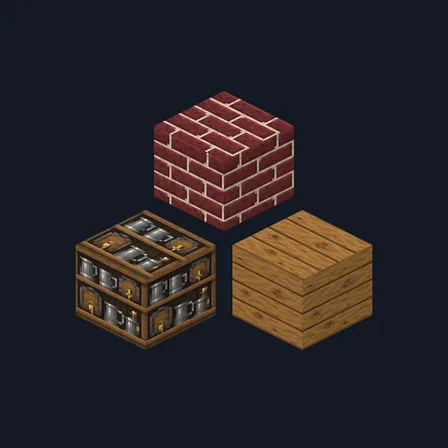
Cozy Tavern
Texture pack
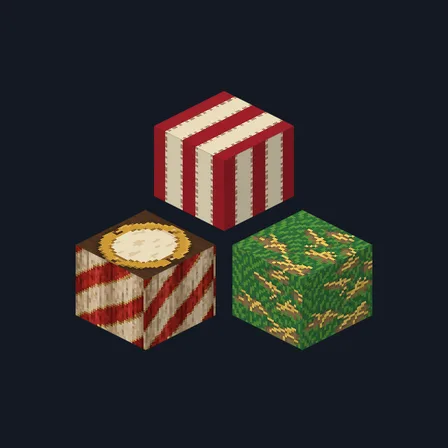
Big Top Carnival
Texture pack
Natural & detailed
Autumn Lodge
Texture pack
Badlands Terracotta
Texture pack
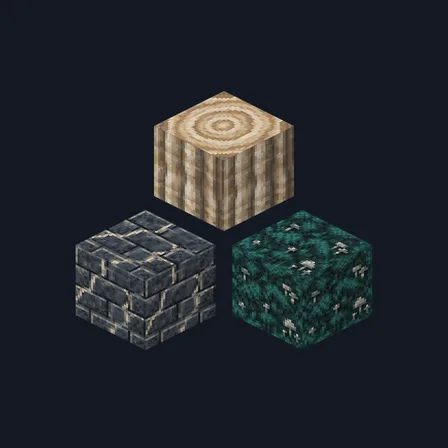
Dripstone Caves
Texture pack
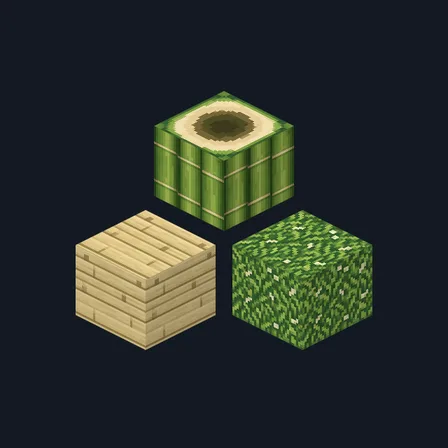
Bamboo Grove
Texture pack
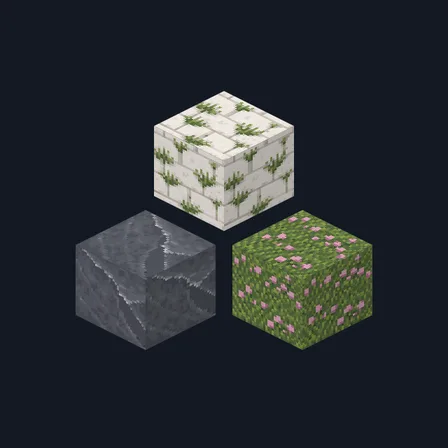
Chalk Cliffs
Texture pack
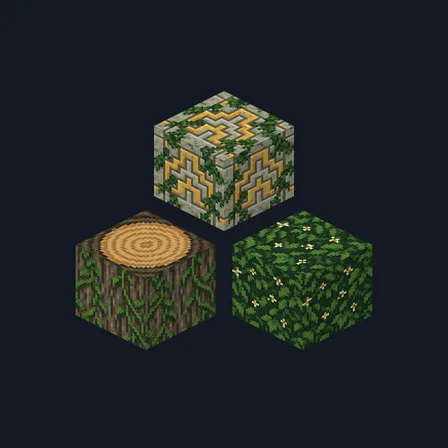
Jungle Temple
Texture pack
Christmas Village
New texture pack
Cozy Tavern
Texture pack
Bamboo Grove
Texture pack
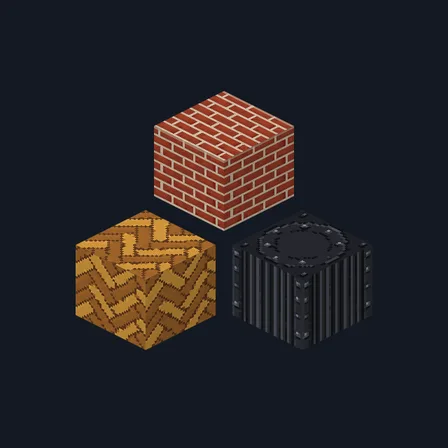
Gaslight Row
Texture pack
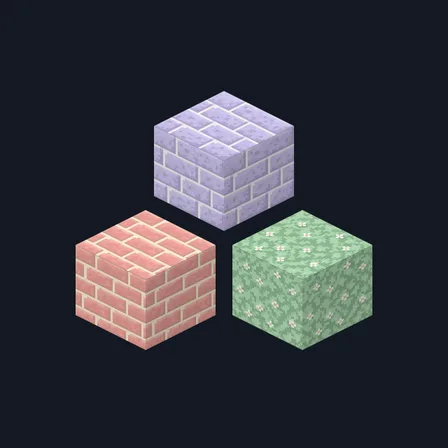
Pastel Village
Texture pack
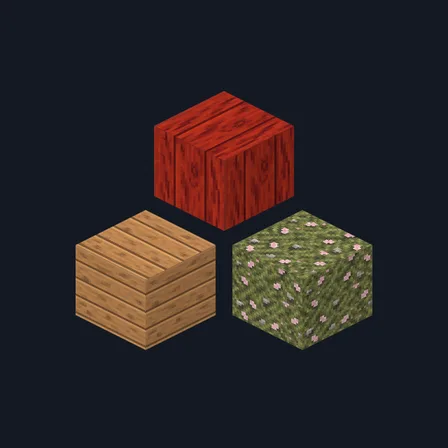
Cherry Blossom Shrine
Texture pack

Marble Palace
Texture pack
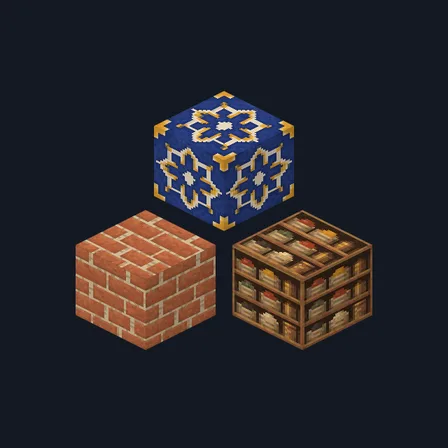
Saffron Souk
Texture pack
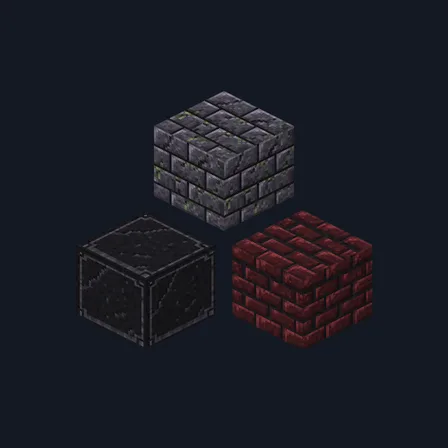
Gothic Crypt
Texture pack
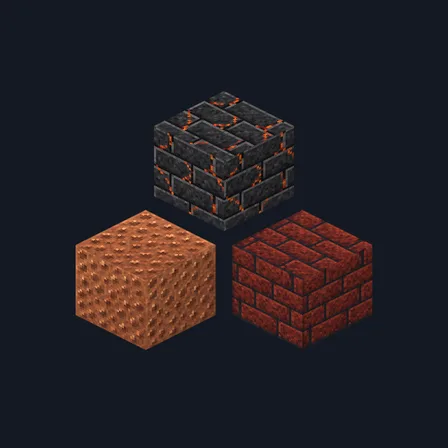
Volcanic Forge
Texture pack
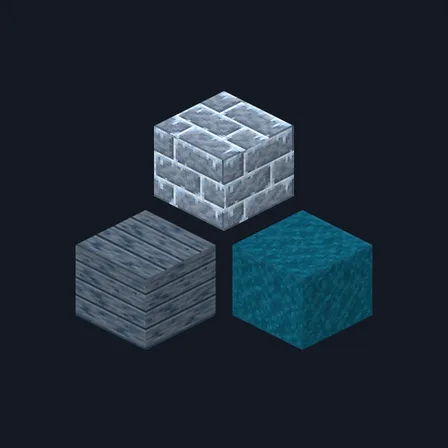
Viking Longhouse
Texture pack
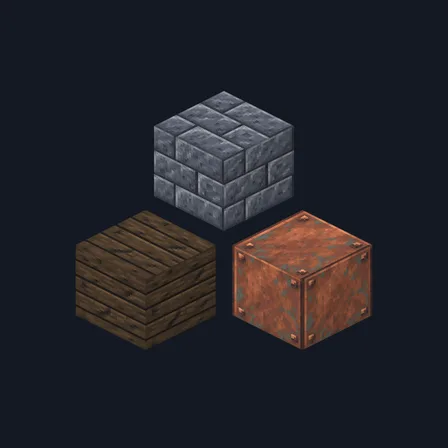
Medieval Fortress
Texture pack
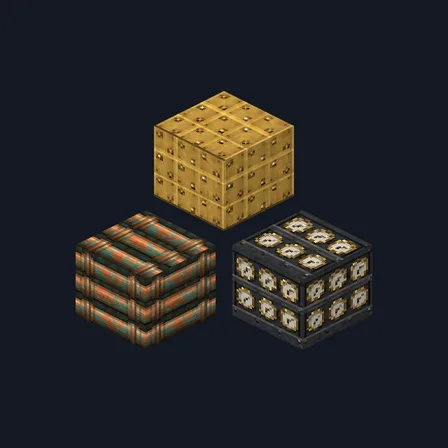
Steampunk Brass
Texture pack
Dripstone Caves
Texture pack
Gothic Crypt
Texture pack
Jungle Temple
Texture pack
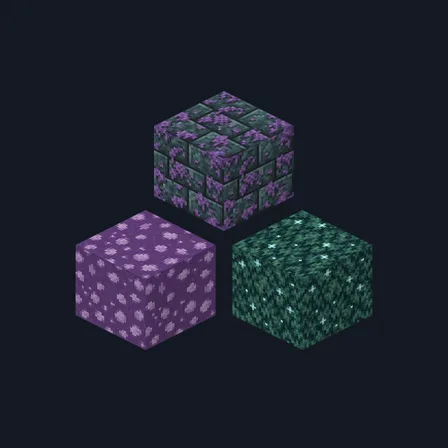
Mushroom Cavern
Texture pack
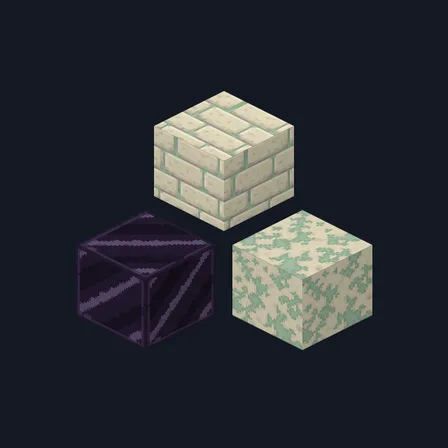
Void Sanctum
Texture pack
Steampunk Brass
Texture pack
Marble Palace
Texture pack
Art Deco Hotel
New texture pack
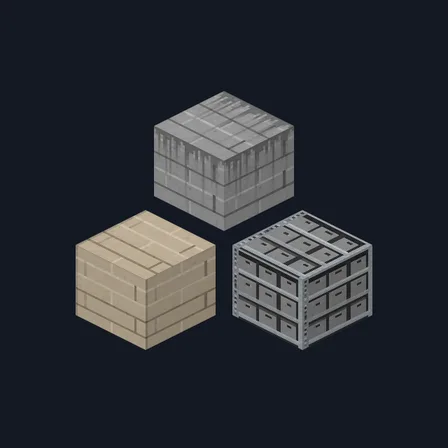
Brutalist Concrete
Texture pack
Railway Workshop
New texture pack
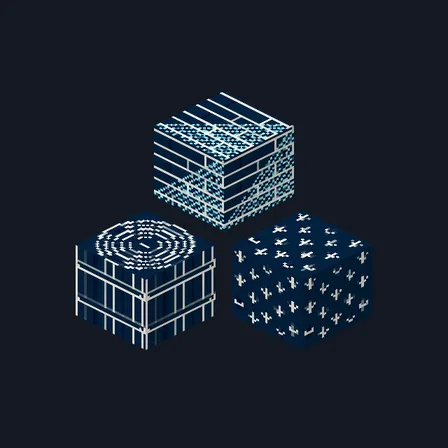
Blueprint Blocks
Texture pack
Pastel & cute
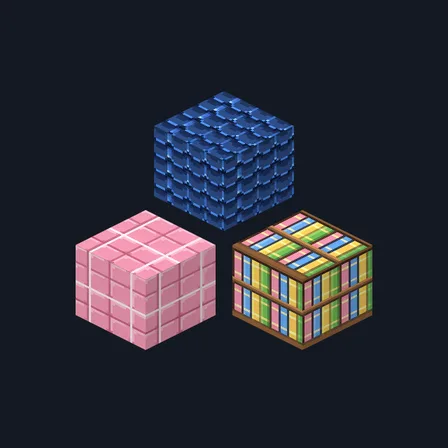
Anime Town
New texture pack
Lavender Plaster
New texture pack
Mint Bakery
New texture pack
Pastel Playroom
New texture pack
Pastel Village
Texture pack
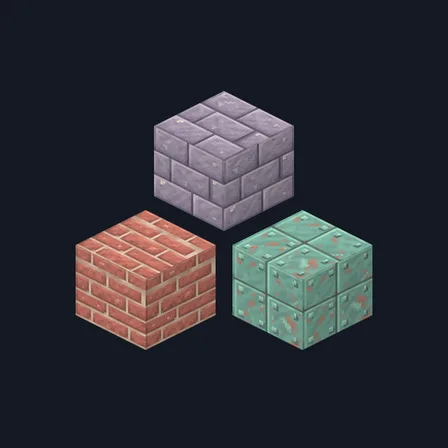
Rosewater Tiles
Texture pack
Simple & cartoon
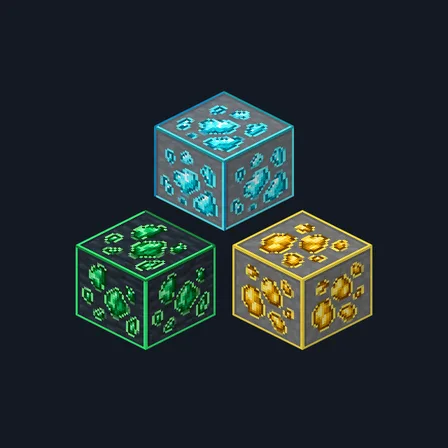
Framed Ores
Texture pack
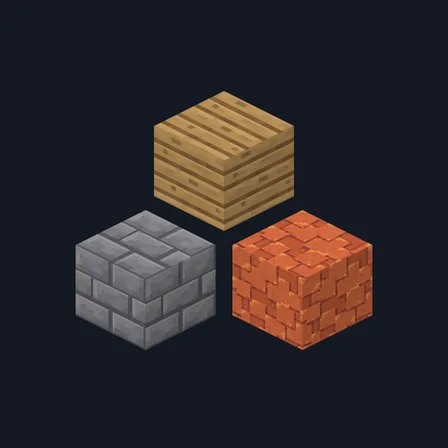
Paper Cut Blocks
Texture pack
Anime Town
New texture pack
Big Top Carnival
Texture pack
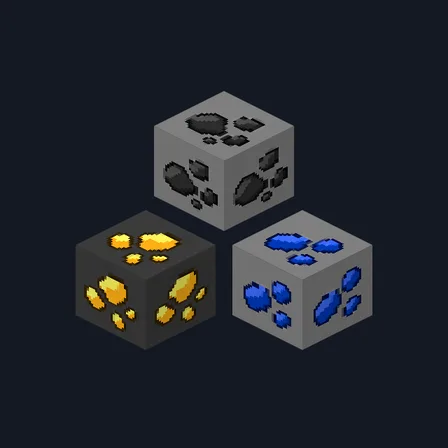
Cartoon Ores
Texture pack
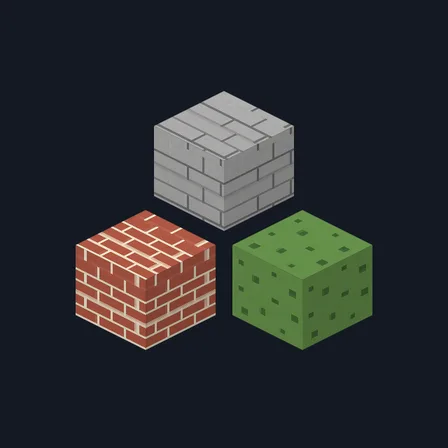
Flat Minimal
Texture pack
Collections
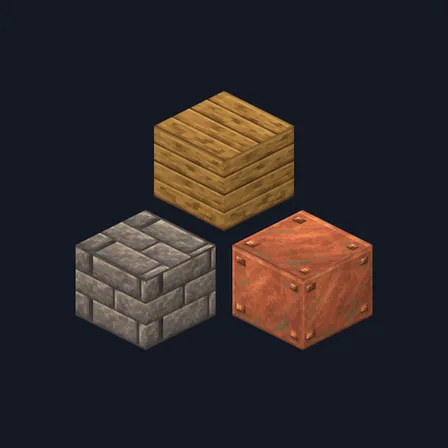
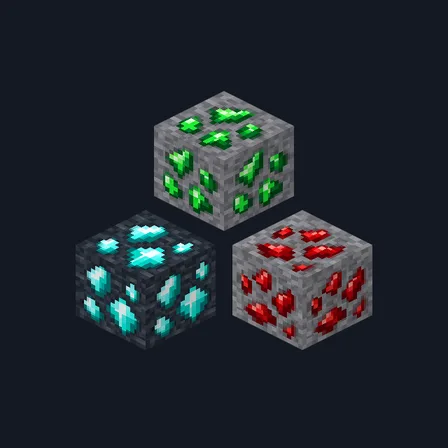
Surprise me
One free texture pack, picked at random.