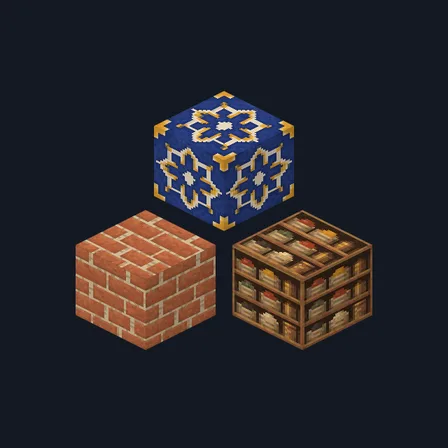
Saffron Souk
Texture pack
Medieval fortress materials with chipped slate and dark hewn timber
Free16 texturesTexture pack in Medieval and Rustic
.mcpack file, 49 KB. Consoles and Java Edition can’t import packs.
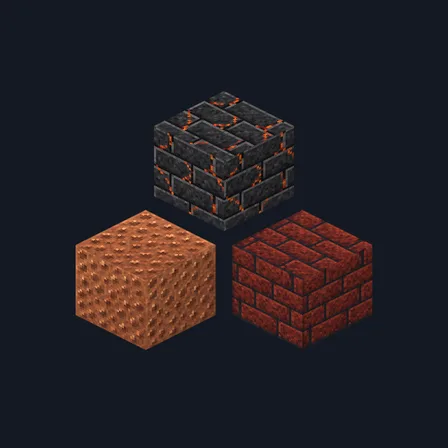
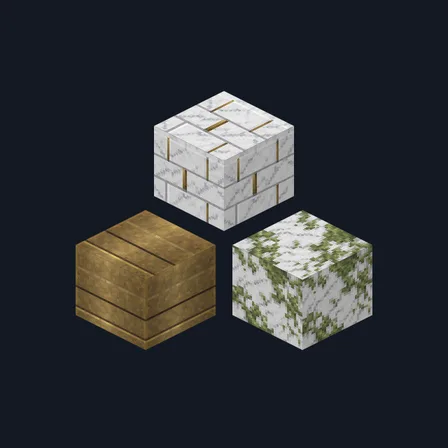
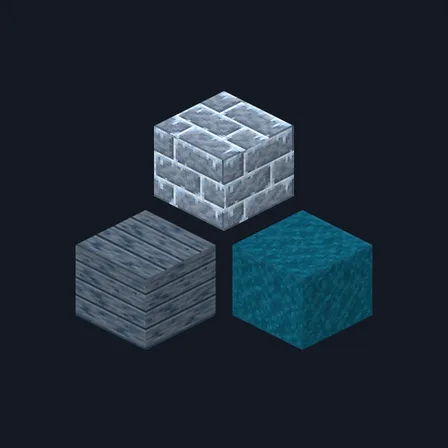
Give castle walls, gatehouses and village workshops the weight of hand-cut materials. Medieval Fortress combines cold slate-colored stone, deep mortar, gouged oak and spruce, rusty brick and hammered copper. Cream wool and dark bookshelves finish interiors without overwhelming the stonework. The 16-texture set covers selected building materials and both oak and spruce log faces. It adds no buildings, equipment or medieval gameplay; use ordinary blocks to create your own fortress.
0.2.0
Updated
0.1.0
First release
Minecraft Bedrock shows its version number in the bottom-right corner of the main menu. Everything on ModChest is built for Bedrock 1.26.45 and newer, on Android, iPhone, iPad and Windows. If your number is lower, update Minecraft from the store you installed it from, then import the texture pack.
Where the file lands, how to open it with Minecraft, and what to do if the import fails.
Texture pack
Texture pack
Texture pack
Texture pack
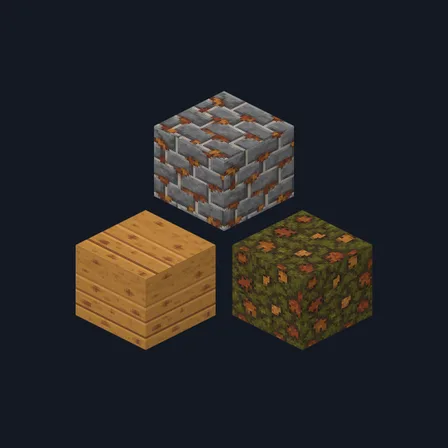
Texture pack
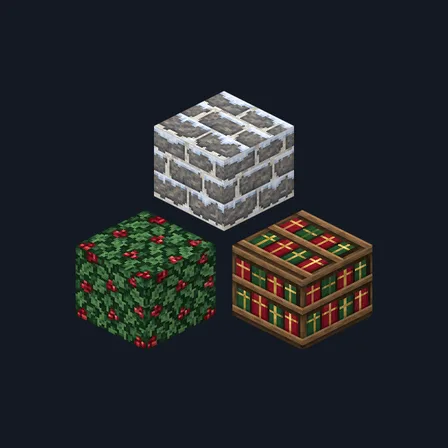
New texture pack
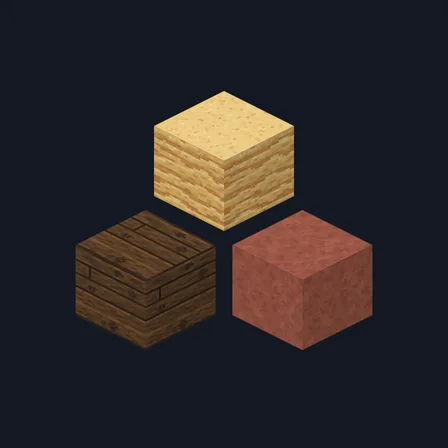
New texture pack
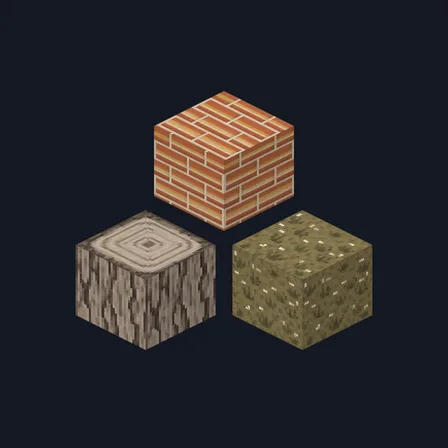
Texture pack
The ModChest app for Android, iPhone and iPad keeps a list of everything it sends to Minecraft, and shows when one has an update. About the app