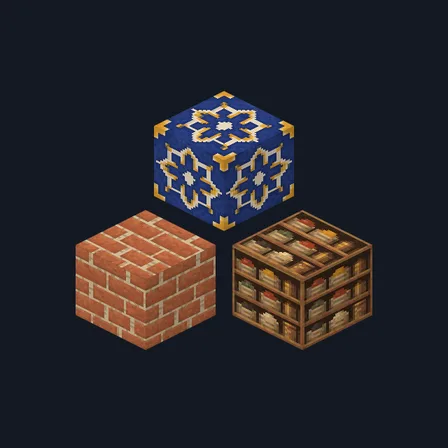
Saffron Souk
Texture pack
Volcanic forge materials in black basalt and hammered copper
Free16 texturesTexture pack in Medieval and Rustic
.mcpack file, 47 KB. Consoles and Java Edition can’t import packs.
Volcanic Forge rebuilds a forge hall cut into cooled lava rock. Near-black basalt brick sits in soot-grey mortar, a second course splits along thin ember-orange cracks, and broken basalt rubble collects ember grit in its gaps. A polished obsidian slab with a faint violet sheen, deep ember-red forge brick and pale powdery cooled ash carry the walls, while scorched and heavily charred boards pair with burnt bark and a pale ring-marked burnt log top. Hammered copper plate with peened dimples, oxidised verdigris copper, a soot-black slab and raw iron ore flecked with pale peach metal finish the set. The ember accents are painted colour, not light: nothing in this pack glows, brightens a cave or changes how any block behaves.
0.2.0
Updated
0.1.0
First release
Minecraft Bedrock shows its version number in the bottom-right corner of the main menu. Everything on ModChest is built for Bedrock 1.26.45 and newer, on Android, iPhone, iPad and Windows. If your number is lower, update Minecraft from the store you installed it from, then import the texture pack.
Where the file lands, how to open it with Minecraft, and what to do if the import fails.
Texture pack
Texture pack
Texture pack
Texture pack
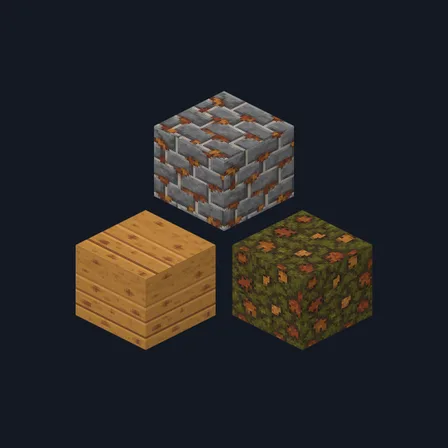
Texture pack
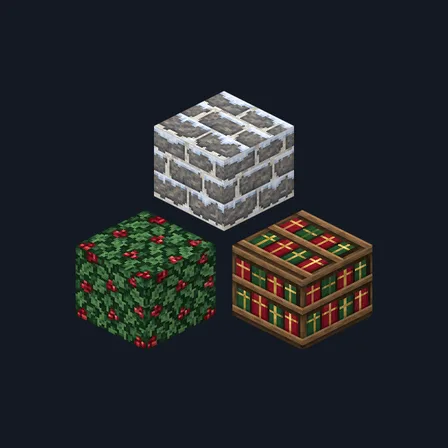
New texture pack
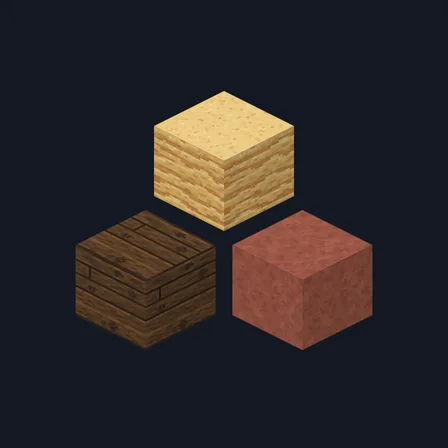
New texture pack
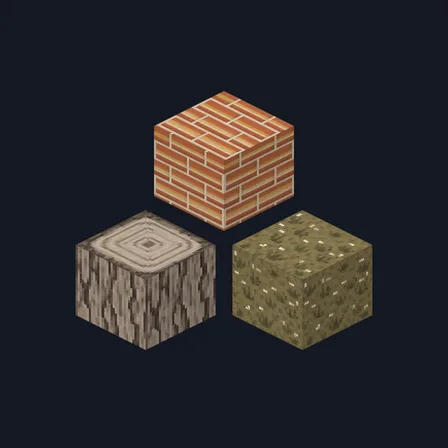
Texture pack
The ModChest app for Android, iPhone and iPad keeps a list of everything it sends to Minecraft, and shows when one has an update. About the app