
Death Spot Finder
Item mod
Outlined Overworld ores with distinct mineral shapes in stone and deepslate
Free16 texturesTexture pack in Simple & cartoon
In the Survival Essentials collection
.mcpack file, 52 KB. Consoles and Java Edition can’t import packs.
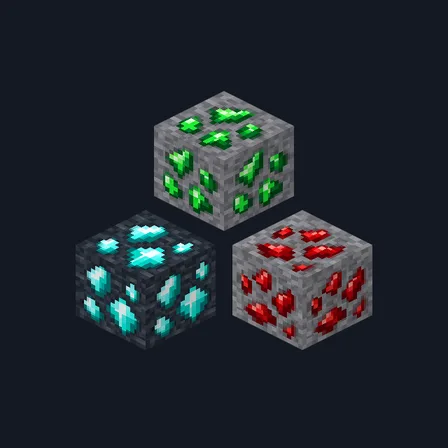
Spot exposed Overworld ores with a mineral field-guide look. Framed Ores pairs crisp colored borders with chunky crystal shapes: silver-edged coal, peach iron, orange-and-teal copper, golden nuggets, scarlet redstone, blue lapis, icy diamond and green emerald. All eight minerals include separate stone and deepslate textures. The surface colors help ores stand apart in ordinary lighting; the pack does not emit light, brighten caves or reveal blocks behind walls. Nether gold, quartz and ancient debris retain their existing textures.
0.2.0
Updated
0.1.0
First release
Minecraft Bedrock shows its version number in the bottom-right corner of the main menu. Everything on ModChest is built for Bedrock 1.26.45 and newer, on Android, iPhone, iPad and Windows. If your number is lower, update Minecraft from the store you installed it from, then import the texture pack.
Where the file lands, how to open it with Minecraft, and what to do if the import fails.
Each has its own download.
Item mod
Gameplay mod

Item mod

Item mod
Item mod

Item mod
Item mod
Texture pack
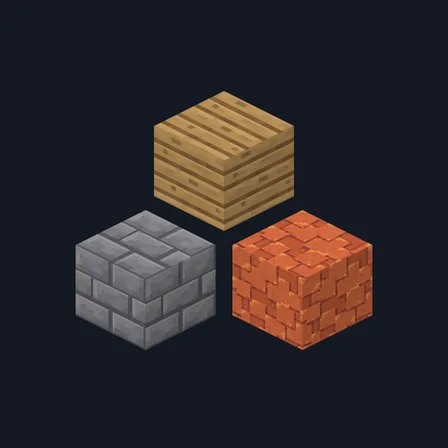
Texture pack
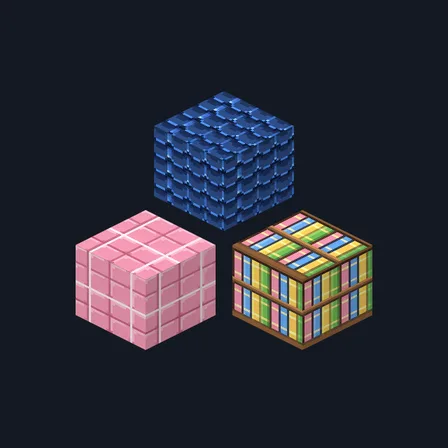
New texture pack
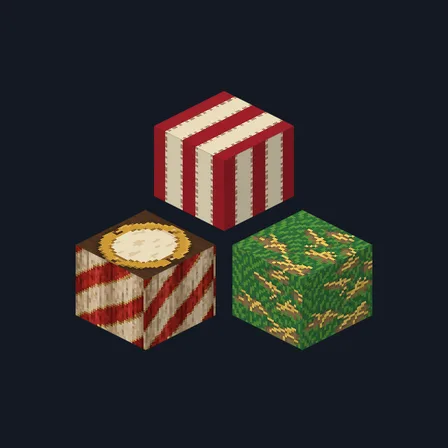
Texture pack
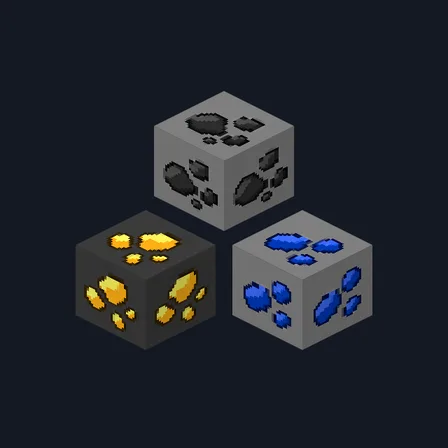
Texture pack
Texture pack
Texture pack
The ModChest app for Android, iPhone and iPad keeps a list of everything it sends to Minecraft, and shows when one has an update. About the app