
Waypoint Compass
Crafting table
- Copper ingot ×4
- Redstone dust ×1
- Compass ×1
Top row: empty, Copper ingot, Redstone dust. Middle row: Copper ingot, Compass, Copper ingot. Bottom row: empty, Copper ingot, empty.
Save a place and find your way back to it anytime
FreeItem mod in Navigation & info
In the Survival Essentials collection
.mcaddon file, 12 KB. Consoles and Java Edition can’t import packs.
Every ModChest mod is checked against the others, so no two use the same block, item or creature.
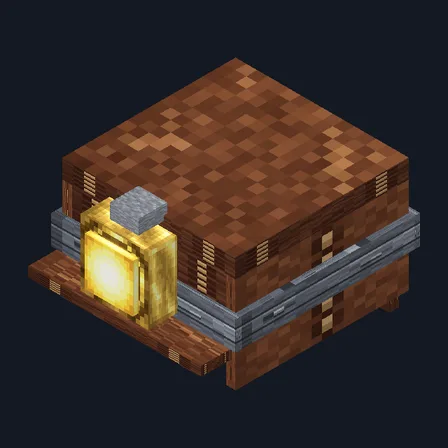
Craft the Waypoint Compass from a regular compass, copper and redstone. Stand where you want to come back to, then crouch and use the compass to save that spot. After that, use it normally to see the compass direction, the distance in blocks and the exact coordinates above your hotbar. If you’re in a different dimension from the saved spot, it names that dimension and gives the coordinates instead.
Each compass remembers 1 spot, and its tooltip lists the coordinates, so make several for different places. The spot stays with that compass when you store it, drop it or give it to a friend. Saving again replaces the old spot. The needle on the icon doesn’t move; the directions appear as text.
Crafting table
Top row: empty, Copper ingot, Redstone dust. Middle row: Copper ingot, Compass, Copper ingot. Bottom row: empty, Copper ingot, empty.
1.1.0
Updated
1.0.0
First release
Minecraft Bedrock shows its version number in the bottom-right corner of the main menu. Everything on ModChest is built for Bedrock 1.26.45 and newer, on Android, iPhone, iPad and Windows. If your number is lower, update Minecraft from the store you installed it from, then import the mod.
Where the file lands, how to open it with Minecraft, and what to do if the import fails.
Each has its own download.
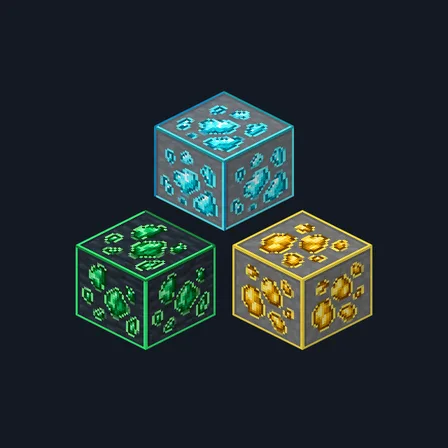
Texture pack

Item mod
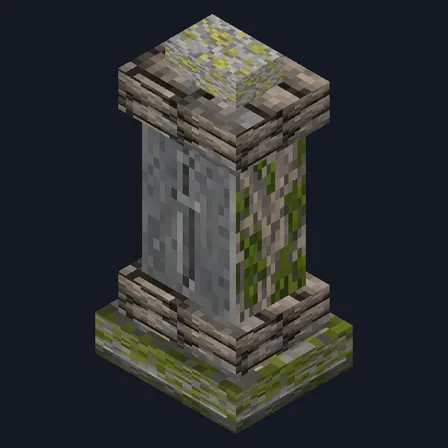
Gameplay mod

Item mod
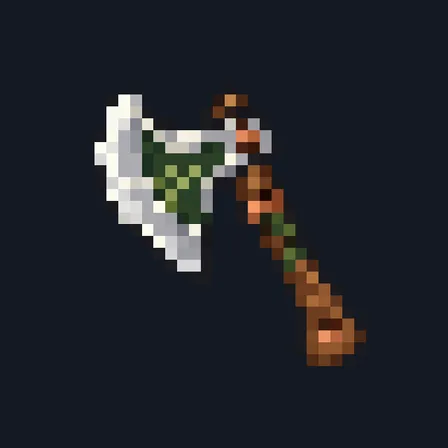
Item mod

Item mod
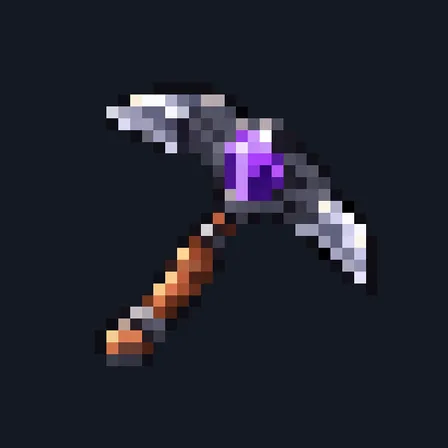
Item mod
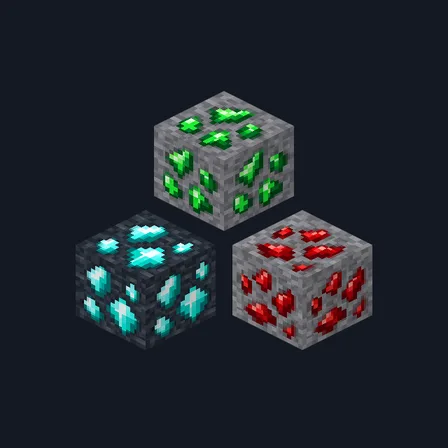
Texture pack
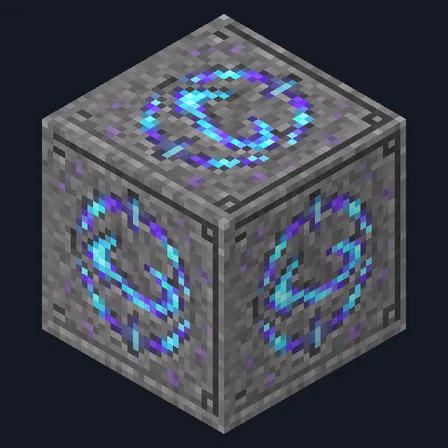
New block mod
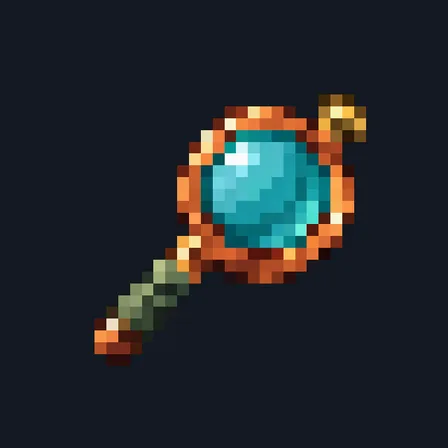
Item mod

Gameplay mod
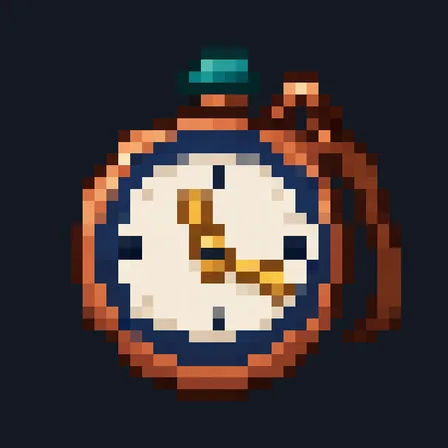

Item mod
The ModChest app for Android, iPhone and iPad keeps a list of everything it sends to Minecraft, and shows when one has an update. About the app