Magnifying Glass
Crafting table, in any arrangement
- Glass pane, 1
- Copper ingot, 2
- Amethyst shard, 1
- Stick, 1
See a creature’s health or a crop’s growth just by aiming at it
PremiumItem mod in Navigation & info
In the Expedition Kit collection
In Premium in the ModChest app
It comes with Premium, the subscription in the ModChest app.
Consoles and Java Edition can’t import packs.
Every ModChest mod is checked against the others, so no two use the same block, item or creature.
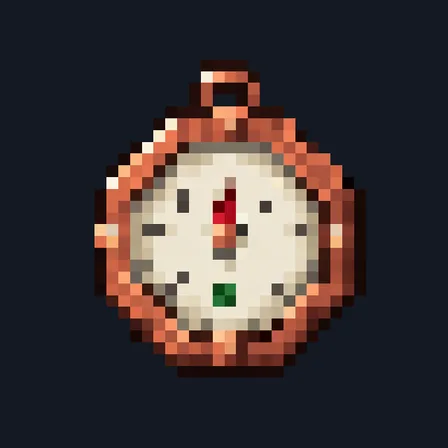
Craft the Magnifying Glass from a glass pane, copper, an amethyst shard and a stick. Hold it and aim at something up to 8 blocks away: a line of text above your hotbar tells you what you’re looking at and keeps updating while you watch, about four times a second. Look away or put the glass away and the line clears. Using the glass shows the same line on demand, and tells you when nothing is in range.
For a creature, it shows its name (like cow or wolf), its current and maximum health, Baby for a young animal, and whether it’s tamed. For a block, it shows its name and coordinates, plus a crop’s growth stage, such as 7/7 for ripe wheat, carrots or potatoes and 4/4 for a ripe pitcher crop. The lens only reads what you can see: a creature behind a wall shows the wall instead, and a chest shows its name but not what’s inside. Watching never changes the block or creature.
Crafting table, in any arrangement
1.2.0
The lens now reads whatever you aim at while you hold it, with no click, and shows Baby for young animals.
1.1.0
Updated
1.0.0
First release
Minecraft Bedrock shows its version number in the bottom-right corner of the main menu. Everything on ModChest is built for Bedrock 1.26.45 and newer, on Android, iPhone, iPad and Windows. If your number is lower, update Minecraft from the store you installed it from, then import the mod.
Where the file lands, how to open it with Minecraft, and what to do if the import fails.
Each has its own download.

The ModChest app for Android, iPhone and iPad keeps a list of everything it sends to Minecraft, and shows when one has an update. Get the app