Cairn Ledger
Crafting table, in any arrangement
- Paper, 3
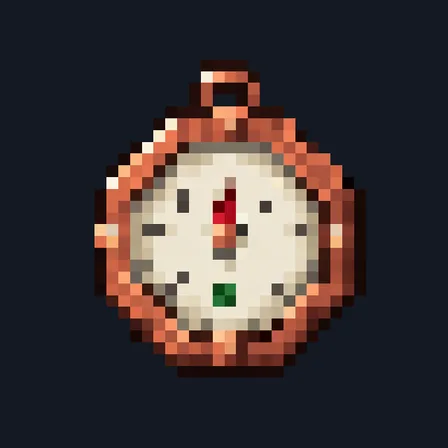
- Compass, 1
- Amethyst shard, 1
- Copper ingot, 2
Die and find your items and armor waiting in a stone cairn
PremiumGameplay mod in Storage & inventory
In the Survival Essentials and Expedition Kit collections
In Premium in the ModChest app
It comes with Premium, the subscription in the ModChest app.
Consoles and Java Edition can’t import packs.
Every ModChest mod is checked against the others, so no two use the same block, item or creature.
When you die, a stone cairn with your name above it rises where you fell, holding your items, your armor and your offhand item, and a chat message tells you where it is. Named, enchanted and damaged items keep their names, enchantments and durability. It works with Keep Inventory off, as in a new world, or on, and never changes that setting. With it off, the cairn gathers everything your death drops within 4 blocks, the item in your hand included; with it on, your whole inventory moves straight in. The cairn holds items, not experience: with Keep Inventory on, your experience stays with you, and with it off, it drops as usual.
Only you can empty your cairn, and nothing can break it. Using it moves stacks into your empty inventory slots; whatever doesn't fit stays inside, and the cairn disappears once it's empty. Armor comes back into your inventory, so put it on again. The Cairn Ledger shows your 16 newest cairns; older ones stay where they are.
With Keep Inventory on, the cairn stays exactly where you died, even inside blocks, and after a fall into the void it waits at the very bottom of the world, which may be out of reach. With it off, a death in water or lava moves the cairn onto dry ground up to 4 blocks away, or up to the surface, and a fall into the void moves it onto the nearest ground up to 8 blocks away, or to the bottom of the world if there is none. Drops the cairn can't reach in time, such as items that burn or fall out of the world first, are lost as usual.
Crafting table, in any arrangement
1.2.0
Works with Keep Inventory off: your cairn now gathers everything your death drops
1.1.1
The cairn is built of its own mossy fieldstones under a carved headstone, instead of sharing the Basalt Colossus's stone
1.1.0
First release
Minecraft Bedrock shows its version number in the bottom-right corner of the main menu. Everything on ModChest is built for Bedrock 1.26.45 and newer, on Android, iPhone, iPad and Windows. If your number is lower, update Minecraft from the store you installed it from, then import the mod.
Where the file lands, how to open it with Minecraft, and what to do if the import fails.
Each has its own download.
The ModChest app for Android, iPhone and iPad keeps a list of everything it sends to Minecraft, and shows when one has an update. Get the app