Pixel Arcade
Build with 8-bit arcade bricks, coin-block ores and neon-trimmed wood
Premium48 texturesTexture pack in Simple & cartoon
In Premium in the ModChest app
It comes with Premium, the subscription in the ModChest app.
Works with Minecraft Bedrock 1.26.45 and newer
- Android
- iPhone and iPad
- Windows
Consoles and Java Edition can’t import packs.
What’s inside
- 48 block textures at 32×32 in chunky 8-bit pixel art
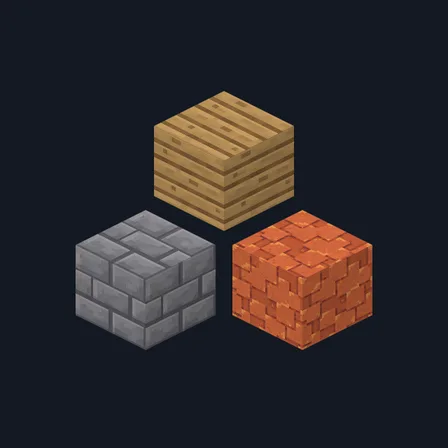
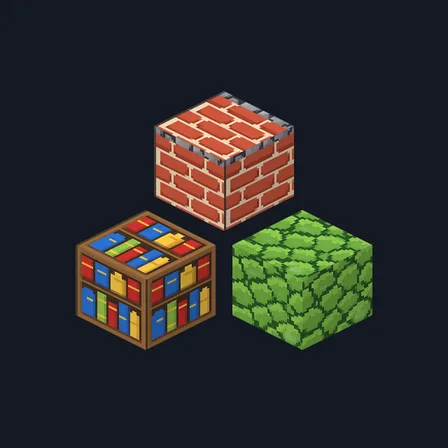
- 16 masonry blocks with dithered stone and magenta and cyan edges
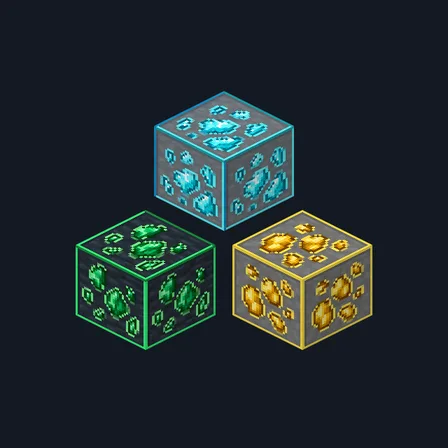
- 8 coin-block ores and 7 matching storage blocks, plus glowstone
- 5 plank types and 4 log barks in cabinet-side wood
- One shared dark palette across all three block groups
- Texture pack version
- 0.1.0
- Updated
- October 2026
About this pack
Every brick, board and ore in this pack looks like it came off an old arcade screen. Stone and bricks are chunky low-resolution courses with dithered shading and magenta and cyan highlights. Ores become coin blocks: square gems with a shine pixel on dithered slate. Planks are laminate boards like the side of an arcade cabinet, each with its own pinstripe colour.
Read more
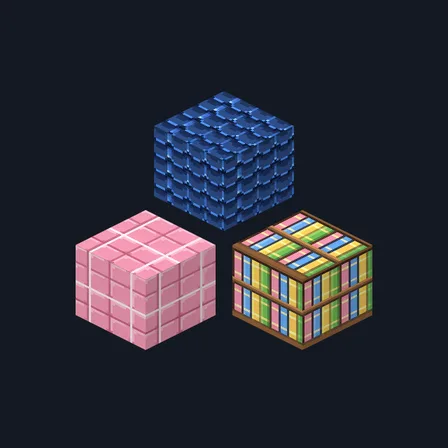
Coverage is 48 blocks. Masonry: bricks, stone bricks with their cracked and mossy variants, stone, cobblestone, andesite, diorite, granite, nether bricks, red nether bricks, end stone bricks, mud bricks, tuff bricks, polished blackstone bricks and deepslate bricks. Ores and minerals: coal, iron, gold, diamond, emerald, lapis, redstone and copper ore, the seven matching storage blocks, and glowstone. Wood and ground: oak, spruce, birch, jungle and acacia planks, the bark of oak, spruce, birch and jungle logs, bookshelves, note blocks, dirt, gravel, sand, obsidian and netherrack.
Everything else keeps its normal look. That includes grass, leaves, water, glass, the tops of logs, deepslate ores, the other wood types, and all items, mobs and the interface. Blocks with a different top face, such as logs, change only on their sides.
Every texture in the pack
How to install Pixel Arcade
- Download the .mcpack file.
- Open it, and Minecraft imports it automatically.
- In Settings, open Global Resources, or Resource Packs in a world's settings, and activate Pixel Arcade.
What changed
0.1.0
First release
Which version do I have?
Minecraft Bedrock shows its version number in the bottom-right corner of the main menu. Everything on ModChest is built for Bedrock 1.26.45 and newer, on Android, iPhone, iPad and Windows. If your number is lower, update Minecraft from the store you installed it from, then import the texture pack.
Step-by-step for your device
Where the file lands, how to open it with Minecraft, and what to do if the import fails.
More like this
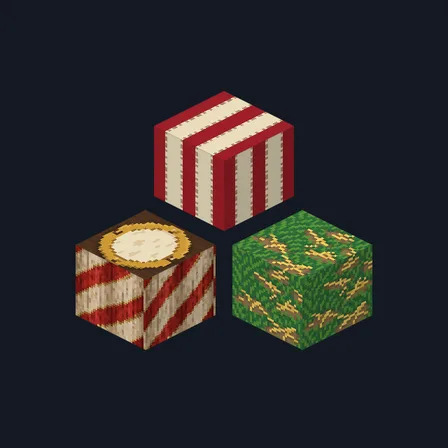
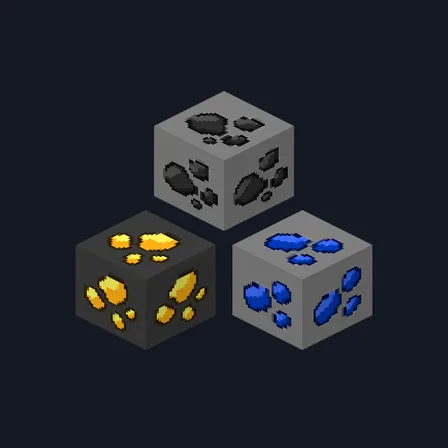
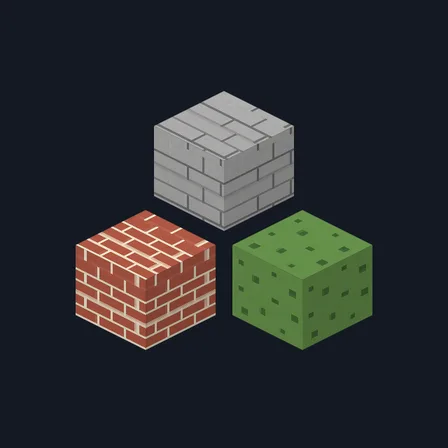
The ModChest app for Android, iPhone and iPad keeps a list of everything it sends to Minecraft, and shows when one has an update. Get the app