Dripstone Caves
Texture pack
Fungal cavern materials in slate-teal stone and violet mushroom
Free16 texturesTexture pack in Fantasy and Natural & detailed
.mcpack file, 47 KB. Consoles and Java Edition can’t import packs.
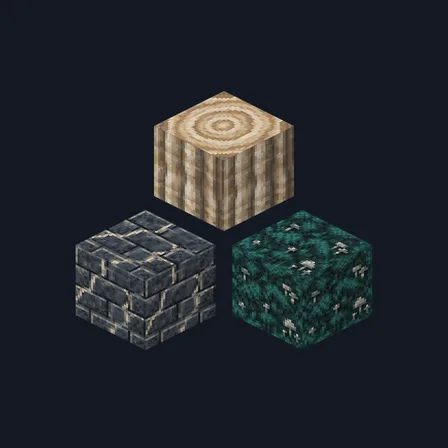
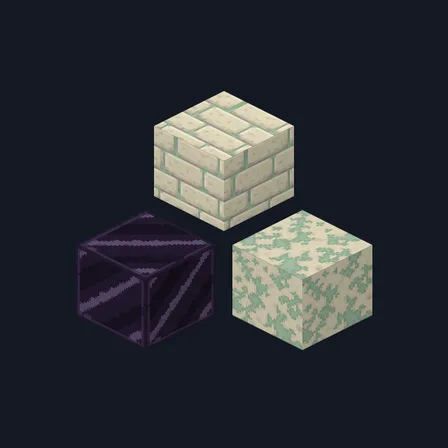
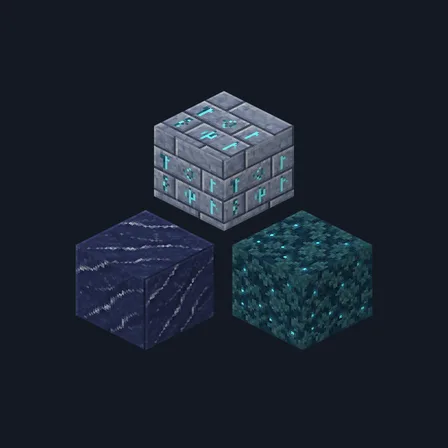
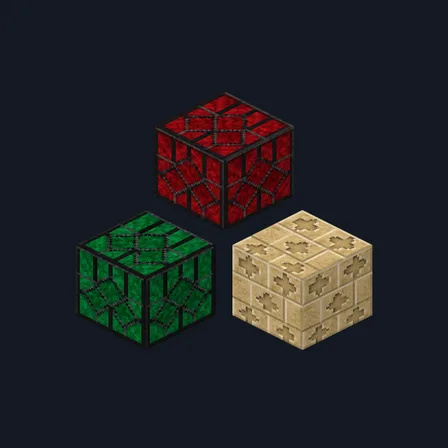
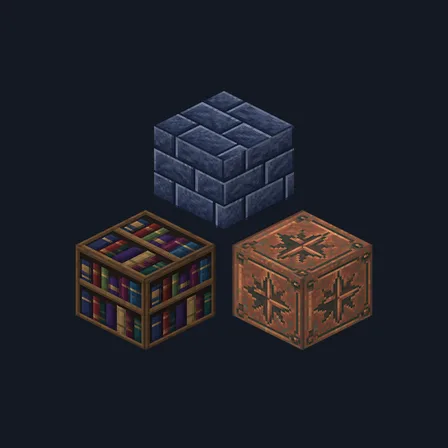
Mushroom Cavern rebuilds a deep cave as a living fungal hollow. Damp slate-teal stone brick sits in dark mortar, a second course is overrun with muted violet fungal crust, and rough cobblestone is smothered in violet growth. A polished dark peat slab, deep violet mushroom cap skin freckled in paler violet, and bone-cream mushroom flesh with a fine fibrous grain carry the walls. Pale fungal stalk boards pair with deep umber planks, violet stalk bark threaded with cream fibres and a bone-cream ring-marked stalk top. Damp bound tomes, pale spore-silk cloth, near-black peat and dense teal moss flecked with spores finish the set. The pale spore specks are painted colour, not light: nothing here glows, brightens a cave or changes how any block behaves.
0.2.0
Updated
0.1.0
First release
Minecraft Bedrock shows its version number in the bottom-right corner of the main menu. Everything on ModChest is built for Bedrock 1.26.45 and newer, on Android, iPhone, iPad and Windows. If your number is lower, update Minecraft from the store you installed it from, then import the texture pack.
Where the file lands, how to open it with Minecraft, and what to do if the import fails.
Texture pack
Texture pack
Texture pack
Texture pack
Texture pack
Texture pack
Texture pack
Texture pack
The ModChest app for Android, iPhone and iPad keeps a list of everything it sends to Minecraft, and shows when one has an update. About the app