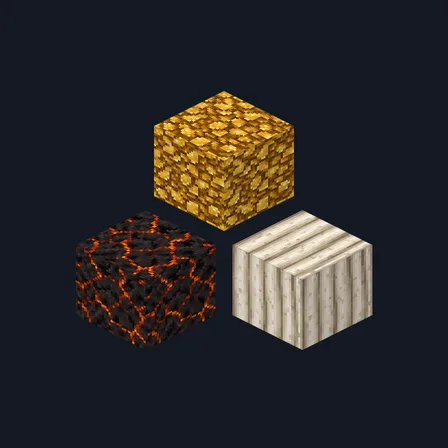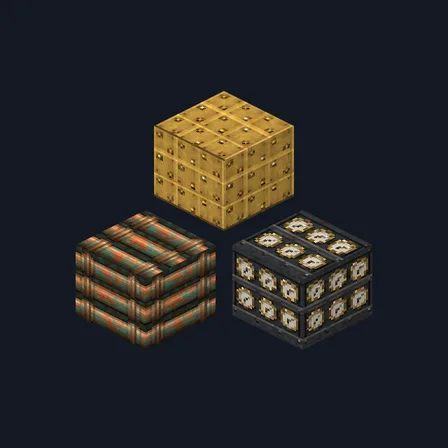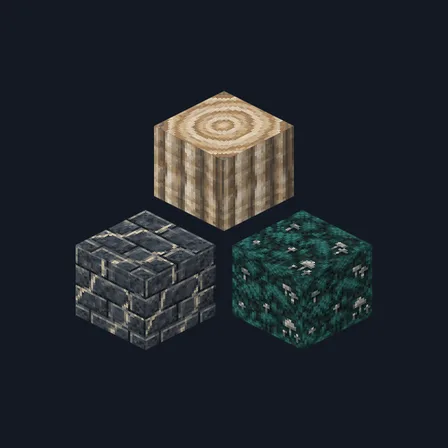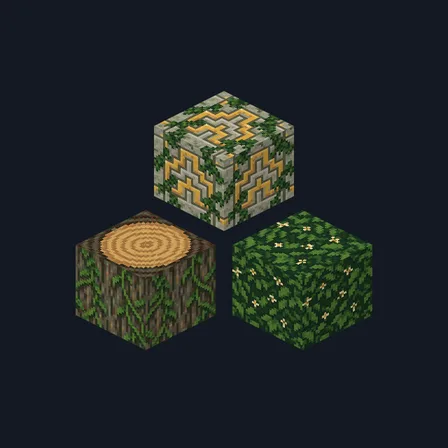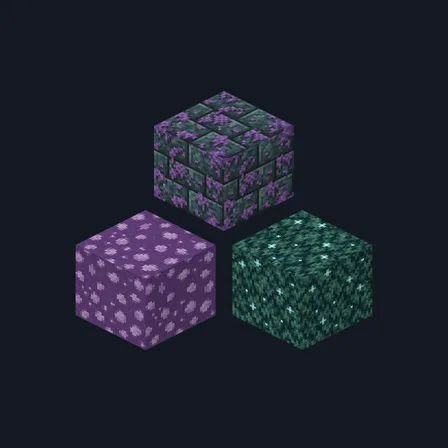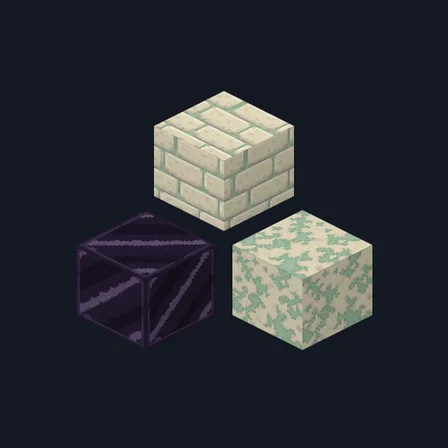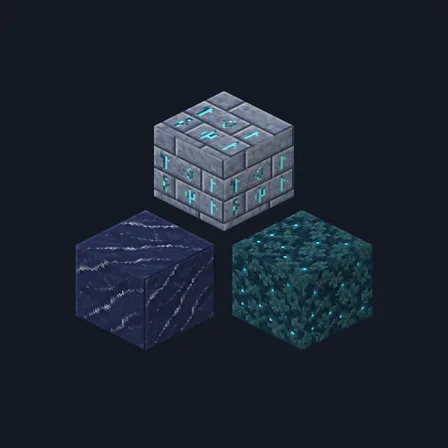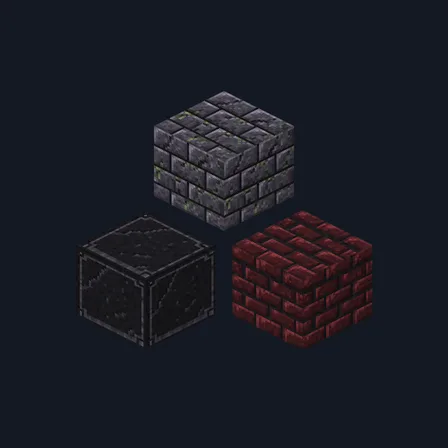
Gothic Crypt
New texture pack
Turn stone, brick and quartz into ice brick, packed snow and crystal
Premium48 texturesTexture pack in Fantasy
In Premium in the ModChest app
It comes with Premium, the subscription in the ModChest app.
Consoles and Java Edition can’t import packs.
Ice Palace re-skins 48 building blocks as one frozen palace. Stone bricks, deepslate bricks and tiles, tuff bricks, mud bricks, clay bricks, quartz bricks and end stone bricks become clear ice brick with trapped bubbles, and packed ice and blue ice get the same treatment. Cobblestone, andesite, diorite, granite, tuff, calcite, smooth basalt, end stone, polished blackstone bricks, snow and powder snow turn into packed-snow ashlar and frozen stone. White, light blue and cyan concrete and light blue terracotta become frosted glass; diamond, lapis and purpur blocks, chiseled quartz and carved sandstone become pale blue crystal trim; quartz pillars, purpur pillars and polished basalt become silvered ice columns.
Everything else keeps its usual look. Plain stone, grass, dirt, wood, leaves, ores, glass, regular ice, water and every item and mob are not changed, so a palace built from these blocks sits in an ordinary world.
0.1.0
First release
Minecraft Bedrock shows its version number in the bottom-right corner of the main menu. Everything on ModChest is built for Bedrock 1.26.45 and newer, on Android, iPhone, iPad and Windows. If your number is lower, update Minecraft from the store you installed it from, then import the texture pack.
Where the file lands, how to open it with Minecraft, and what to do if the import fails.
The ModChest app for Android, iPhone and iPad keeps a list of everything it sends to Minecraft, and shows when one has an update. Get the app