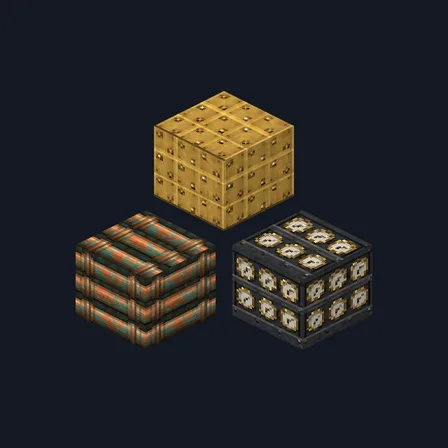
Steampunk Brass
Texture pack
Turn stone, gold, bone and iron into a dragon's scorched den
Premium48 texturesTexture pack in Fantasy
Free on December 11 or today in the ModChest app
Its free download opens here on December 11, with no account needed. Until then it comes with Premium in the ModChest app.
Consoles and Java Edition can’t import packs.
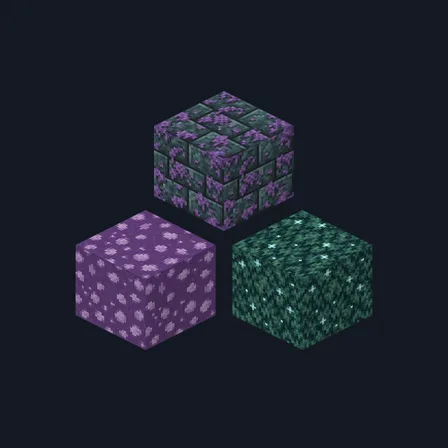
Dragon's Lair repaints 48 vanilla blocks in one shared palette of soot black, ember orange, crimson, hoard gold and bone white, so a cave, a keep or a Nether build reads as the den of something large and very hot.
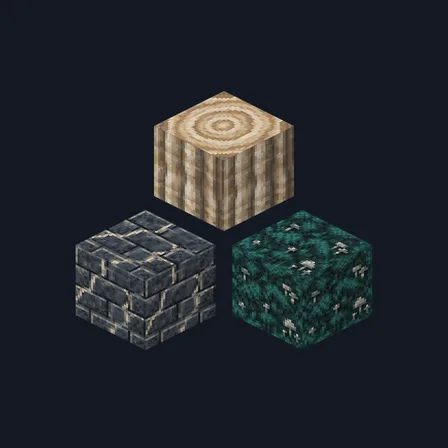
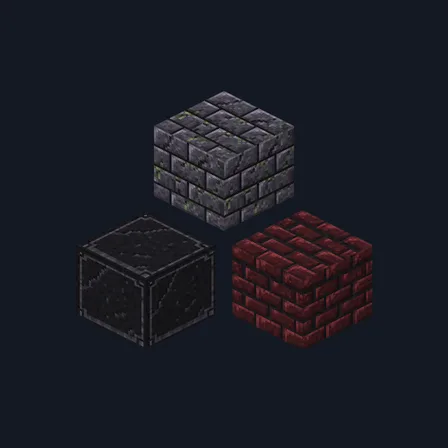
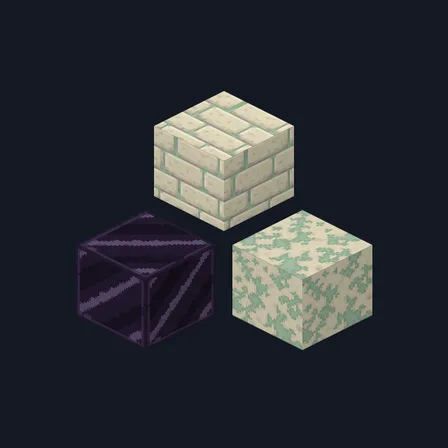
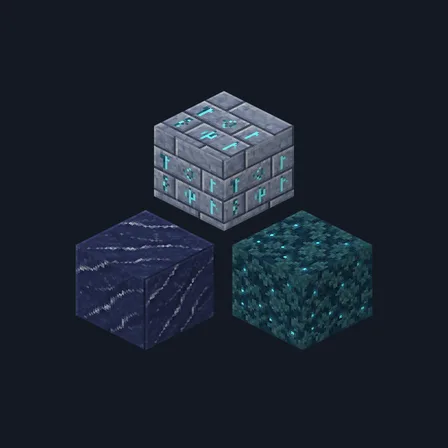
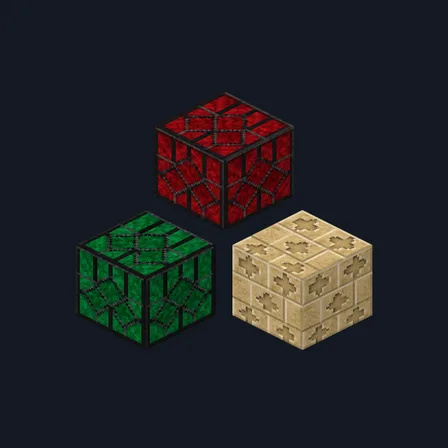
Scorched rock covers stone, cobblestone, blackstone, polished blackstone and its bricks, basalt, smooth basalt, deepslate, cobbled deepslate, deepslate bricks and tiles, and obsidian, much of it scored with claw marks. The hoard covers the gold block, raw gold, gilded blackstone and the three gold ores, which become heaps and seams of coins. Crimson scale plating covers the redstone block, nether bricks, red nether brick, netherrack, nether wart block, crimson planks, red wool and red sandstone. Bone-white fang stone covers the bone block, calcite, diorite, smooth diorite and the quartz blocks and bricks; end stone, end bricks and sandstone become cracked eggshell; and the iron block, raw iron, iron ore and netherite block become soot-streaked iron.
Everything else keeps its vanilla look: dirt, grass, wood other than crimson planks, glass, leaves, ores other than gold and iron, items, mobs and the interface are unchanged, as are the top and bottom faces of red sandstone and sandstone.
0.1.0
First release
Minecraft Bedrock shows its version number in the bottom-right corner of the main menu. Everything on ModChest is built for Bedrock 1.26.45 and newer, on Android, iPhone, iPad and Windows. If your number is lower, update Minecraft from the store you installed it from, then import the texture pack.
Where the file lands, how to open it with Minecraft, and what to do if the import fails.
Texture pack
Texture pack
Texture pack
Texture pack
Texture pack
Texture pack
Texture pack
Texture pack
The ModChest app for iPhone and iPad keeps a list of everything it sends to Minecraft, and shows when one has an update. Get the app