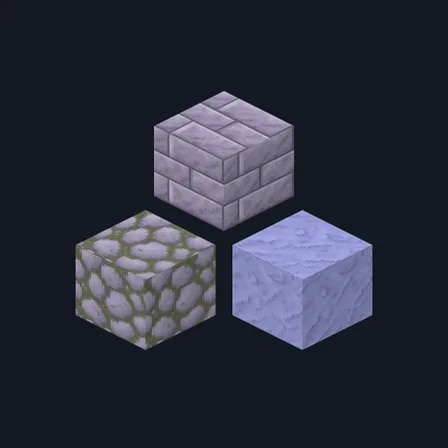
Lavender Plaster
New texture pack
Pastel building materials with lavender stone and mint copper
Free16 texturesTexture pack in Pastel & cute
.mcpack file, 49 KB. Consoles and Java Edition can’t import packs.
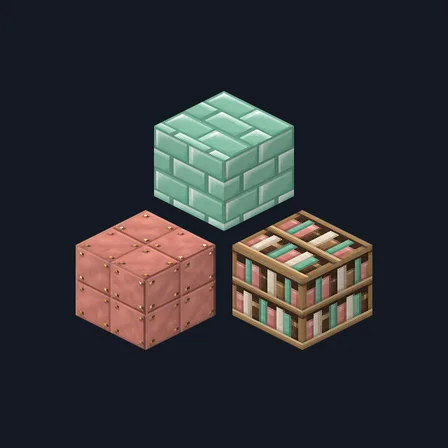
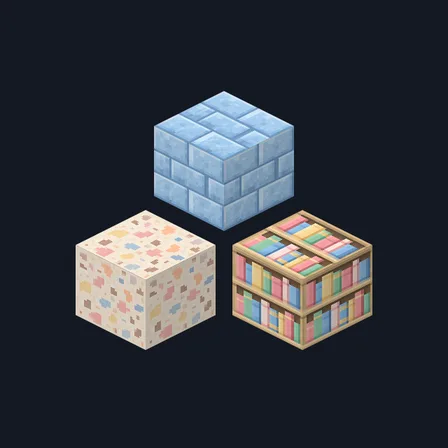
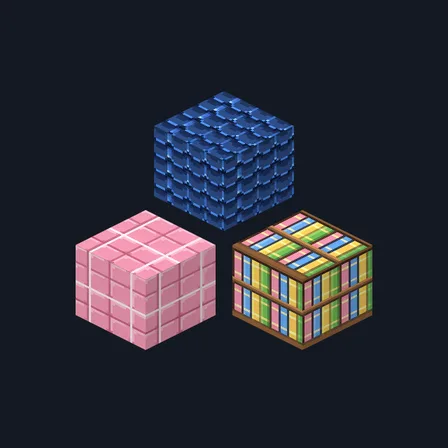
Create a gentle pastel town with materials that still read clearly as wood, stone and metal. Rosewater Tiles gives masonry a lavender cast, warms brick toward strawberry clay and softens oxidized copper to mint. Creamy wool, colorful books and delicate glaze-like highlights suit cute bedrooms, bakeries and small shops. The 16-texture palette includes oak and spruce planks, bark and end grain. It changes selected blocks only; skies, water, mobs, plants and the interface stay as they are.
0.2.0
Updated
0.1.0
First release
Minecraft Bedrock shows its version number in the bottom-right corner of the main menu. Everything on ModChest is built for Bedrock 1.26.45 and newer, on Android, iPhone, iPad and Windows. If your number is lower, update Minecraft from the store you installed it from, then import the texture pack.
Where the file lands, how to open it with Minecraft, and what to do if the import fails.
New texture pack
New texture pack
New texture pack
New texture pack
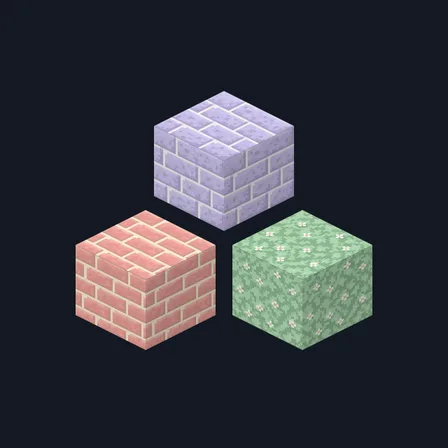
Texture pack
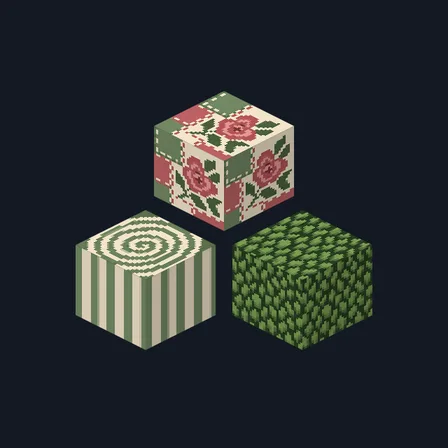
Texture pack
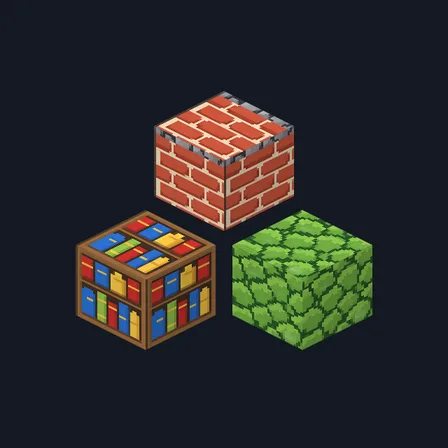
Texture pack
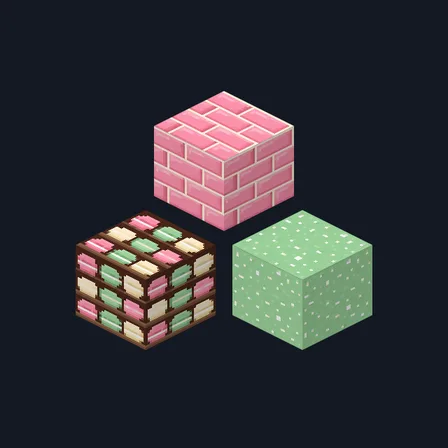
Texture pack
The ModChest app for Android, iPhone and iPad keeps a list of everything it sends to Minecraft, and shows when one has an update. About the app