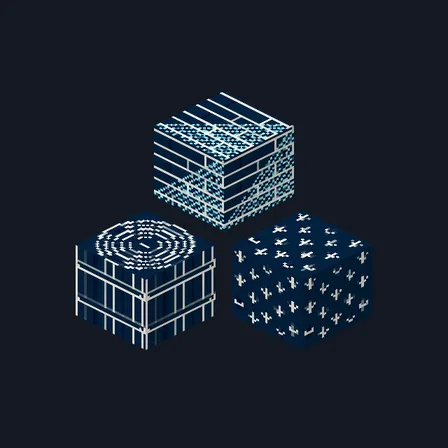
Blueprint Blocks
Texture pack
Build a black, teal and brass hotel with 16 bold finishes
Free16 texturesTexture pack in Modern
.mcpack file, 48 KB. Consoles and Java Edition can’t import packs.
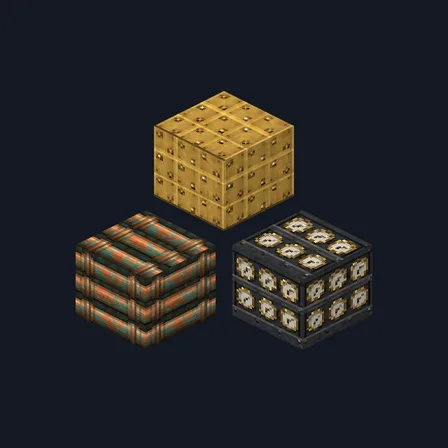
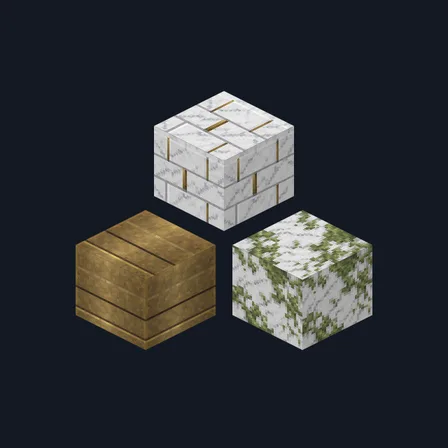
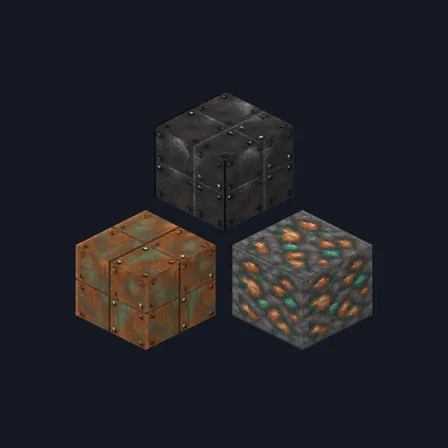
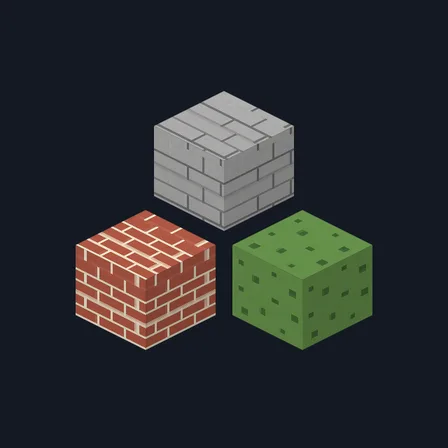
Turn a city lobby, theater or ocean-liner interior into a coordinated geometric statement. Art Deco Hotel pairs stepped black inlay, peacock fan patterns, silver chevrons and ivory pinstripes with burnished brass, jade patina, oxblood brick, jewel-tone books and dark walnut. The tileable patterns give large floors and feature walls a consistent rhythm instead of isolated emblems. It replaces 16 selected textures only; glass, doors, lights, furniture, mobs, items and the interface remain unchanged.
0.1.0
First release
Minecraft Bedrock shows its version number in the bottom-right corner of the main menu. Everything on ModChest is built for Bedrock 1.26.45 and newer, on Android, iPhone, iPad and Windows. If your number is lower, update Minecraft from the store you installed it from, then import the texture pack.
Where the file lands, how to open it with Minecraft, and what to do if the import fails.
Texture pack
Texture pack
Texture pack
Texture pack
Texture pack
Texture pack
New texture pack
Texture pack
The ModChest app for Android, iPhone and iPad keeps a list of everything it sends to Minecraft, and shows when one has an update. About the app