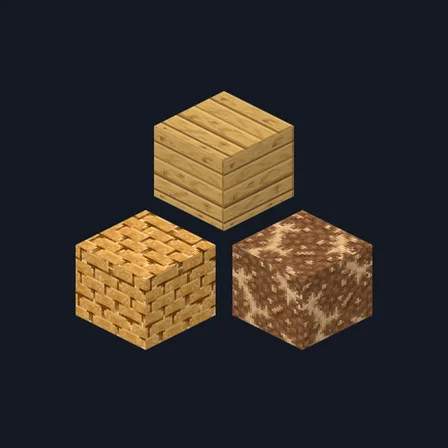
Railway Workshop
Build railway depots with 48 soot, timber and metal surfaces
Premium48 texturesTexture pack in Rustic and Modern
In Premium in the ModChest app
It comes with Premium, the subscription in the ModChest app.
Works with Minecraft Bedrock 1.26.45 and newer
- Android
- iPhone and iPad
- Windows
Consoles and Java Edition can’t import packs.
What’s inside
- 48 opaque industrial block textures for railway sheds, depots and workshops
- 32×32 surfaces in soot, steel gray, russet, creosote brown and verdigris
- 8 copper finishes covering solid and cut blocks at every weathering stage
- 7 furnace and crafting-table surfaces plus the anvil base
- 5 matching spruce textures for planks, bark, end grain and stripped timber
- 6 coal, iron and copper ore faces across stone and deepslate
- Texture pack version
- 0.2.0
- Updated
- October 2026
About this pack
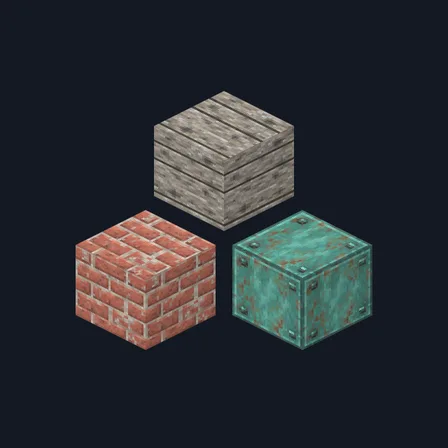
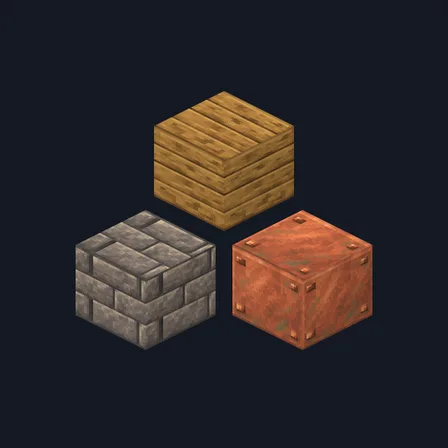
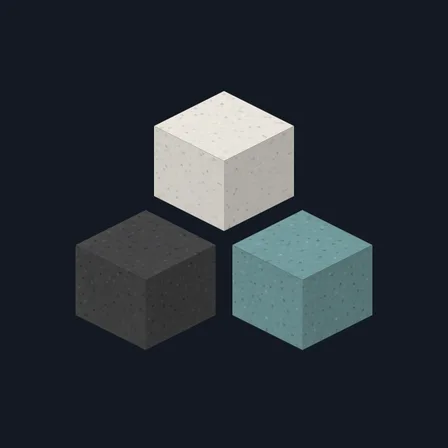
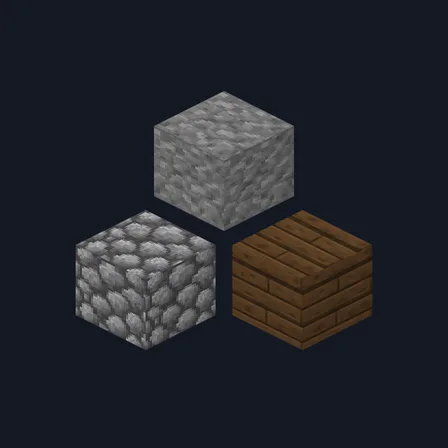
Give engine sheds, depots and mine workshops a working history with 48 selected block textures in soot black, oily steel gray, weathered russet, aged copper and restrained verdigris. Build with spruce planks, spruce bark and end grain, stripped spruce sides and ends, plain and mossy cobblestone, stone, all four stone-brick finishes, brick, polished blackstone and its bricks, andesite and gravel. Deepslate coverage includes cobbled deepslate, bricks, tiles and the top surface, plus coal, iron and copper ores in both stone and deepslate. Copper blocks cover all four weathering stages in both solid and cut finishes; iron, gold and coal blocks and black and light gray concrete round out the building palette. Furnace fronts, lit and unlit, sides and top, all three crafting-table surfaces and the anvil base carry the same workshop wear. Only these 48 block textures change: other deepslate faces, other anvil parts, rails, minecarts, other workstations, redstone parts, tools, mobs and the interface keep their current appearance.
Every texture in the pack
How to install Railway Workshop
- Download Railway Workshop and open the .mcpack file to import it into Minecraft Bedrock.
- Edit your world, open Resource Packs, and activate Railway Workshop.
- Place Railway Workshop above other Resource Packs that replace the same textures; the higher pack takes priority.
- Deactivate Railway Workshop in Resource Packs to restore the previous textures.
What changed
0.2.0
Added 32 block textures for depot masonry, copper, timber, ores, furnaces, crafting tables and anvil bases.
0.1.0
First release
Which version do I have?
Minecraft Bedrock shows its version number in the bottom-right corner of the main menu. Everything on ModChest is built for Bedrock 1.26.45 and newer, on Android, iPhone, iPad and Windows. If your number is lower, update Minecraft from the store you installed it from, then import the texture pack.
Step-by-step for your device
Where the file lands, how to open it with Minecraft, and what to do if the import fails.
More like this
The ModChest app for Android, iPhone and iPad keeps a list of everything it sends to Minecraft, and shows when one has an update. Get the app