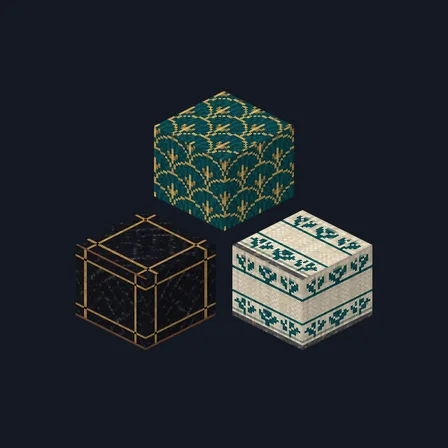
Art Deco Hotel
New texture pack
Modern building textures with quiet masonry and four concrete finishes
Free16 texturesTexture pack in Modern
.mcpack file, 44 KB. Consoles and Java Edition can’t import packs.
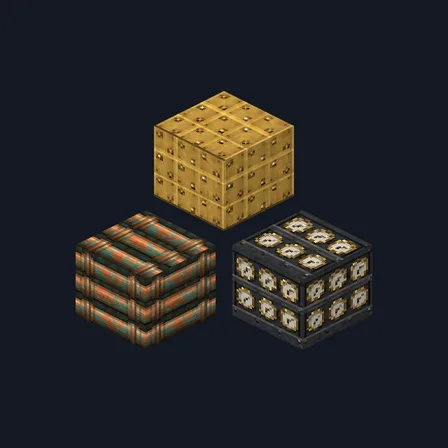
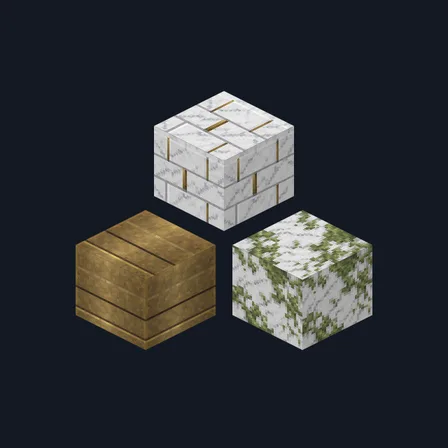
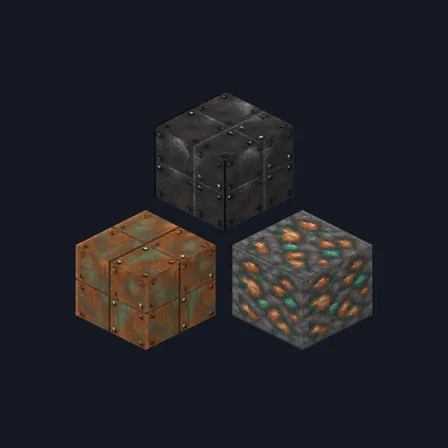
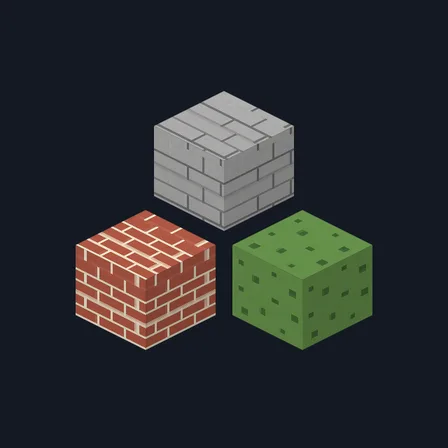
Give a studio, townhouse or gallery a quieter material palette. Modern Masonry uses pale oak, deep walnut-like spruce, orderly masonry, fine aggregate and controlled metal accents. White, black, light gray and cyan concrete receive distinct limewash, graphite, microcement and muted teal treatments. These four concretes join twelve common building surfaces for 16 textures total. Glass, lighting, furniture and log faces keep their existing appearance; the pack adds no new blocks or shader effects.
0.2.0
Updated
0.1.0
First release
Minecraft Bedrock shows its version number in the bottom-right corner of the main menu. Everything on ModChest is built for Bedrock 1.26.45 and newer, on Android, iPhone, iPad and Windows. If your number is lower, update Minecraft from the store you installed it from, then import the texture pack.
Where the file lands, how to open it with Minecraft, and what to do if the import fails.
New texture pack
Texture pack
Texture pack
Texture pack
Texture pack
Texture pack
New texture pack
Texture pack
The ModChest app for Android, iPhone and iPad keeps a list of everything it sends to Minecraft, and shows when one has an update. About the app