Art Deco Hotel
New texture pack
Every surface as technical line work on deep navy
Free16 texturesTexture pack in Modern
.mcpack file, 41 KB. Consoles and Java Edition can’t import packs.
Blueprint Blocks puts the whole build on the drawing board. Every surface shares one deep navy ground, and everything on it is drawn rather than painted: bone-white line work with pale cyan as the only second colour. Wide running-bond coursing carries small dimension ticks at its edges, and a second course lays a cyan diagonal hatch across half its face. Irregular polygon outlines pack together like a setting plan, plain or with cyan stipple filling the gaps. A faint square grid, a single bold diagonal rule on bare navy, tighter half-scale coursing and a sparse speckle carry the structure. Long board lines with nail dots pair with closer-spaced boards and grain ticks, an upright run of vertical lines crossed by two banding rings, and concentric circles around a small centre cross. A shelf of outlined books above a drawn pair of compasses and a rolled sheet, an even crosshatch weave, a single horizontal rule on bare navy and scattered plan-view planting sprigs finish the set. There is no shading anywhere and no lettering or numerals: line, tick, hatch and stipple only. Nothing glows, nothing is transparent and no block behaves differently.
0.2.0
Updated
0.1.0
First release
Minecraft Bedrock shows its version number in the bottom-right corner of the main menu. Everything on ModChest is built for Bedrock 1.26.45 and newer, on Android, iPhone, iPad and Windows. If your number is lower, update Minecraft from the store you installed it from, then import the texture pack.
Where the file lands, how to open it with Minecraft, and what to do if the import fails.
New texture pack
Texture pack
Texture pack
Texture pack
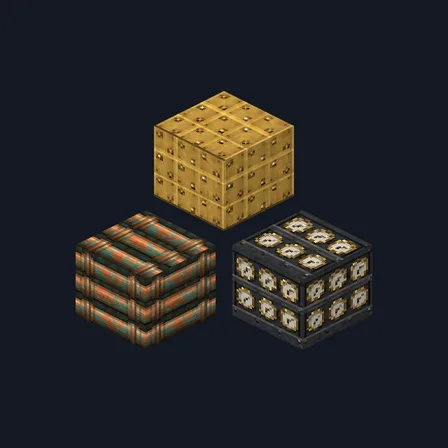
Texture pack
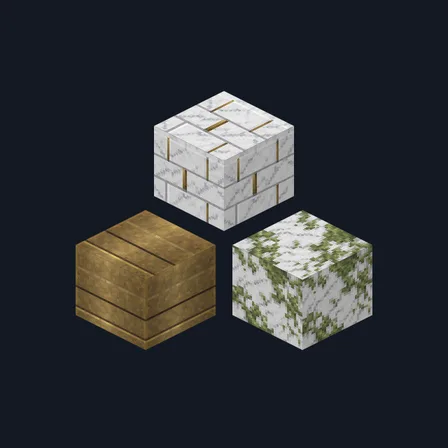
Texture pack
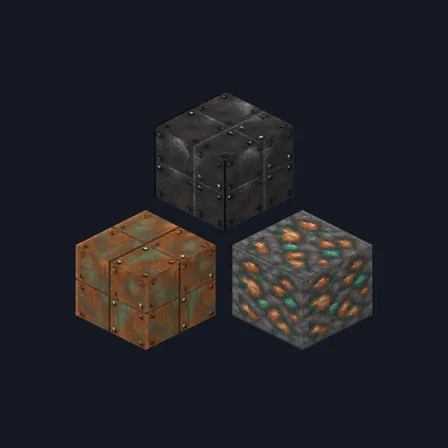
New texture pack
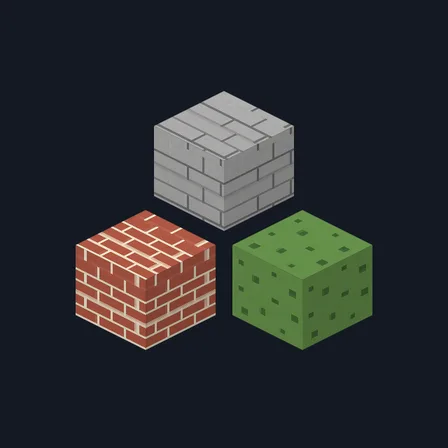
Texture pack
The ModChest app for Android, iPhone and iPad keeps a list of everything it sends to Minecraft, and shows when one has an update. About the app