Modern Masonry
New texture pack
48 concrete, masonry and metal textures for brutalist builds
Premium48 texturesTexture pack in Modern
In Premium in the ModChest app
It comes with Premium, the subscription in the ModChest app.
Consoles and Java Edition can’t import packs.
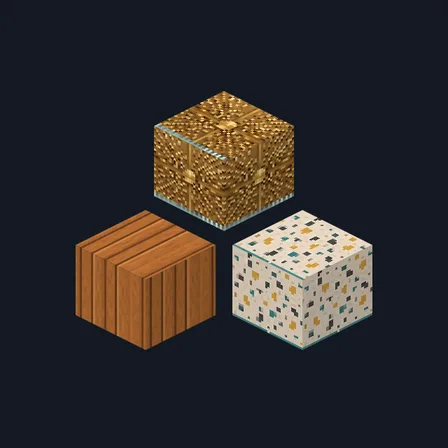
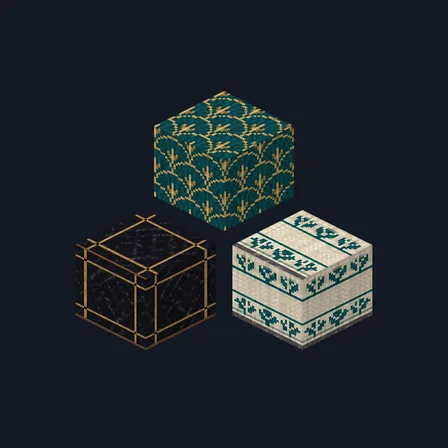
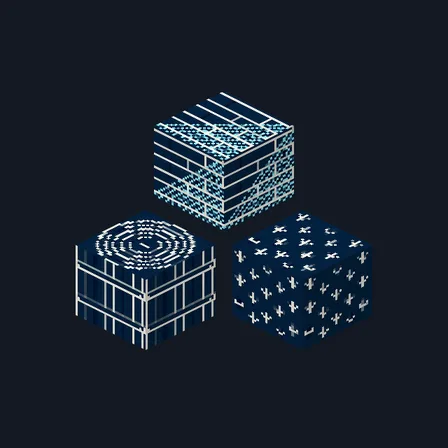
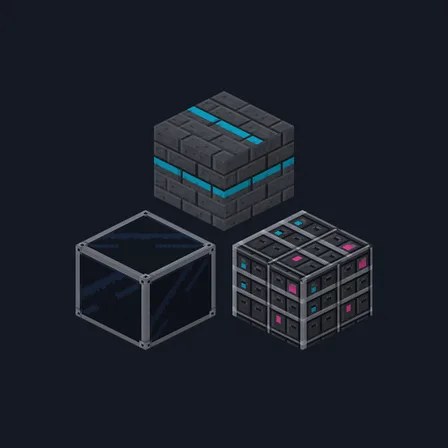
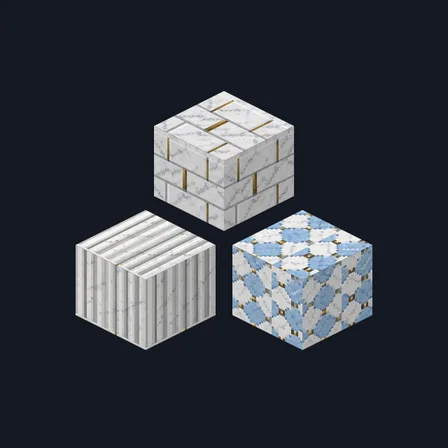
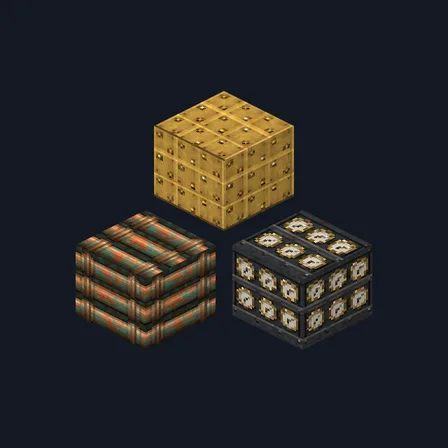
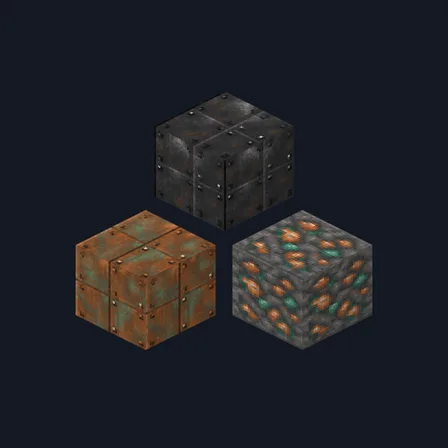
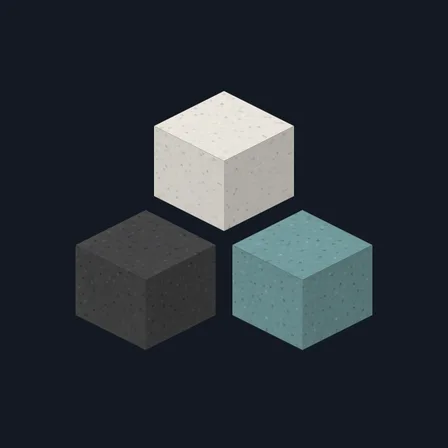
Brutalist Concrete brings 48 selected block textures into one palette of poured concrete, board-form lines, charcoal paving, pale aluminium and restrained warm sand. The original 16 surfaces remain, joined by cast panels, crushed aggregate, terrazzo, scored masonry and fluted columns. Coverage includes stone; regular, mossy, cracked and chiseled stone bricks; both cobblestones; bricks; calcite; oak and spruce planks; oak log sides and tops; bookshelves; white wool; moss; black, white, light grey, grey and brown concrete; white, light grey, grey and black concrete powder; the smooth stone top; andesite; polished diorite and granite; clay; and iron blocks. It also covers blackstone sides and tops, polished blackstone, polished blackstone bricks and their cracked variant, cobbled deepslate, deepslate bricks and tiles, chiseled deepslate, basalt and polished basalt sides and tops, and plain, white, light grey and grey terracotta. The bookshelf becomes grey storage shelving, white wool becomes felt, and moss keeps a muted grey-green lichen finish. Only these selected surfaces change; other blocks, uncovered faces, items and creatures keep their existing textures. Block behaviour and light levels stay the same.
0.3.0
Added 32 textures for concrete, powder, stone, blackstone, deepslate, basalt, terracotta, clay and iron.
0.2.1
Redrew log_oak so it tiles
0.2.0
Updated
0.1.0
First release
Minecraft Bedrock shows its version number in the bottom-right corner of the main menu. Everything on ModChest is built for Bedrock 1.26.45 and newer, on Android, iPhone, iPad and Windows. If your number is lower, update Minecraft from the store you installed it from, then import the texture pack.
Where the file lands, how to open it with Minecraft, and what to do if the import fails.
The ModChest app for Android, iPhone and iPad keeps a list of everything it sends to Minecraft, and shows when one has an update. Get the app