Railway Workshop
New texture pack
Build warm frontier streets with sandstone and timber
Free48 texturesTexture pack in Rustic
.mcpack file, 134 KB. Consoles and Java Edition can’t import packs.
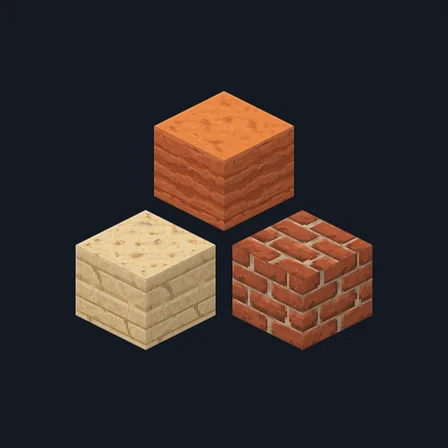
Frontier Saloon replaces 48 common building-block textures with warm sandstone, terracotta, timber and stonework suited to saloons, desert towns and rustic streets. It covers the listed sandstone, wood, terracotta and masonry blocks only; blocks outside that selection keep their usual appearance.
0.1.0
First release
Minecraft Bedrock shows its version number in the bottom-right corner of the main menu. Everything on ModChest is built for Bedrock 1.26.45 and newer, on Android, iPhone, iPad and Windows. If your number is lower, update Minecraft from the store you installed it from, then import the texture pack.
Where the file lands, how to open it with Minecraft, and what to do if the import fails.
New texture pack
Texture pack
Texture pack
Texture pack
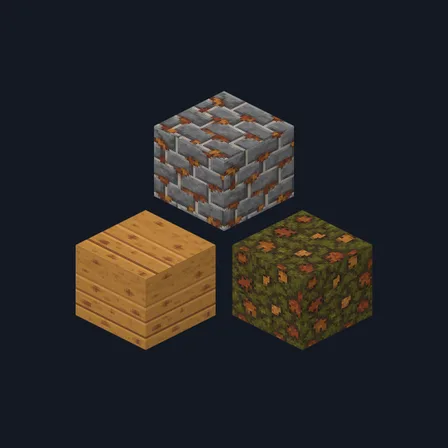
Texture pack
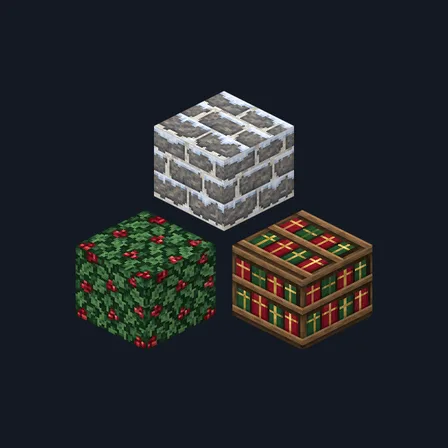
New texture pack
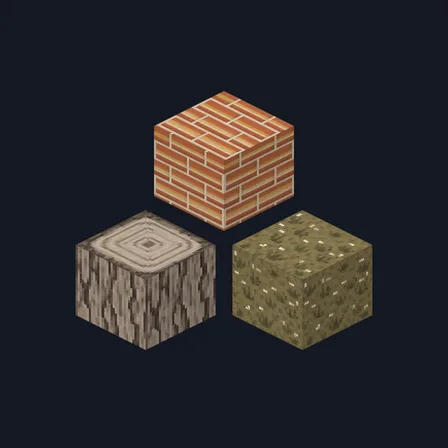
Texture pack
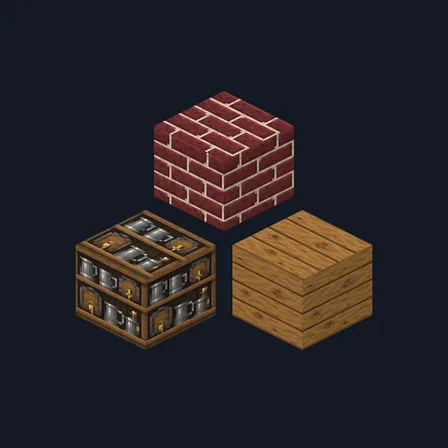
Texture pack
The ModChest app for Android, iPhone and iPad keeps a list of everything it sends to Minecraft, and shows when one has an update. About the app