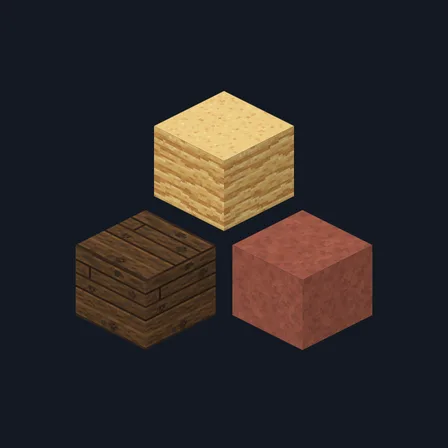
Lumber Mill
Fresh-sawn planks, stacked board ends and sawdust floors for every wood
Premium48 texturesTexture pack in Rustic
In Premium in the ModChest app
It comes with Premium, the subscription in the ModChest app.
Works with Minecraft Bedrock 1.26.45 and newer
- Android
- iPhone and iPad
- Windows
Consoles and Java Edition can’t import packs.
What’s inside
- 48 block textures at 32×32
- Planks in all 12 vanilla woods
- 8 woods with board-end tops and bark-on sides
- 4 sawdust floors, 4 iron housings and 6 yard stones
- Texture pack version
- 0.1.0
- Updated
- November 2026
About this pack
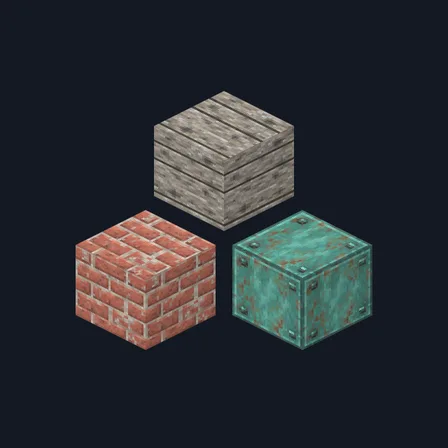
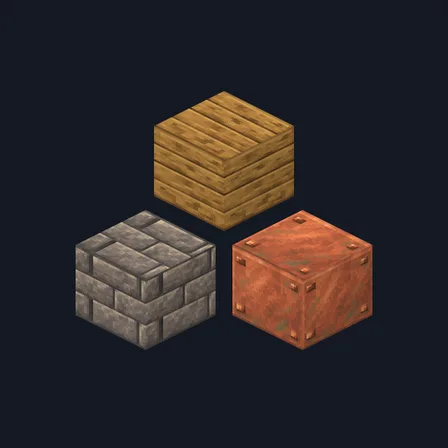
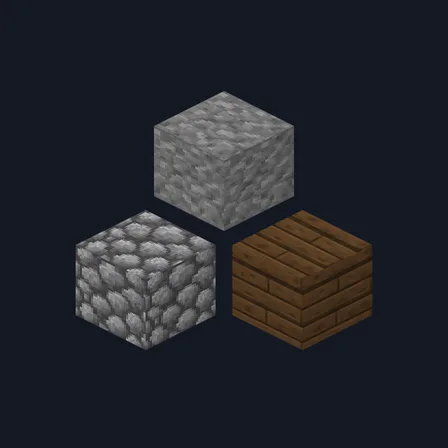
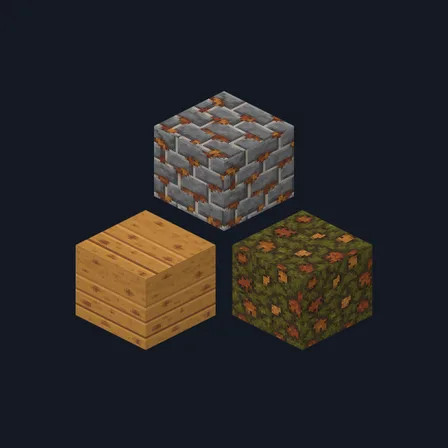
Lumber Mill re-skins 48 vanilla blocks as one working sawmill. Planks in all twelve woods, from oak to warped, look freshly cut, with saw marks in the grain, and every stair, slab and fence made from them follows. Log tops become stacked board ends and log sides become rough bark-on slabs for oak, spruce, birch, dark oak, jungle, acacia, mangrove and cherry, and stripped oak, spruce, birch and dark oak logs show clean sawn wood. Dirt, coarse dirt, podzol and path blocks carry drifts of sawdust and shavings; iron blocks, raw iron, the anvil base and the stonecutter base read as blade housings; stone, cobblestone, stone bricks, cracked stone bricks, andesite and the smooth stone slab top become log-yard stone. The crafting table top and barrel sides join the workshop.
Read more
Everything else stays as Minecraft draws it: doors, trapdoors, leaves, pale oak and bamboo logs, crimson and warped stems, the other stripped logs, grass tops, items and mobs are unchanged, and the crafting table, barrel, anvil and stonecutter keep their other faces.
Every texture in the pack
How to install Lumber Mill
- Download the .mcpack file
- Open it to import it into Minecraft
- In your world's settings, open Resource Packs and activate Lumber Mill
What changed
0.1.0
First release
Which version do I have?
Minecraft Bedrock shows its version number in the bottom-right corner of the main menu. Everything on ModChest is built for Bedrock 1.26.45 and newer, on Android, iPhone, iPad and Windows. If your number is lower, update Minecraft from the store you installed it from, then import the texture pack.
Step-by-step for your device
Where the file lands, how to open it with Minecraft, and what to do if the import fails.
More like this
The ModChest app for Android, iPhone and iPad keeps a list of everything it sends to Minecraft, and shows when one has an update. Get the app