Lop
A fawn-and-cream lop hoodie with ear markings down the hood, a carrot patch on the chest and oat trousers.
Classic armsSlim arms
Eleven bunny hoodie skins, each in a real rabbit coat
Premium11 outfitsSkin pack in Animals and Casual & cozy
In Premium in the ModChest app
It comes with Premium, the subscription in the ModChest app.
Consoles and Java Edition can’t import packs.
A fawn-and-cream lop hoodie with ear markings down the hood, a carrot patch on the chest and oat trousers.
A snow-white dwarf rabbit hoodie with pink-lined ear markings, a strawberry on the chest and moss green trousers.
A Dutch rabbit hoodie split into bold black and white, with a white blaze and a clover patch.
A harlequin hoodie patched in bold orange and black blocks, with a carrot on the chest and orange boots.
A slate-grey chinchilla hoodie with dark ear markings, a clover patch on the chest and grey trousers.
A golden-tan lionhead hoodie with a carrot patch on the chest, brown trousers and tan boots.
A glossy black otter hoodie with a tan belly and tan-lined ears, finished with a strawberry patch.
A rusty cinnamon hoodie with a carrot on the chest, moss green trousers and patterned boots.
A white hoodie covered in big chocolate-brown spots, with brown ears and a strawberry pocket.
A berry-red angora hoodie with a cream face and fluffy cream collar, a clover on the chest, dark brown trousers and cream boots.
A wild-brown agouti hoodie with a cream front, a carrot patch and clover-green trousers.
Classic arms are four pixels wide, like Steve’s; slim arms are three, like Alex’s. Pick whichever fits the outfit in the Dressing Room.
Every member of the squad wears the same thing: a thick bunny hoodie with its ears marked on the hood, cord trousers and chunky boots. What changes is the coat. The hoodies follow real rabbit colourings, from the black-and-white split of a Dutch to the orange-and-black patchwork of a harlequin, the brown spots of a spotted rabbit and the berry red and cream of an angora.
Each outfit carries one garden patch — a carrot, a clover or a strawberry — on its chest or pocket, over a soft meadow palette of cream, oat, moss green and earth brown.
Every skin comes in both the Classic and the Slim arm fit, so pick the one that matches the way you play.
0.1.0
First release
Minecraft Bedrock shows its version number in the bottom-right corner of the main menu. Everything on ModChest is built for Bedrock 1.26.45 and newer, on Android, iPhone, iPad and Windows. If your number is lower, update Minecraft from the store you installed it from, then import the skin pack.
Where the file lands, how to open it with Minecraft, and what to do if the import fails.
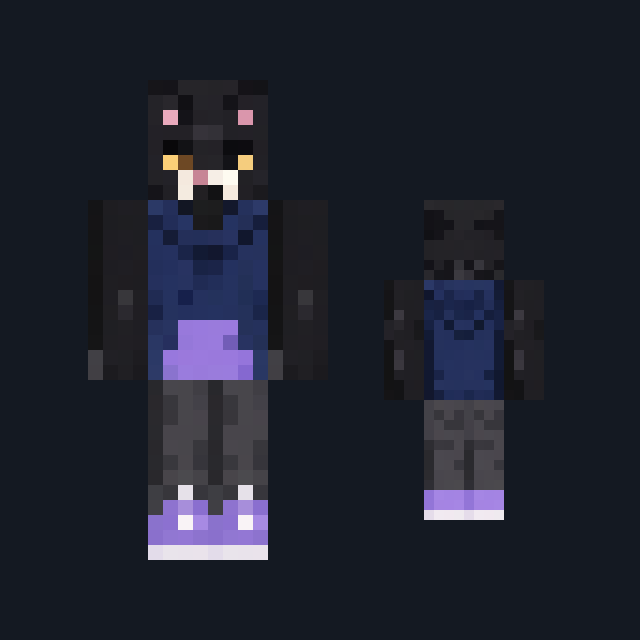
Skin

Skin

Skin

Skin

Skin
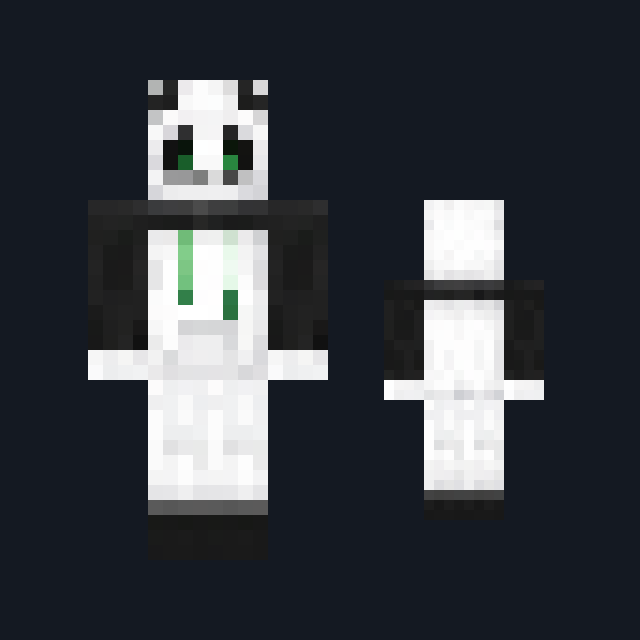
Skin
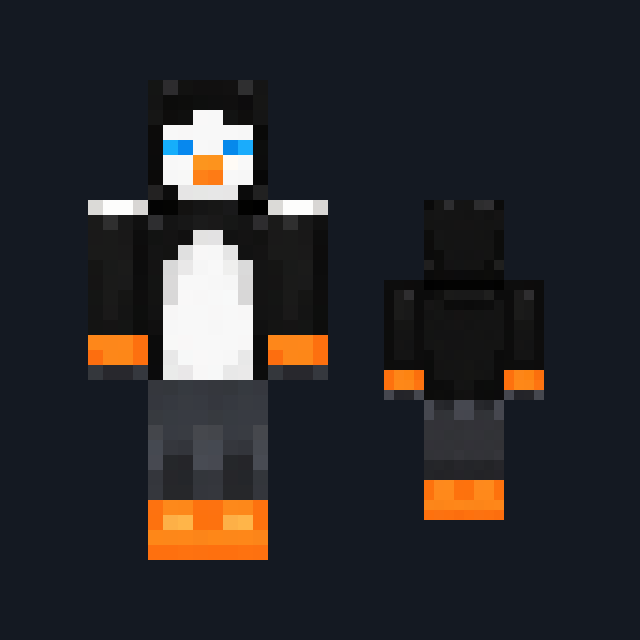
Skin

Skin
The ModChest app for Android, iPhone and iPad keeps a list of everything it sends to Minecraft, and shows when one has an update. Get the app