Galaxy Hoodie
An oversized nebula-print hoodie with white stars, black joggers and white sneakers.
Wear a starry nebula hoodie in indigo, violet and magenta
FreeSkin in Sci-fi & space and Casual & cozy
.mcpack file, 13 KB. Consoles and Java Edition can’t import packs.
An oversized nebula-print hoodie with white stars, black joggers and white sneakers.
Classic arms are four pixels wide, like Steve’s; slim arms are three, like Alex’s. Pick whichever fits the outfit in the Dressing Room.
A casual character in a roomy hoodie printed all over with a deep-space nebula in indigo, violet and magenta, dotted with white stars. The character has dark purple hair and violet eyes, and wears black joggers and white sneakers. It comes in classic and slim arm fits of the same outfit. It is a cosmetic skin only: it changes how your character looks and grants no ability.
0.1.0
First release
Minecraft Bedrock shows its version number in the bottom-right corner of the main menu. Everything on ModChest is built for Bedrock 1.26.45 and newer, on Android, iPhone, iPad and Windows. If your number is lower, update Minecraft from the store you installed it from, then import the skin.
Where the file lands, how to open it with Minecraft, and what to do if the import fails.
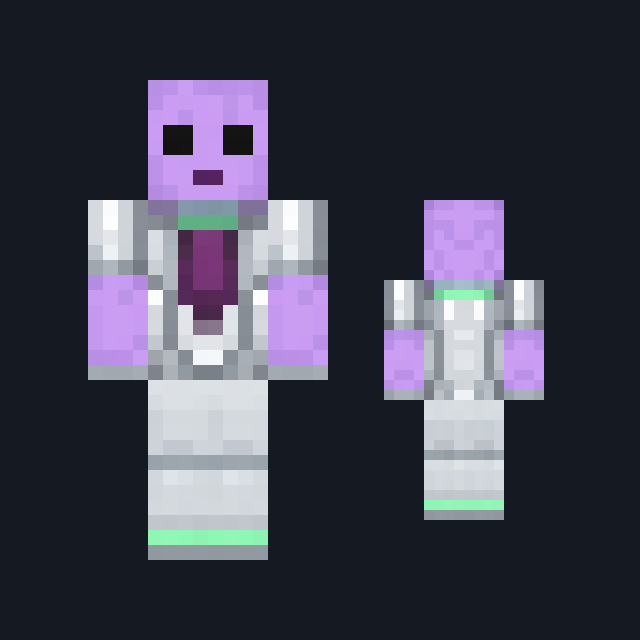
Skin

Skin
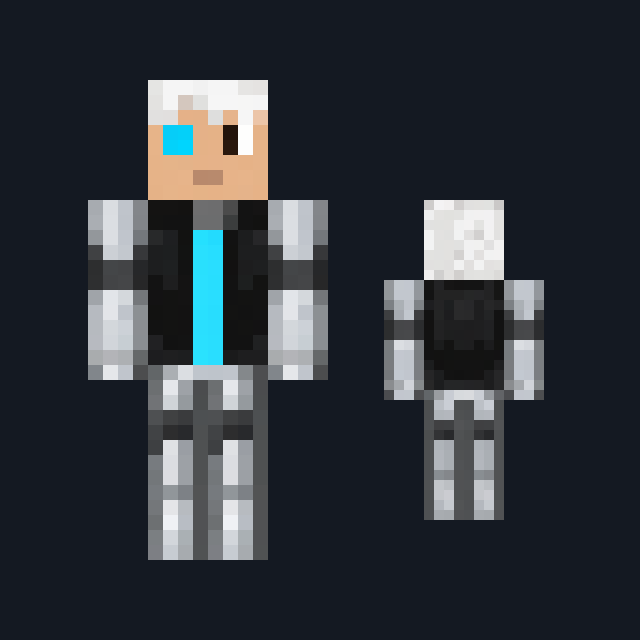
Skin
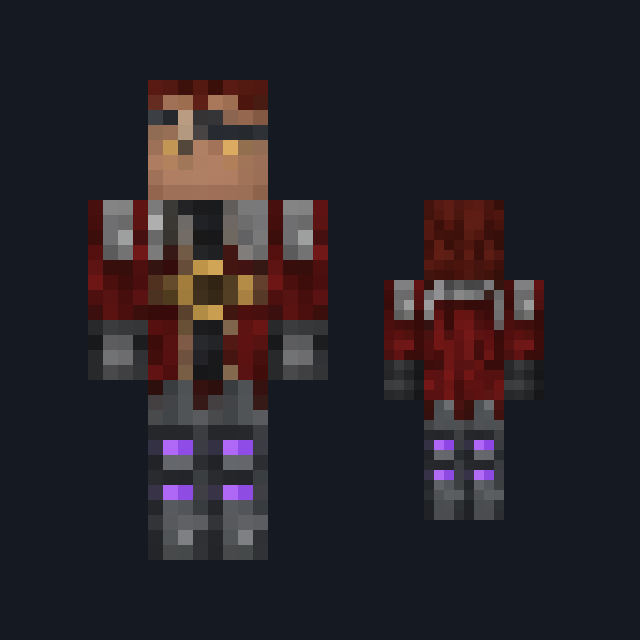
Skin
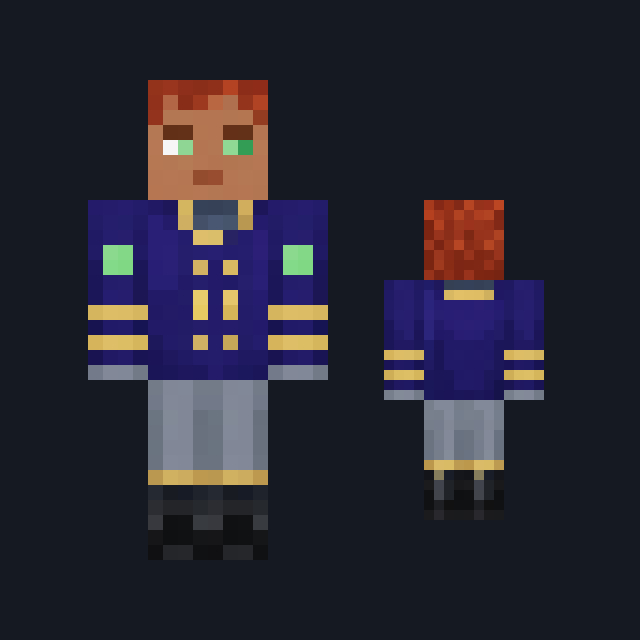
Skin

Skin

Skin

Skin
The ModChest app for Android, iPhone and iPad keeps a list of everything it sends to Minecraft, and shows when one has an update. Get the app
