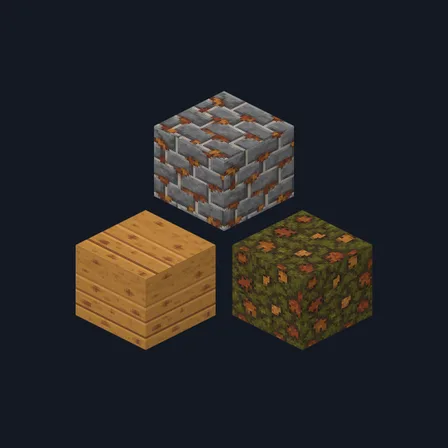
Autumn Lodge
Texture pack
Cypress bayou materials in silt grey, olive algae and amber
Free16 texturesTexture pack in Natural & detailed and Rustic
.mcpack file, 20 KB. Consoles and Java Edition can’t import packs.
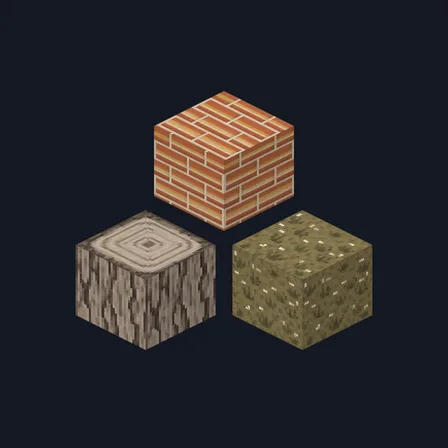
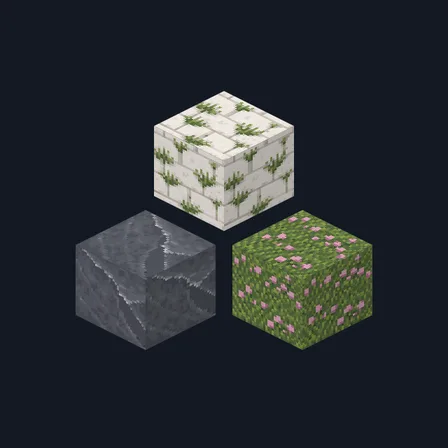
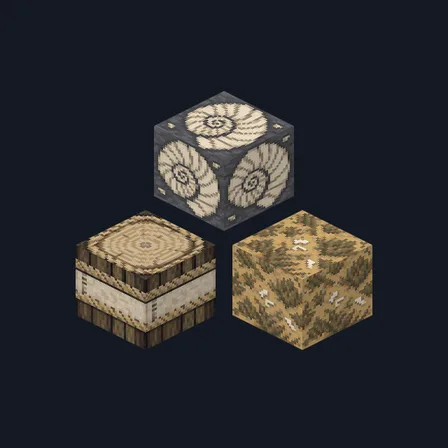
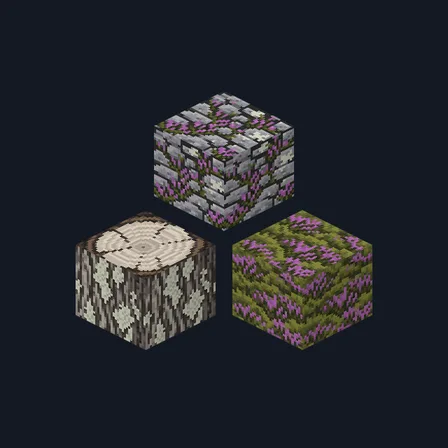
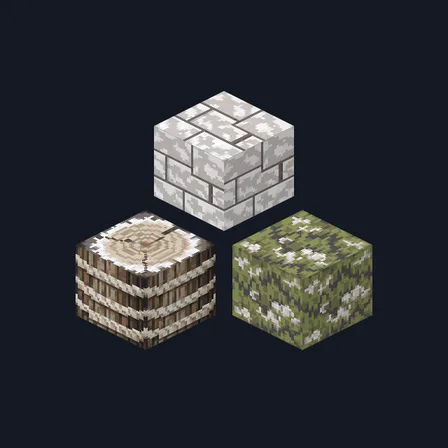
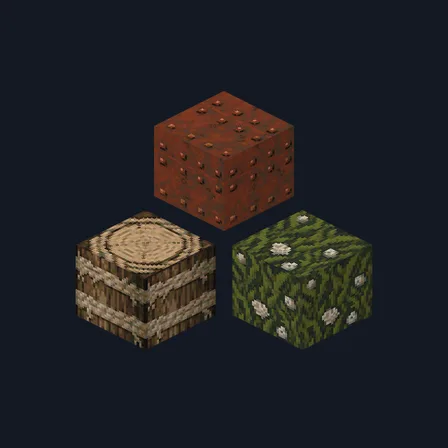
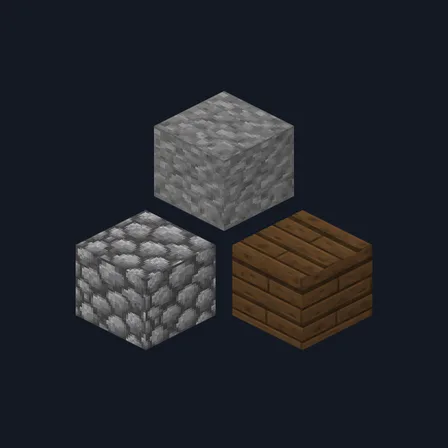
Cypress Bayou rebuilds a stilt house in still water. Silt-grey stone brick carries dark waterline staining along its lower courses, a second course is smothered in olive-green algae, and rounded river cobblestone comes plain or thick with algae and small duckweed flecks. Damp silt stone, a polished near-black bog slab, warm amber-brown brick with dark silt joints and pale cracked clay carry the walls. Silvered grey cypress boards pair with darker water-stained cypress, shaggy strip bark and a pale amber ringed log top, and a shelf of stoppered amber jars and coiled rope, pale reed matting, a bog slab and dense olive swamp moss finish the set. This is surface artwork only: no water appears, nothing floods, no block glows and nothing behaves differently.
0.2.0
Updated
0.1.0
First release
Minecraft Bedrock shows its version number in the bottom-right corner of the main menu. Everything on ModChest is built for Bedrock 1.26.45 and newer, on Android, iPhone, iPad and Windows. If your number is lower, update Minecraft from the store you installed it from, then import the texture pack.
Where the file lands, how to open it with Minecraft, and what to do if the import fails.
Texture pack
Texture pack
Texture pack
Texture pack
Texture pack
Texture pack
Texture pack
Texture pack
The ModChest app for Android, iPhone and iPad keeps a list of everything it sends to Minecraft, and shows when one has an update. About the app