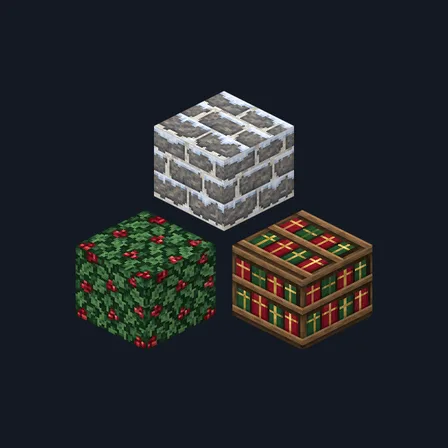
Christmas Village
New texture pack
Farmstead materials in whitewashed lime, barn red and straw
Free16 texturesTexture pack in Cozy and Rustic
.mcpack file, 48 KB. Consoles and Java Edition can’t import packs.
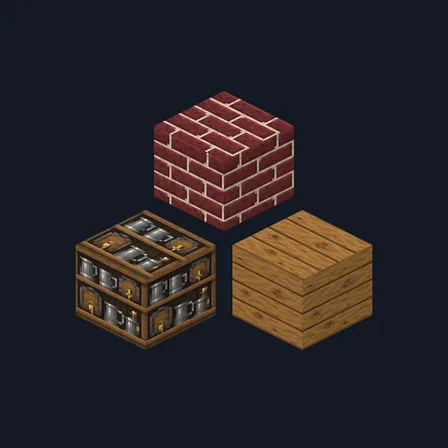
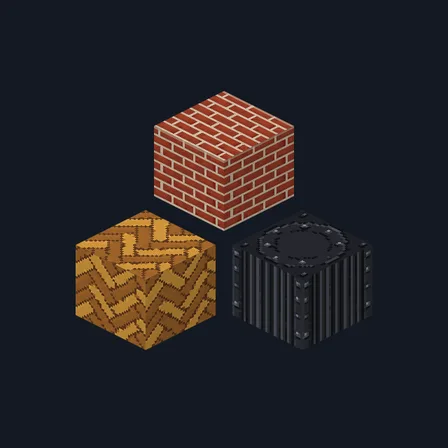
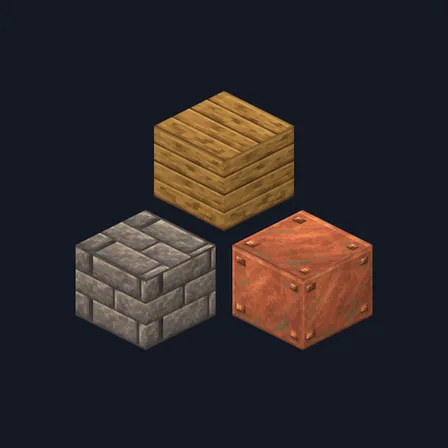
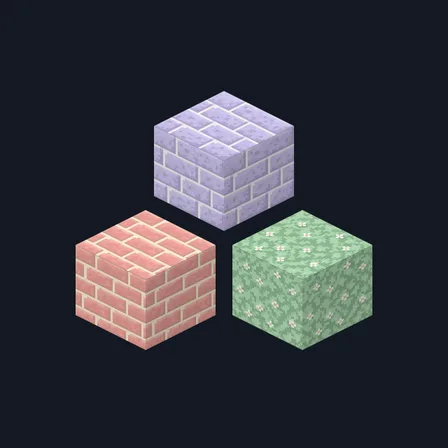
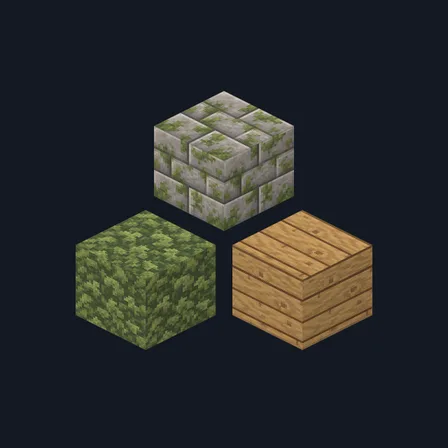
Red Barn Farm rebuilds a working farmstead. Pale fieldstone brick sits in thick whitewashed lime mortar, a second course has the whitewash flaking away to bare stone, and rounded fieldstone cobblestone comes plain or with pasture grass pushing up between the stones. Plain fieldstone, a dark slate flagstone, a weathered barn-red board wall with visible plank seams and straw-flecked lime plaster carry the buildings. Honest oak boards pair with weather-greyed oak, deeply grooved oak bark and a pale ringed log top, and a shelf of stacked preserve jars and folded sacking, bundled straw thatch, a slate slab and warm pasture grass scattered with cream clover finish the set. This is surface artwork only: nothing grows, nothing is edible and no block behaves differently.
0.2.0
Updated
0.1.0
First release
Minecraft Bedrock shows its version number in the bottom-right corner of the main menu. Everything on ModChest is built for Bedrock 1.26.45 and newer, on Android, iPhone, iPad and Windows. If your number is lower, update Minecraft from the store you installed it from, then import the texture pack.
Where the file lands, how to open it with Minecraft, and what to do if the import fails.
New texture pack
Texture pack
Texture pack
Texture pack
Texture pack

Texture pack

Texture pack
Texture pack
The ModChest app for Android, iPhone and iPad keeps a list of everything it sends to Minecraft, and shows when one has an update. About the app