Coral Mermaid
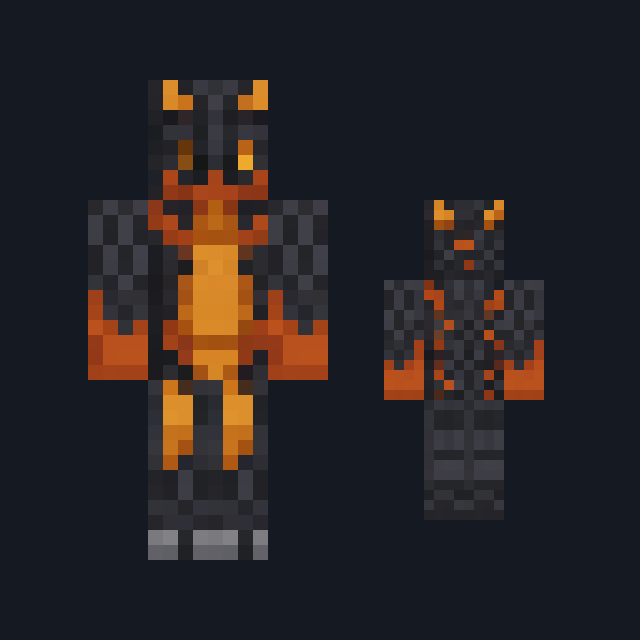
Coral-pink hair, sea-green eyes, a cream scallop-shell top with a coral clasp and a teal scaled tail painted down both legs.
Play as a mermaid with coral hair and a scaled teal tail
FreeSkin in Fantasy
.mcpack file, 14 KB. Consoles and Java Edition can’t import packs.
Coral-pink hair, sea-green eyes, a cream scallop-shell top with a coral clasp and a teal scaled tail painted down both legs.
Classic arms are four pixels wide, like Steve’s; slim arms are three, like Alex’s. Pick whichever fits the outfit in the Dressing Room.
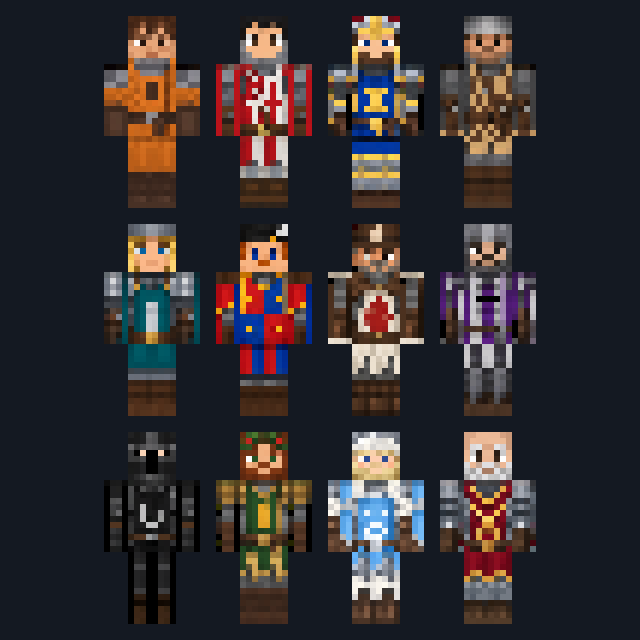
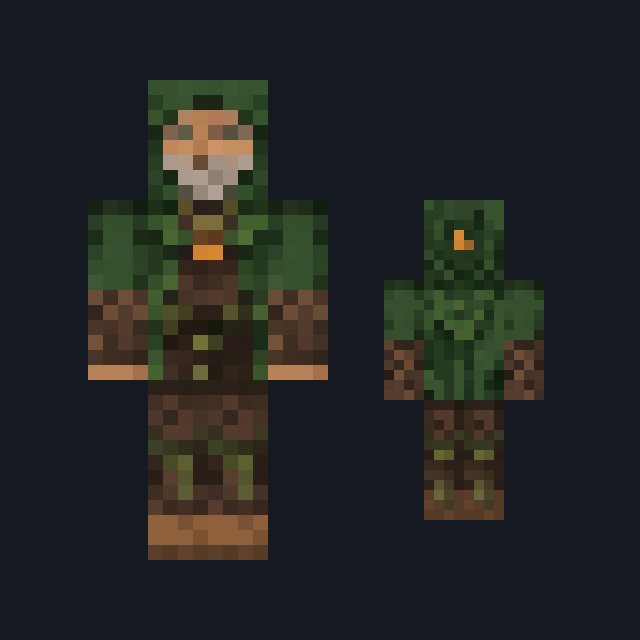
Coral Mermaid comes up from the reef. Long coral-pink hair streaked with rose red covers the whole head, and the front of the head alone shows warm tan skin with two large sea-green eyes. A cream scallop-shell top edged in coral pink sits above a pale mint waistband, with one big coral shell clasp at the center of the chest and a matching shell band at the top of each otherwise bare tan arm. Rows of teal and deep sea-green scales cover both legs as a fish tail that ends in a pale mint fin at the feet. It suits ocean builds, reef roleplay and beach worlds. This free Minecraft Bedrock .mcpack holds one outfit in classic and slim arm fits. The tail is painted on the standard leg shape rather than modeled, so it still walks as two legs, and the skin changes how you look and nothing else: it gives no swimming speed and no water breathing.
0.1.0
First release
Minecraft Bedrock shows its version number in the bottom-right corner of the main menu. Everything on ModChest is built for Bedrock 1.26.45 and newer, on Android, iPhone, iPad and Windows. If your number is lower, update Minecraft from the store you installed it from, then import the skin.
Where the file lands, how to open it with Minecraft, and what to do if the import fails.
Skin
New skin pack

New skin pack
Skin

Skin

Skin

Skin

Skin
The ModChest app for Android, iPhone and iPad keeps a list of everything it sends to Minecraft, and shows when one has an update. About the app
