Forest Dragon
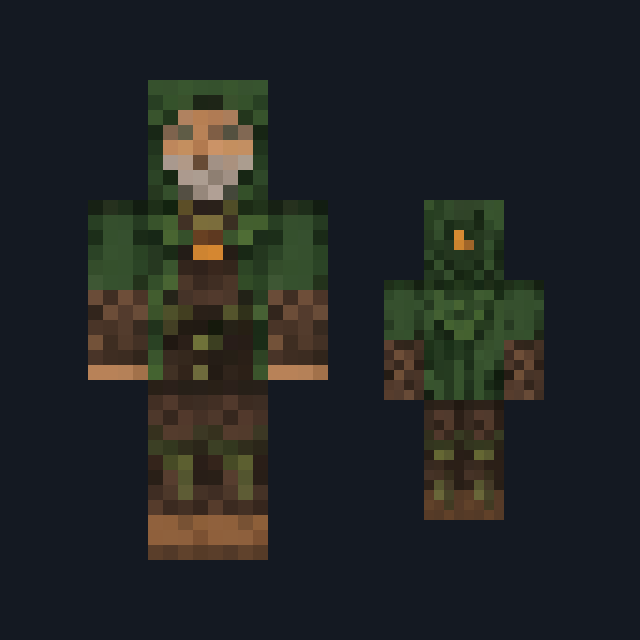
A moss-green dragon with leafy scales, pale green belly plates and brown bark-like horns.
Classic armsSlim arms
Twelve upright dragons from one mountain roost, each a different kind
Premium12 outfitsSkin pack in Fantasy
In Premium in the ModChest app
It comes with Premium, the subscription in the ModChest app.
Consoles and Java Edition can’t import packs.
A moss-green dragon with leafy scales, pale green belly plates and brown bark-like horns.
A deep teal dragon with pale aqua belly plates and patterned wings folded down its back.
A slate-grey dragon crossed by yellow lightning stripes, with black horns and yellow eyes.
A tan desert dragon with brown banding, curled dark horns and cream belly plates.
An amethyst-purple dragon with faceted scales and pale lilac belly plates.
An ivory-white dragon with bony ridges down its spine and limbs and long curved horns.
A gold dragon with coin-round scales and red gems set in its shoulders.
A snow-white dragon with ice-blue belly plates, icicle horns and blue spikes down its back.
An olive-green dragon mottled with brown, with mustard belly plates and stubby dark horns.
A bright sky-blue dragon with pale blue belly plates and wings folded down its back.
A jade-green dragon with swept-back bronze horns and bronze bands at its neck, arms and ankles.
A small cream-yellow hatchling covered in brown spots, with nub horns and big round eyes.
Classic arms are four pixels wide, like Steve’s; slim arms are three, like Alex’s. Pick whichever fits the outfit in the Dressing Room.
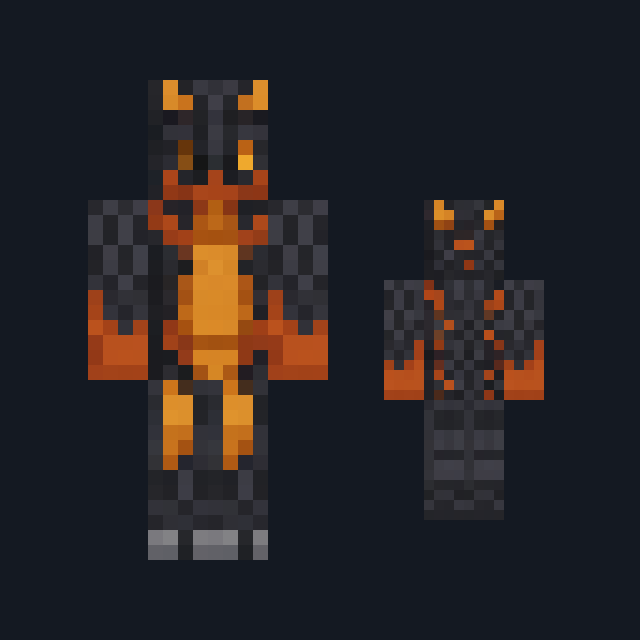
Every skin in Dragon Roost Kin is a whole dragon standing upright, not a person in a costume. Each one has a snouted, horned head, a column of pale belly plates down the front, wings folded flat across the back and clawed hands and feet. What changes from dragon to dragon is the kind: the scales, the horns, the colour of the belly and what grows on the shoulders and back.
The roost holds a moss-green forest dragon, a deep teal sea dragon, a slate storm dragon striped with yellow, a tan sand dragon, an amethyst gem dragon, an ivory bone dragon, a gold hoard dragon, a white and ice-blue snow dragon, an olive swamp dragon, a bright sky-blue sky dragon, a jade temple dragon in bronze and a small spotted hatchling. Every dragon comes in both the Classic and the Slim arm fit.
0.1.0
First release
Minecraft Bedrock shows its version number in the bottom-right corner of the main menu. Everything on ModChest is built for Bedrock 1.26.45 and newer, on Android, iPhone, iPad and Windows. If your number is lower, update Minecraft from the store you installed it from, then import the skin pack.
Where the file lands, how to open it with Minecraft, and what to do if the import fails.
Skin

New skin
Skin

Skin

Skin

Skin

Skin

Skin
The ModChest app for Android, iPhone and iPad keeps a list of everything it sends to Minecraft, and shows when one has an update. Get the app