Indigo Knight
Blue-gray helmet and plate armor, indigo tabard, pale blue accents and steel boots.
Medieval knight skin with steel armor and an indigo tabard
FreeSkin in Fantasy
.mcpack file, 15 KB. Consoles and Java Edition can’t import packs.
Blue-gray helmet and plate armor, indigo tabard, pale blue accents and steel boots.
Classic arms are four pixels wide, like Steve’s; slim arms are three, like Alex’s. Pick whichever fits the outfit in the Dressing Room.
Indigo Knight combines blue-gray plate armor with an indigo tabard and pale blue chest marking. An enclosed helmet, segmented gauntlets and armored boots give this original character a castle-guard silhouette for medieval towns and fantasy adventures. This free Minecraft Bedrock .mcpack includes one original outfit in classic and slim arm fits. Painted armor grants no armor points; the download contains no equipment or weapons.
0.2.0
Updated
0.1.0
First release
Minecraft Bedrock shows its version number in the bottom-right corner of the main menu. Everything on ModChest is built for Bedrock 1.26.45 and newer, on Android, iPhone, iPad and Windows. If your number is lower, update Minecraft from the store you installed it from, then import the skin.
Where the file lands, how to open it with Minecraft, and what to do if the import fails.
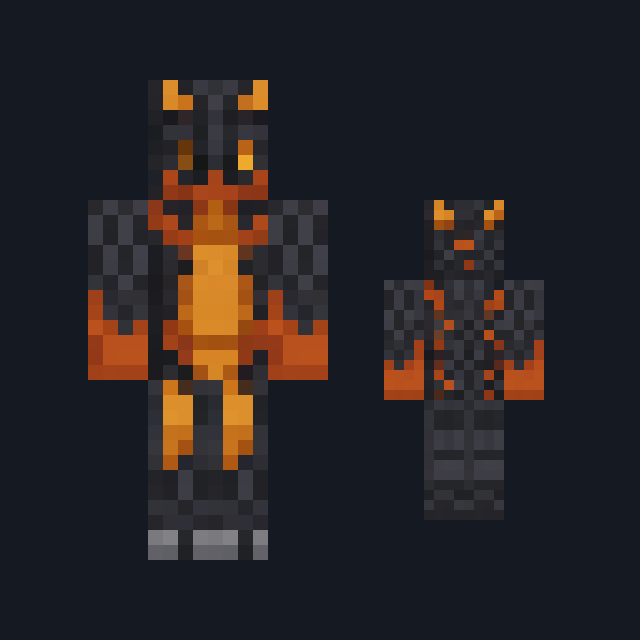
Skin
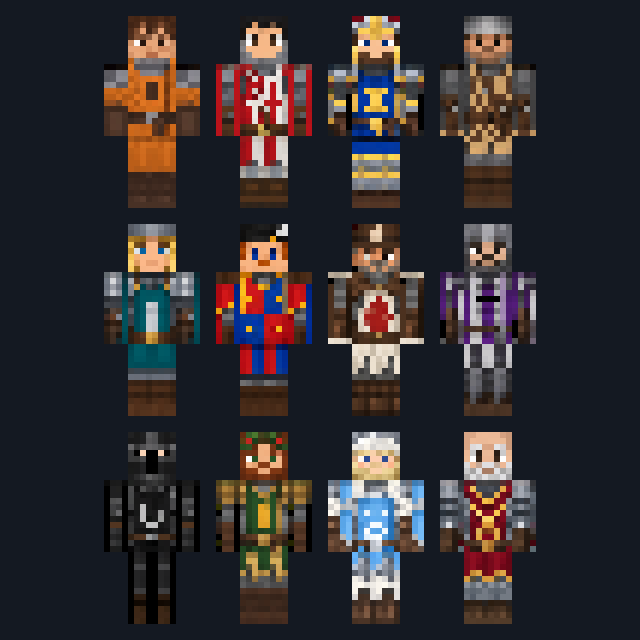
New skin pack

New skin pack
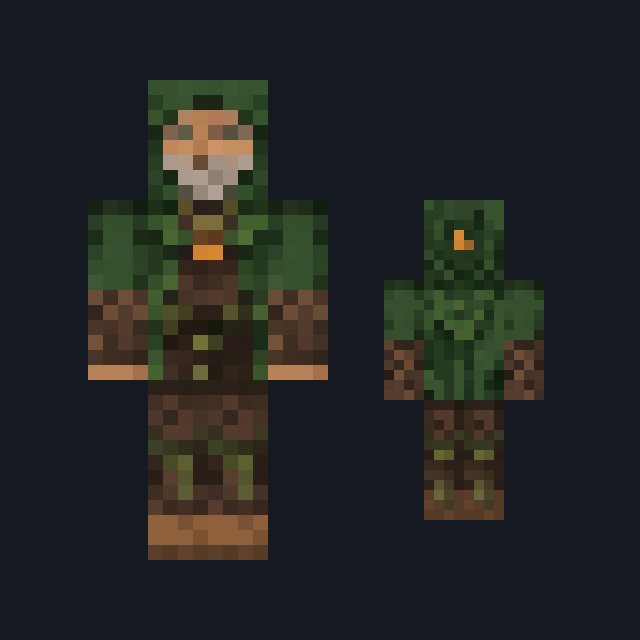
Skin

Skin

Skin

Skin

Skin
The ModChest app for Android, iPhone and iPad keeps a list of everything it sends to Minecraft, and shows when one has an update. About the app
