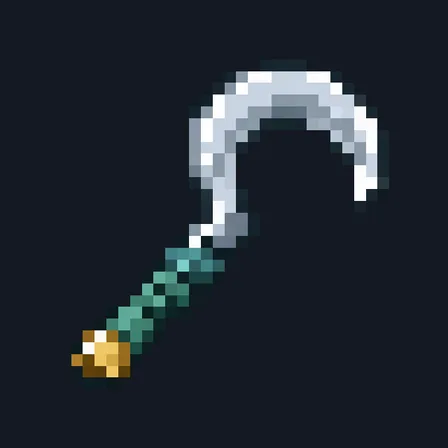
Cane Cutter
Crafting table
- Iron ingot ×2
- Stick ×1
Top row: empty, empty, Iron ingot. Middle row: empty, Iron ingot, empty. Bottom row: Stick, empty, empty.
Cut whole stalks of cane, bamboo, cactus, twisting vines and dripstone in one use
PremiumItem mod in Farming & food
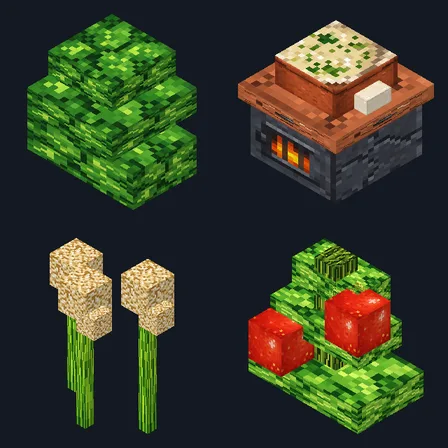
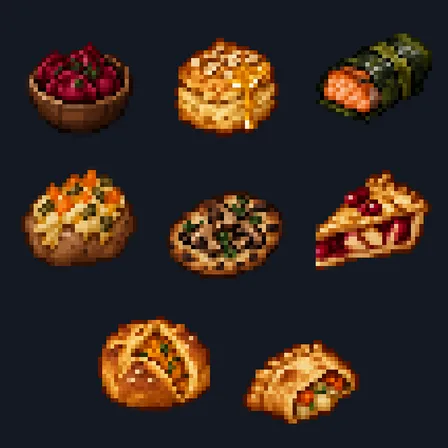
In the Farm & Pantry collection
In Premium in the ModChest app
It comes with Premium, the subscription in the ModChest app.
Consoles and Java Edition can’t import packs.
Every ModChest mod is checked against the others, so no two use the same block, item or creature.
Aim at the bottom block of a stalk up to 8 blocks away, crouch and use the Cane Cutter. Up to 6 blocks above the one you aimed at are cut in one go and drop where they stood: sugar cane, bamboo, cactus, twisting vines or pointed dripstone. The block you aimed at stays, so the plant grows back without replanting. Every twisting vine it cuts drops, where breaking them by hand keeps only about 1 in 3, and bamboo, cactus and dripstone come down with no mining time.
The blade has 250 durability and spends 1 point per block, so a worn blade cuts fewer. It cuts one stalk per use and stops at the first block that is not part of the stalk, so a lantern or a fence over your farm is safe. On a stalk taller than 6 blocks the blade cuts the lowest 6 above the block you aimed at, and whatever is left above them falls as items the way it would if you broke it by hand. On dripstone hanging from a ceiling the tip you aimed at falls once the blocks above it are cut, so do not stand under it. Weeping vines, which hang down, and kelp are not cut.
Crafting table
Top row: empty, empty, Iron ingot. Middle row: empty, Iron ingot, empty. Bottom row: Stick, empty, empty.
0.2.0
Now also cuts twisting vines and pointed dripstone, reaches 8 blocks, lasts 250 blocks and recovers twice as fast.
0.1.0
First release
Minecraft Bedrock shows its version number in the bottom-right corner of the main menu. Everything on ModChest is built for Bedrock 1.26.45 and newer, on Android, iPhone, iPad and Windows. If your number is lower, update Minecraft from the store you installed it from, then import the mod.
Where the file lands, how to open it with Minecraft, and what to do if the import fails.
Each has its own download.
The ModChest app for Android, iPhone and iPad keeps a list of everything it sends to Minecraft, and shows when one has an update. Get the app