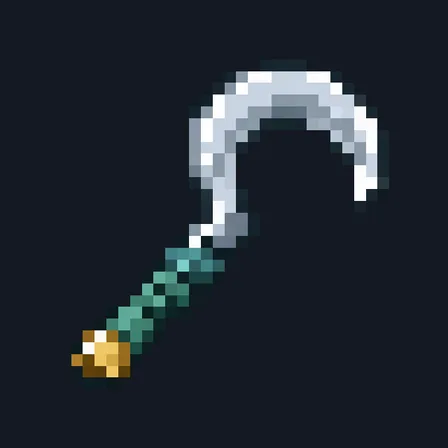
Seed Sower
Crafting table, in any arrangement
- Copper ingot, 2
- Hopper, 1
- Stick, 1
Till and plant a 3×3 patch in one use
PremiumItem mod in Farming & food
In the Farm & Pantry collection
In Premium in the ModChest app
It comes with Premium, the subscription in the ModChest app.
Consoles and Java Edition can’t import packs.
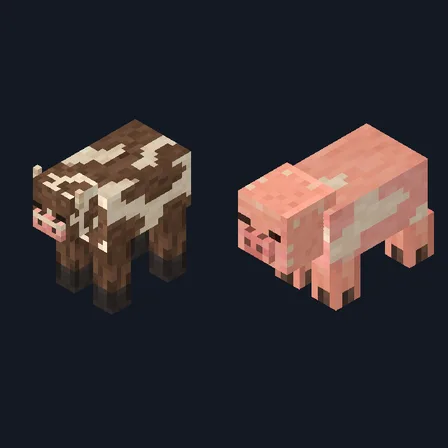
Every ModChest mod is checked against the others, so no two use the same block, item or creature.
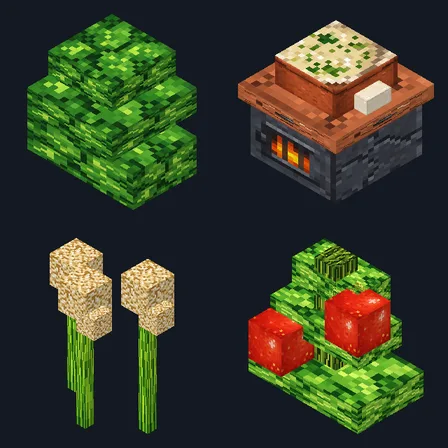
Aim the Seed Sower at dirt, grass, a path or farmland and use it: it tills the 3×3 patch around that block into farmland and plants it in the same use. It plants whatever you carry, looking through your hotbar first and then the rest of your inventory, and aimed at soul sand it plants nether wart. If you carry more than one kind, crouch and use it to switch to the next kind you carry; the tooltip shows your choice.
Each crop planted takes 1 matching seed, carrot, potato or nether wart from your inventory and 1 of the tool's 256 durability points; tilling costs nothing extra. In Creative you still need the seeds with you, but neither seeds nor durability are spent. Spots that already have a plant or a block on top are skipped, so clear tall grass first. Planting stops when you run out of seeds or the tool breaks. Renamed seeds stay in your inventory. It doesn't make crops grow faster.
Crafting table, in any arrangement
1.1.0
Tills as it plants, picks the crop from the seeds you carry, and adds nether wart, torchflowers and pitcher pods.
1.0.2
Updated
1.0.0
First release
Minecraft Bedrock shows its version number in the bottom-right corner of the main menu. Everything on ModChest is built for Bedrock 1.26.45 and newer, on Android, iPhone, iPad and Windows. If your number is lower, update Minecraft from the store you installed it from, then import the mod.
Where the file lands, how to open it with Minecraft, and what to do if the import fails.
Each has its own download.
The ModChest app for Android, iPhone and iPad keeps a list of everything it sends to Minecraft, and shows when one has an update. Get the app