Miner's Magnet
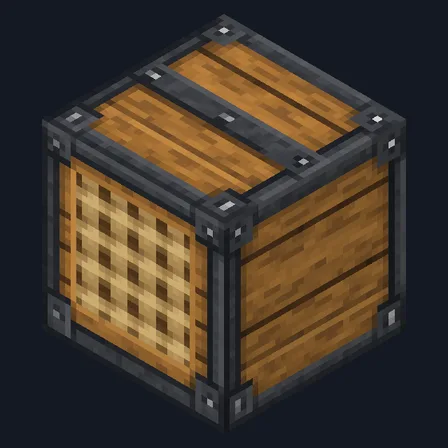
Crafting table
- Iron ingot ×2
- Amethyst shard ×1
- Copper ingot ×2
- Redstone dust ×1
- Leather ×1
Top row: Iron ingot, Amethyst shard, Iron ingot. Middle row: Copper ingot, Redstone dust, Copper ingot. Bottom row: empty, Leather, empty.
Pull your dropped loot across configurable mining ranges
PremiumItem mod in Storage & inventory and Mining & gathering
In Premium in the ModChest app
It comes with Premium, the subscription in the ModChest app.
Consoles and Java Edition can’t import packs.
Every ModChest mod is checked against the others, so no two use the same block, item or creature.
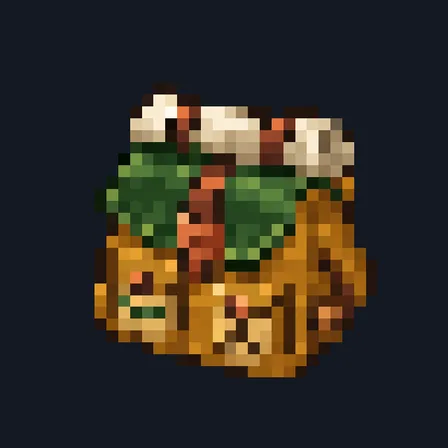
Use Miner’s Magnet to switch it on, then keep it anywhere in your hotbar or in your off hand and mine with your pickaxe as usual. Dropped items assigned to you curve across the floor and into pickup range; crouch-use cycles between precise 4-block, everyday 8-block and wide 12-block reach. While it pulls, the action bar reports the active range and how many stacks are coming.
New drops are assigned to the closest player at spawn, so one miner’s magnet does not steal another nearby player’s items. Unclaimed drops can be claimed by the nearest active magnet, after which they stay with that player. Items you throw out of your inventory stay where they land. The toggle and selected range live on the individual magnet and survive storage or handoff.
Crafting table
Top row: Iron ingot, Amethyst shard, Iron ingot. Middle row: Copper ingot, Redstone dust, Copper ingot. Bottom row: empty, Leather, empty.
1.1.0
Pulls your drops from any hotbar slot or your off hand, so it works while you mine; items you throw stay put.
1.0.0
First release
Minecraft Bedrock shows its version number in the bottom-right corner of the main menu. Everything on ModChest is built for Bedrock 1.26.45 and newer, on Android, iPhone, iPad and Windows. If your number is lower, update Minecraft from the store you installed it from, then import the mod.
Where the file lands, how to open it with Minecraft, and what to do if the import fails.
The ModChest app for Android, iPhone and iPad keeps a list of everything it sends to Minecraft, and shows when one has an update. Get the app