
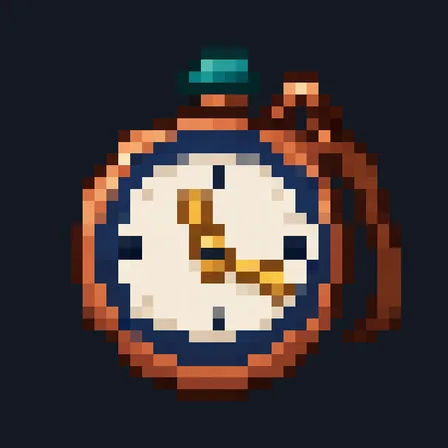
Pocket Sundial
Crafting table
- Gold ingot ×1
- Copper ingot ×1
- Amethyst shard ×1
1 wide and 3 tall, anywhere on the grid. Top row: Gold ingot. Middle row: Copper ingot. Bottom row: Amethyst shard.
Craft a decorative copper-and-amber pocket sundial
FreeItem mod in Building & decor
In the Copper Trail collection
.mcaddon file, 11 KB. Consoles and Java Edition can’t import packs.
Every ModChest mod is checked against the others, so no two use the same block, item or creature.
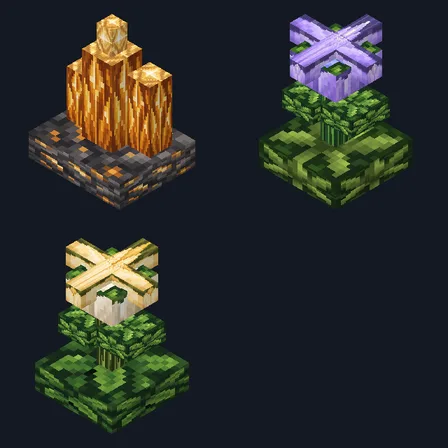
Pick up a copper ingot and the Pocket Sundial shows up in your recipe book. Craft it at a crafting table from a gold ingot, a copper ingot and an amethyst shard, and it sits in your inventory as a detailed copper-and-amber pocket sundial. Up to 16 fit in one slot.
It is for decoration only: it doesn't tell the time, and using it does nothing.
Crafting table
1 wide and 3 tall, anywhere on the grid. Top row: Gold ingot. Middle row: Copper ingot. Bottom row: Amethyst shard.
0.2.0
Updated
0.1.0
First release
Minecraft Bedrock shows its version number in the bottom-right corner of the main menu. Everything on ModChest is built for Bedrock 1.26.45 and newer, on Android, iPhone, iPad and Windows. If your number is lower, update Minecraft from the store you installed it from, then import the mod.
Where the file lands, how to open it with Minecraft, and what to do if the import fails.
Each has its own download.
Texture pack

Skin pack
Texture pack

Skin
Block mod

Item mod
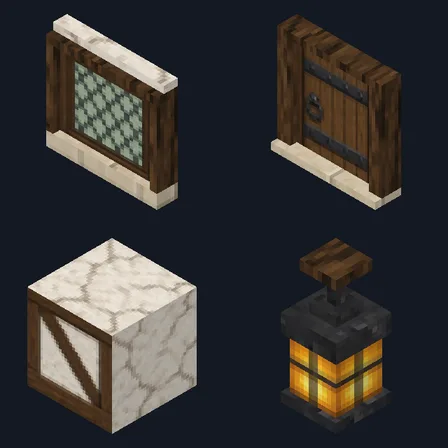
Block mod
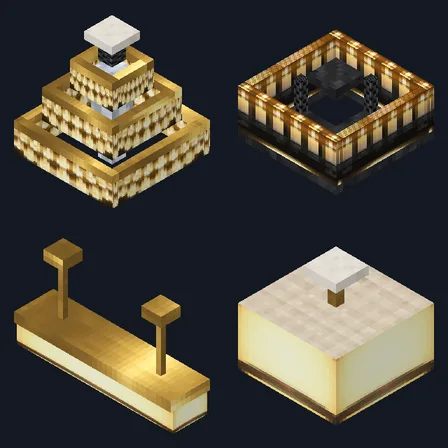
Block mod
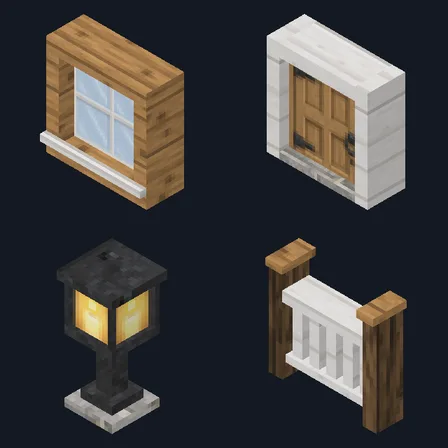
Block mod

Item mod
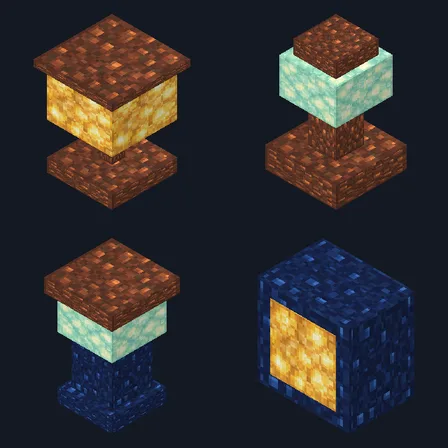
Block mod
Block mod
The ModChest app for Android, iPhone and iPad keeps a list of everything it sends to Minecraft, and shows when one has an update. About the app