Spooky Cavern Games
New world
Build eight mosaics from finite shared block trays
Early accessWorld in Mini-games
Free on 8 January
Its free download opens here on 8 January, with no account needed.
Consoles and Java Edition can’t import packs.
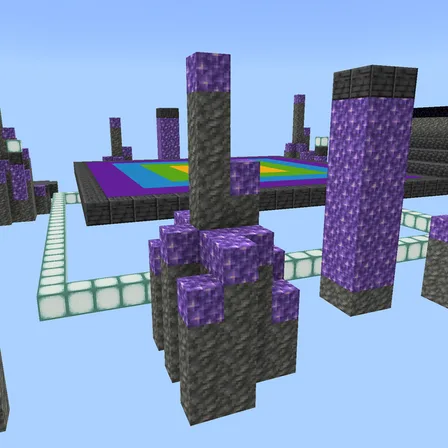
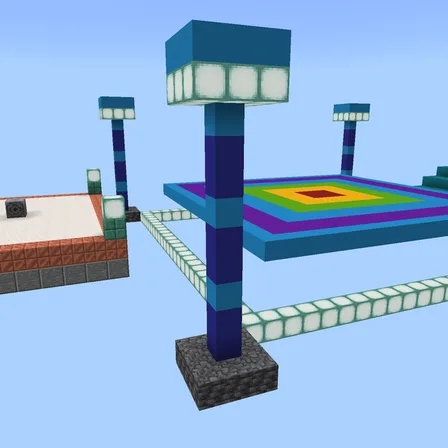
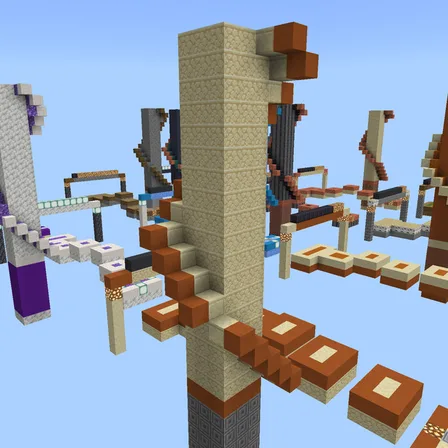
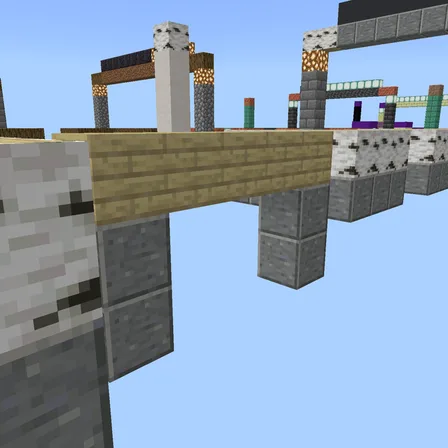
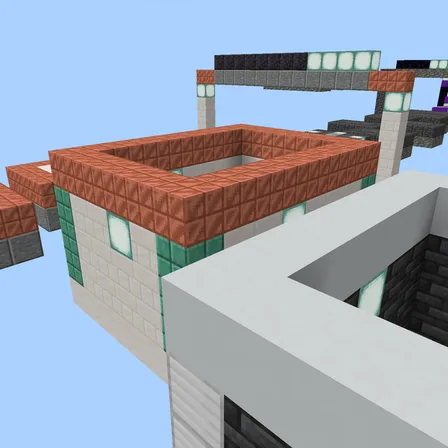
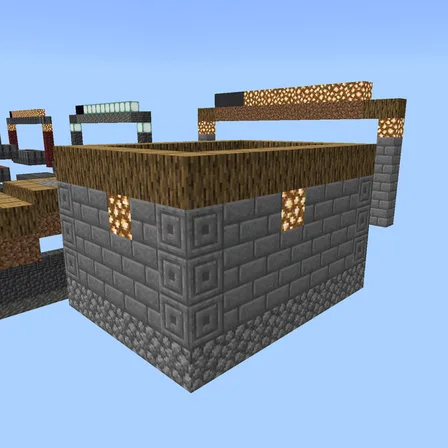
Take wool from the studio's colored barrel trays and build the wall pattern in a recessed 5×5 floor canvas. Start with broad two-color shapes and work up to six-color detail. Each round supplies exactly 25 blocks: place them normally, use the supplied shears to correct mistakes, and match every cell to advance automatically. The wall's top row belongs at the far edge of the floor, with left and right kept the same.
Build alone or share the canvas with up to three friends. Eight round splits, a running clock and an edit count track your run; personal solo bests and a shared team best stay in the world. Replay rotates the patterns and colors. The gold control returns everyone's unused or lost blocks to the trays without clearing placed work, including after someone rejoins. The red control clears only the current round and adds 10 seconds. The studio manages your inventory, so materials and tools are replaced between rounds.
1.1.2
The world's icon in Minecraft is now a picture taken in the world
1.1.1
Now a premium creation; patterns and gameplay are unchanged
1.1.0
Eight 5×5 building rounds with finite wool trays, recovery controls, round splits and solo or team records
1.0.0
First release
Minecraft Bedrock shows its version number in the bottom-right corner of the main menu. Everything on ModChest is built for Bedrock 1.26.45 and newer, on Android, iPhone, iPad and Windows. If your number is lower, update Minecraft from the store you installed it from, then import the world.
Where the file lands, how to open it with Minecraft, and what to do if the import fails.
New world
New world
New world
New world
New world
New world
New world
New world
The ModChest app for Android, iPhone and iPad keeps a list of everything it sends to Minecraft, and shows when one has an update. About the app