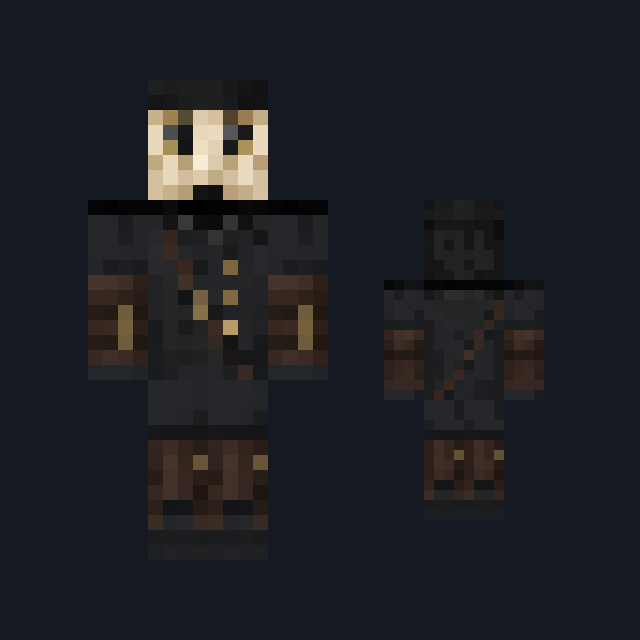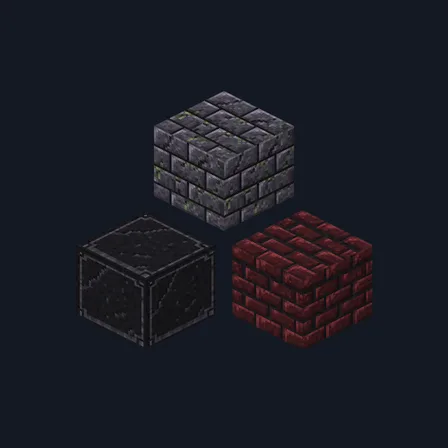
Gothic Crypt
Texture pack
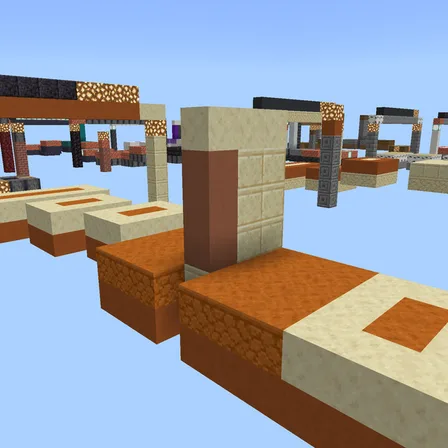
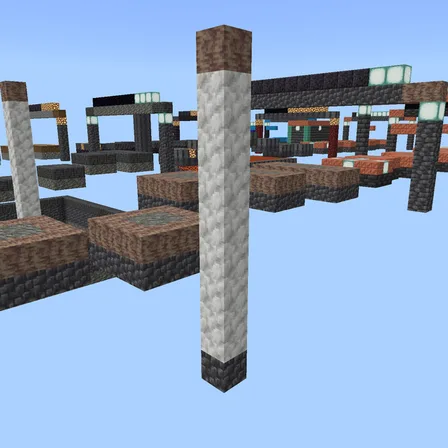
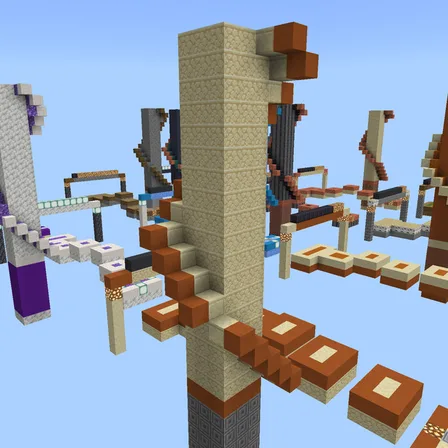
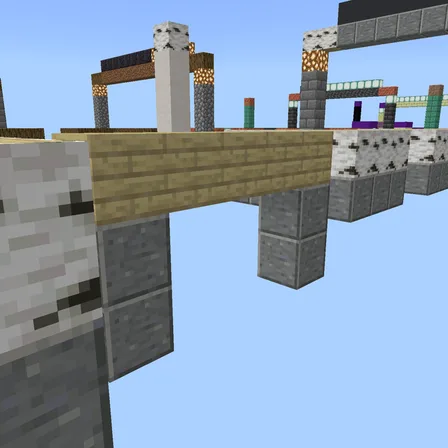
Play 13 Halloween party rounds on a creaking cave floor
FreeWorld in Mini-games
In the Halloween and Arena Games collections
.mcworld file, 934 KB. Consoles and Java Edition can’t import packs.
Everyone gathers in a dim cavern lit by glowstone and uses the console, or crouches beside it for a second and a half. After a 3-second countdown on the spectator ledge, each round shows its floor and a one-line hint for 3 seconds, then starts. The first is Creaky Floor: tiles turn orange and fall away into the dark a moment after you stand on them.
The 13 rounds climb from gentle to mean. You will dodge falling stalactites that strike between safe lanes, stay on the one called color while every other color drops out, race through tunnel walls to the finish pad, step out a glowing path in the order it lit, and hold a lantern-lit square as it moves around the floor. The second half brings every kind back faster and tighter, and the last round, The Collapse, is a full minute on a floor that crumbles as fast as the arena allows. Fall through and you watch the rest of that round from the ledge, then join in again for the next one.
Every round scores each player 0 to 100, and 90 is gold, 70 silver and 40 bronze. With two or more players, the result names the winner and adds everyone's points into a team total to beat next time. The colors, strikes, squares and paths change every match. The terrace behind the lobby has a pad for each of the 13 rounds: crouch on one to practice that round alone, and the lamp beside it shows the best medal anyone has taken there. Best medals and match records survive Save & Quit, and a match left part-way picks up again after a countdown when the world is reopened. The world is in Adventure mode so its blocks cannot be broken, and hunger is topped up while you play. It is spooky in the Halloween-party way, with nothing jumping out at anyone.
0.1.1
The description now says what Save & Quit does mid-match: the match regroups and resumes after a countdown
0.1.0
First release
Minecraft Bedrock shows its version number in the bottom-right corner of the main menu. Everything on ModChest is built for Bedrock 1.26.45 and newer, on Android, iPhone, iPad and Windows. If your number is lower, update Minecraft from the store you installed it from, then import the world.
Where the file lands, how to open it with Minecraft, and what to do if the import fails.
Spooky creations for the season, with more every year. Each has its own download.
New world
World
New world
New world
New world
New world
New world
New world
The ModChest app for Android, iPhone and iPad keeps a list of everything it sends to Minecraft, and shows when one has an update. About the app