



Skip to content
Search in
backpack
furniture
ores
tools
animals
medieval
knight

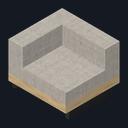
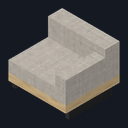
Loft Corner Sofa

  • Drag to turn
  • ← → to turn
  • R to reset

Modern Living Room

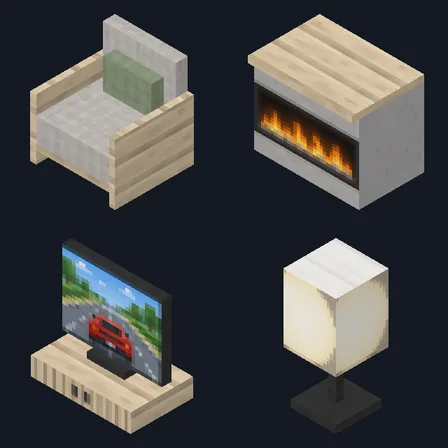
Furnish a modern living room with 25 pieces, a fireplace and a TV

Early access25 blocksBlock mod in Furniture

In the Modern Home collection

Free on 13 November

Its free download opens here on 13 November, with no account needed.

Works with Minecraft Bedrock 1.26.45 and newer

  • Android
  • iPhone and iPad
  • Windows

Consoles and Java Edition can’t import packs.

Every ModChest mod is checked against the others, so no two use the same block, item or creature.

What’s inside

  • Loft Corner Sofa
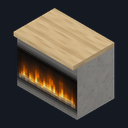
  • Loft Linear Fireplace
  • Loft Flat Screen TV
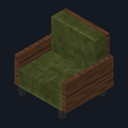
  • Loft Velvet Lounge Chair
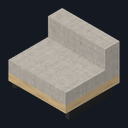
  • Loft Sofa Middle
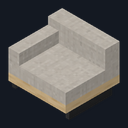
  • Loft Sofa Left End
  • Loft Sofa Right End
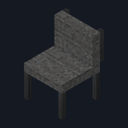
  • Loft Accent Chair
Show all 25 blocks
  • Loft Felt Pouf
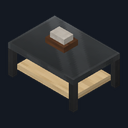
  • Loft Glass Coffee Table
  • Loft Marble Side Table
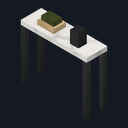
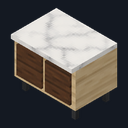
  • Loft Marble Console Table
  • Loft Media Console
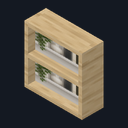
  • Loft Open Bookcase
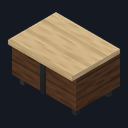
  • Loft Sideboard
  • Loft Globe Floor Lamp
  • Loft Globe Pendant Light
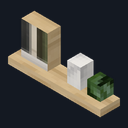
  • Loft Floating Shelf
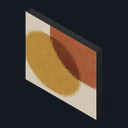
  • Loft Abstract Art
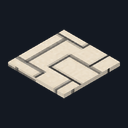
  • Loft Geometric Rug
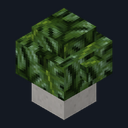
  • Loft Monstera Planter
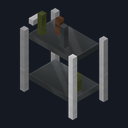
  • Loft Bar Cart
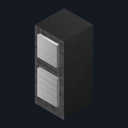
  • Loft Floor Speaker
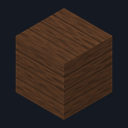
  • Loft Walnut Wall Panel
  • Loft Polished Concrete
Mod version
1.1.1
Updated
September 2026

What it does

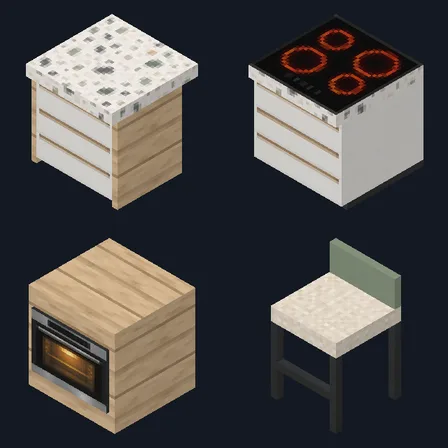
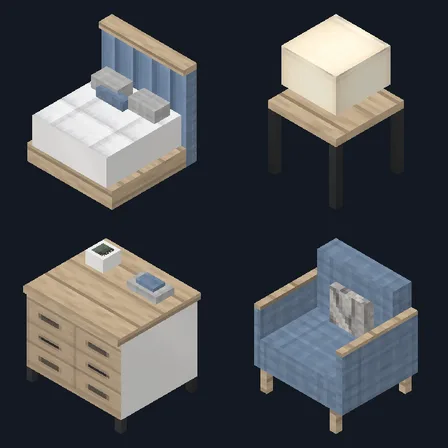
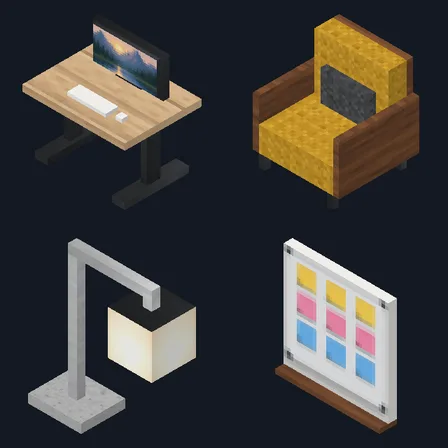
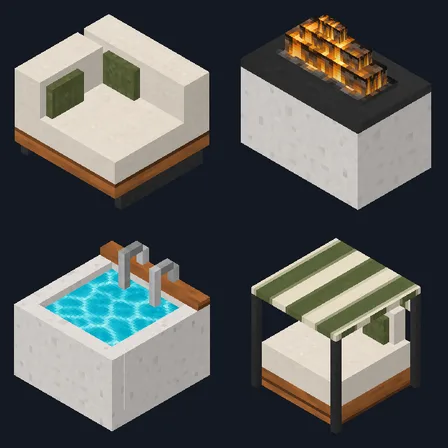
Build a low linen sofa as long as you like from the left end, middle and right end pieces, or turn a corner with the corner sofa. Add a velvet lounge chair, an accent chair and a felt pouf, then set a glass coffee table, a marble side table and a geometric rug in front of a linear fireplace and a media console with a flat screen TV. An open bookcase, a sideboard, a marble console table, a floating shelf, abstract art, a bar cart, a floor speaker and a monstera planter finish the room, and walnut wall panels and polished concrete make its walls. Every piece turns to face you when you place it and drops itself when broken.

Read more

Use a seat to sit down, 1 player per seat, and crouch to stand up. Use the fireplace to turn its flames on or off, and the globe floor lamp or pendant light to switch it. Use the TV to show the next scene or switch it off and the art to show the next piece. The media console, bookcase and sideboard store 27 stacks each: use one while holding a plain stick to put away every stack in your main inventory, or with anything else to take them back. Your hotbar is never touched, and breaking a storage piece drops everything inside it. The fireplace gives light but no heat and doesn't burn anything, and pistons can't move storage pieces or seats.

  • 25 modern living room pieces, each placeable facing 4 directions
  • 7 seats, including a sofa you can build to any length
  • Linear fireplace with light level 13 and 2 globe lights up to light level 15, all switchable
  • Flat screen TV with 3 scenes and an off screen, and abstract art with 3 designs
  • 3 storage pieces holding 27 stacks each
  • Walnut wall panels and polished concrete blocks

How to install Modern Living Room

  1. Import the .mcaddon, then turn on both packs in your world's settings (Behavior Packs and Resource Packs). No experiments are needed. Needs Minecraft Bedrock 1.26.45 or later.
  2. Craft each piece at a crafting table. A recipe appears in the recipe book once you pick up its main material: light gray wool for the sofa pieces, green or gray wool for the other seats, birch for the tables and cabinets, quartz for the lights, smooth stone for the fireplace and redstone for the TV.
  3. Each piece faces you when you place it, so stand on the side its front should face. For a long sofa, place a left end, any number of middle pieces and a right end side by side, all facing the same way; the left end has its arm on your left as you face it. Place the pendant light against a ceiling so it hangs from it. To turn a piece later, break it and place it again.
  4. Use a piece (right-click on Windows, tap on touch screens) to work it: sit on a seat, turn the fireplace on, switch a light, change the TV scene or the artwork. Crouch to stand up from a seat.
  5. Hold a plain stick and use the media console, bookcase or sideboard to store the stacks in your main inventory. Use it with an empty hand or any other item to take them back; whatever doesn't fit stays inside.
  6. Crouch when you place a block against a piece, so you don't use the piece instead.
How to craft all 25 pieces
  • Loft Accent Chair

    Crafting table, in any arrangement

    • Gray wool, 2
    • Iron ingot, 1
    • Quartz, 1
  • Loft Geometric Rug

    Crafting table, in any arrangement

    • White carpet, 2
    • Black dye, 1
  • Loft Bar Cart

    Crafting table, in any arrangement

    • Iron ingot, 2
    • Glass pane, 1
    • Glass bottle, 1
    • Quartz, 1
  • Loft Open Bookcase

    Crafting table, in any arrangement

    • Birch planks, 2
    • Book, 3
    • Chest, 1
    • Quartz, 1
  • Loft Glass Coffee Table

    Crafting table, in any arrangement

    • Birch slab, 1
    • Glass pane, 2
    • Iron nugget, 2
  • Loft Marble Console Table

    Crafting table, in any arrangement

    • Quartz slab, 1
    • Birch slab, 1
    • Iron nugget, 2
    • Black dye, 1
  • Loft Linear Fireplace

    Crafting table, in any arrangement

    • Smooth stone, 2
    • Campfire, 1
    • Quartz, 1
    • Black dye, 1
  • Loft Globe Floor Lamp

    Crafting table, in any arrangement

    • Quartz, 1
    • Iron ingot, 1
    • Glowstone dust, 1
    • Glass pane, 1
  • Loft Floor Speaker

    Crafting table, in any arrangement

    • Noteblock, 1
    • Black dye, 1
    • Iron ingot, 1
    • Quartz, 1
  • Loft Velvet Lounge Chair

    Crafting table, in any arrangement

    • Green wool, 2
    • Dark oak planks, 1
    • Quartz, 1
  • Loft Media Console

    Crafting table, in any arrangement

    • Birch planks, 3
    • Chest, 1
    • Black dye, 1
    • Quartz, 1
  • Loft Monstera Planter

    Crafting table, in any arrangement

    • Flower pot, 1
    • Jungle sapling, 1
    • Smooth stone, 1
  • Loft Globe Pendant Light

    Crafting table, in any arrangement

    • Quartz, 1
    • Iron nugget, 1
    • Glowstone dust, 1
    • Glass pane, 1
    • String, 1
  • Loft Polished Concrete

    Crafting table, in any arrangement, makes 3

    • Light gray concrete, 2
    • Quartz, 1
  • Loft Felt Pouf

    Crafting table, in any arrangement

    • Gray wool, 2
    • String, 1
    • Quartz, 1
  • Loft Marble Side Table

    Crafting table, in any arrangement

    • Quartz slab, 1
    • Iron nugget, 1
    • Black dye, 1
  • Loft Sideboard

    Crafting table, in any arrangement

    • Birch planks, 2
    • Quartz slab, 1
    • Chest, 1
    • Black dye, 1
  • Loft Corner Sofa

    Crafting table, in any arrangement

    • Light gray wool, 4
    • Birch planks, 2
  • Loft Sofa Left End

    Crafting table, in any arrangement

    • Light gray wool, 3
    • Quartz, 1
    • Birch slab, 1
  • Loft Sofa Middle

    Crafting table, in any arrangement

    • Light gray wool, 2
    • Quartz, 1
    • Birch planks, 1
  • Loft Sofa Right End

    Crafting table, in any arrangement

    • Light gray wool, 3
    • Birch slab, 2
  • Loft Flat Screen TV

    Crafting table, in any arrangement

    • Redstone dust, 1
    • Glass pane, 2
    • Iron ingot, 1
    • Black dye, 1
  • Loft Abstract Art

    Crafting table, in any arrangement

    • Painting, 1
    • Black dye, 1
    • Quartz, 1
  • Loft Floating Shelf

    Crafting table, in any arrangement

    • Birch slab, 1
    • Book, 1
    • Quartz, 1
  • Loft Walnut Wall Panel

    Crafting table, in any arrangement, makes 4

    • Dark oak planks, 3
    • Quartz, 1
What changed
  1. 1.1.1

    A seat or storage piece that stopped working after /kill or a session with the pack off works again ten seconds later

  2. 1.1.0

    Updated

  3. 1.0.0

    First release

Which version do I have?

Minecraft Bedrock shows its version number in the bottom-right corner of the main menu. Everything on ModChest is built for Bedrock 1.26.45 and newer, on Android, iPhone, iPad and Windows. If your number is lower, update Minecraft from the store you installed it from, then import the mod.

Step-by-step for your device

Where the file lands, how to open it with Minecraft, and what to do if the import fails.

More in Modern Home

Furnish a modern home room by room with pieces you can use. Each has its own download.

The ModChest app for Android, iPhone and iPad keeps a list of everything it sends to Minecraft, and shows when one has an update. About the app