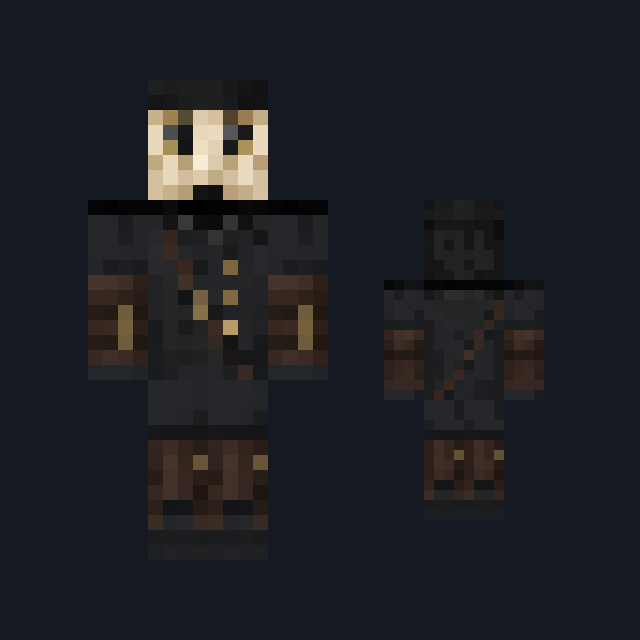

Grinning Helper
- Health
- 20
- Speed
- Average
- Tame with
- Cookie
- How to get it
- Placed with the Grinning Helper Doll
A smiling helper that fetches for you, until the nights change it
Free1 mob and 1 itemMob mod in Creatures & companions
In the Halloween collection
.mcaddon file, 216 KB. Consoles and Java Edition can’t import packs.
Every ModChest mod is checked against the others, so no two use the same block, item or creature.
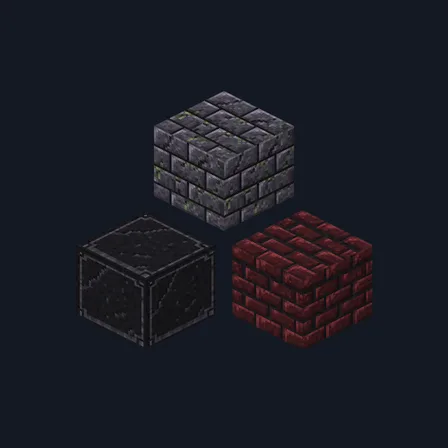
Craft a Grinning Helper Doll and use it on the ground: a Grinning Helper appears, already your friend. On its first day it follows you and fetches. Any item that has lain for 5 seconds within 10 blocks of it is picked up and handed to you, or dropped at your feet if your inventory is full.
Every sunrise changes it. From the second day it stops helping, backs away whenever you come within 10 blocks and follows from up to 24 blocks away, staring at you; anything it was still carrying is left on the ground. From the third day, each Minecraft block you place within 32 blocks of it (not a block from another mod) is copied 2 seconds later beside it, turned a quarter and leaning over as it rises, up to 48 copies a day. From the fourth night, while you are under a roof with a door within 8 blocks, it appears outside that door after dark, knocks, and stands there for 10 seconds, every 30 seconds. From the fifth night it stalks you after dark, moving only while you look away. When it reaches you, you are left in darkness for 6 seconds and it reappears 20 blocks behind you, keeping its distance for 90 seconds.
It never hurts you and never opens or breaks a door. A copied block crumbles into nothing when broken or blown up, so its builds give no blocks back. It has 20 health, doesn't breed or appear in the wild, and the only way to be rid of it is to defeat it.
Crafting table, in any arrangement
0.1.1
It copies only Minecraft's own blocks, so it no longer makes working copies of another mod's blocks
0.1.0
First release
Minecraft Bedrock shows its version number in the bottom-right corner of the main menu. Everything on ModChest is built for Bedrock 1.26.45 and newer, on Android, iPhone, iPad and Windows. If your number is lower, update Minecraft from the store you installed it from, then import the mod.
Where the file lands, how to open it with Minecraft, and what to do if the import fails.
Spooky creations for the season, with more every year. Each has its own download.
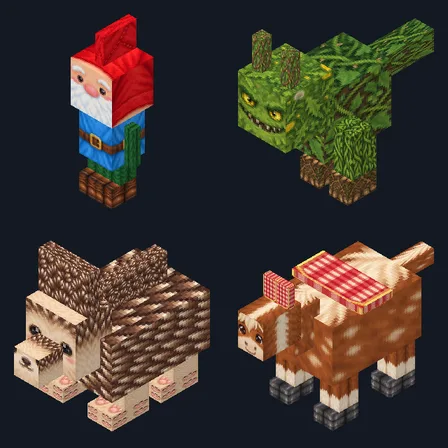
New mob mod
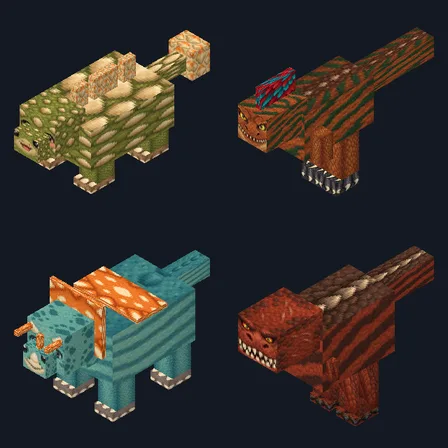
New mob mod
Mob mod
Mob mod
Mob mod
Mob mod
Mob mod
The ModChest app for Android, iPhone and iPad keeps a list of everything it sends to Minecraft, and shows when one has an update. About the app