Skip to content
Search in
backpack
furniture
ores
tools
animals
medieval
knight

Tunnel Bore

  • Drag to turn
  • ← → to turn
  • R to reset

Tunnel Bore

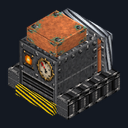
A fueled machine that digs a lit 3×3 tunnel while you follow

Early accessBlock mod in Mining & gathering

In the Survival Essentials collection

Free on 4 December

Its free download opens here on 4 December, with no account needed.

Works with Minecraft Bedrock 1.26.45 and newer

  • Android
  • iPhone and iPad
  • Windows

Consoles and Java Edition can’t import packs.

Every ModChest mod is checked against the others, so no two use the same block, item or creature.

What’s inside

  • Tunnel Bore
Mod version
0.1.0
Updated
September 2026

What it does

Place the Tunnel Bore on the ground facing where you want the tunnel: its drill points the way you were looking. Use it holding coal or charcoal to fuel it (each piece digs 4 blocks of tunnel, a block of coal 36, and it holds fuel for 256 blocks), and holding torches to load up to 64 of them. Crouch and use it to start or stop it; use it with anything else in hand to see the fuel and torches left. While running it digs a tunnel 3 blocks wide and 3 tall, about one block a second, and moves itself forward after each slice. What it digs drops in the tunnel behind it as if mined with an iron pickaxe: cobblestone from stone, raw iron from iron ore, diamonds from diamond ore. Sand and gravel stacked up to 12 high above the tunnel are dug out too, so nothing falls on it, and it places a torch on the wall every 8 blocks while it has torches.

Read more

It stops and says why on the action bar rather than dig into water or lava, even water beside or above the next slice, or into chests and other blocks that hold things, spawners, bedrock, obsidian, other mods' blocks, taller sand or gravel, or a drop with no floor. It works only while a player is within 32 blocks and waits while something stands in its way. Pick up what it digs as you follow it: like any dropped items, they vanish after 5 minutes. Breaking it gives back the bore, its torches, and 1 coal for every 4 blocks of fuel left, rounded down. Named coal and torches stay in your hand. Anyone playing in your world can fuel, start or break it.
  • Digs a 3×3 tunnel at about 1 block per second
  • 1 coal or charcoal digs 4 blocks, a block of coal 36; holds fuel for 256
  • Drops what an iron pickaxe would, from cobblestone to diamonds
  • Places a torch every 8 blocks and holds up to 64
  • Stops before water, lava, chests, spawners, bedrock and obsidian
  • Keeps its fuel and keeps digging after you save and reload

How to craft it

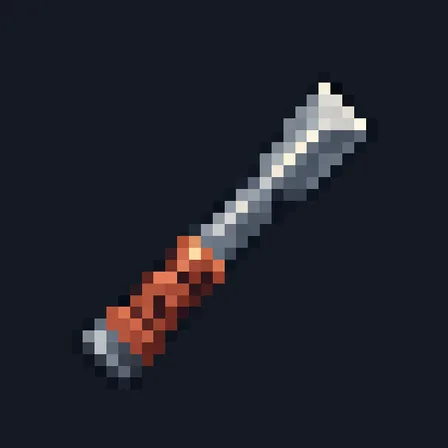
  • Tunnel Bore

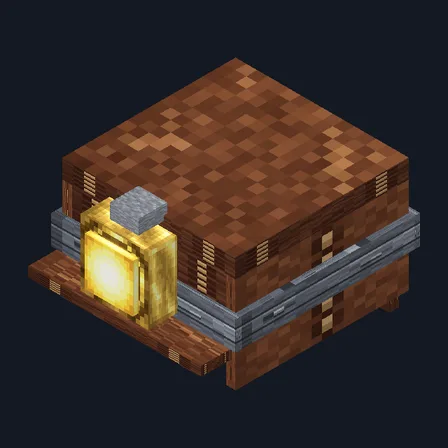
    Crafting table

    • Block of iron ×4
    • Piston ×1
    • Copper ingot ×2
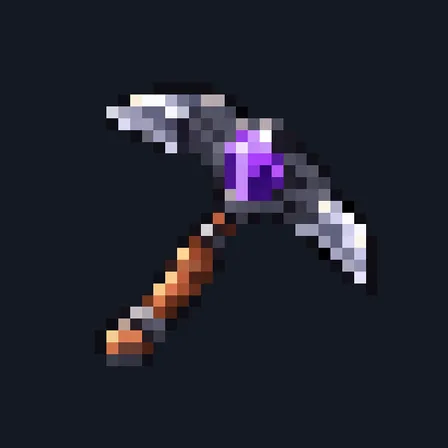
    • Diamond pickaxe ×1
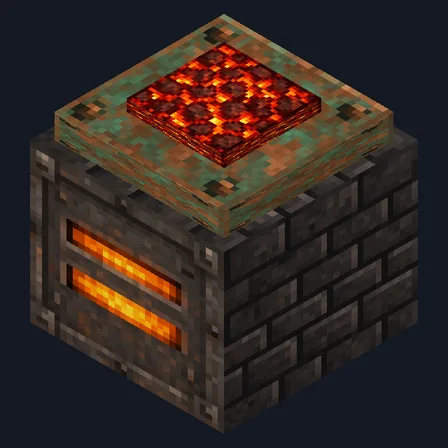
    • Furnace ×1

    Top row: Block of iron, Piston, Block of iron. Middle row: Copper ingot, Diamond pickaxe, Copper ingot. Bottom row: Block of iron, Furnace, Block of iron.

How to install Tunnel Bore

  1. Import the .mcaddon, then turn on both packs in your world's settings (Behavior Packs and Resource Packs). No experiments are needed. Needs Minecraft Bedrock 1.26.45 or later.
  2. At a crafting table, put an iron block, a piston and an iron block across the top row; a copper ingot, a diamond pickaxe and a copper ingot across the middle; and an iron block, a furnace and an iron block across the bottom.
  3. Look toward where you want the tunnel and place the Tunnel Bore on the ground. Use it (right-click on Windows, tap on touch screens) while holding coal, charcoal or blocks of coal to fuel it, and while holding torches to load them.
  4. Crouch and use it to start it, and again to stop it. Follow it to collect what it digs, and use it with an empty hand to check its fuel.
What changed
  1. 0.1.0

    First release

Which version do I have?

Minecraft Bedrock shows its version number in the bottom-right corner of the main menu. Everything on ModChest is built for Bedrock 1.26.45 and newer, on Android, iPhone, iPad and Windows. If your number is lower, update Minecraft from the store you installed it from, then import the mod.

Step-by-step for your device

Where the file lands, how to open it with Minecraft, and what to do if the import fails.

More in Survival Essentials

Each has its own download.

The ModChest app for Android, iPhone and iPad keeps a list of everything it sends to Minecraft, and shows when one has an update. About the app